


Best AMD GPU Under R40000 in SA 2026
Top AMD GPU Under R40000 picks evaluated on performance, value & SA availability with current Rand pricing from Evetech.
Read moresync ARGB fans across your entire gaming PC with this step-by-step guide. Learn motherboard software, hubs, controllers, wiring, and troubleshooting to unify lighting fast 🔧🎮
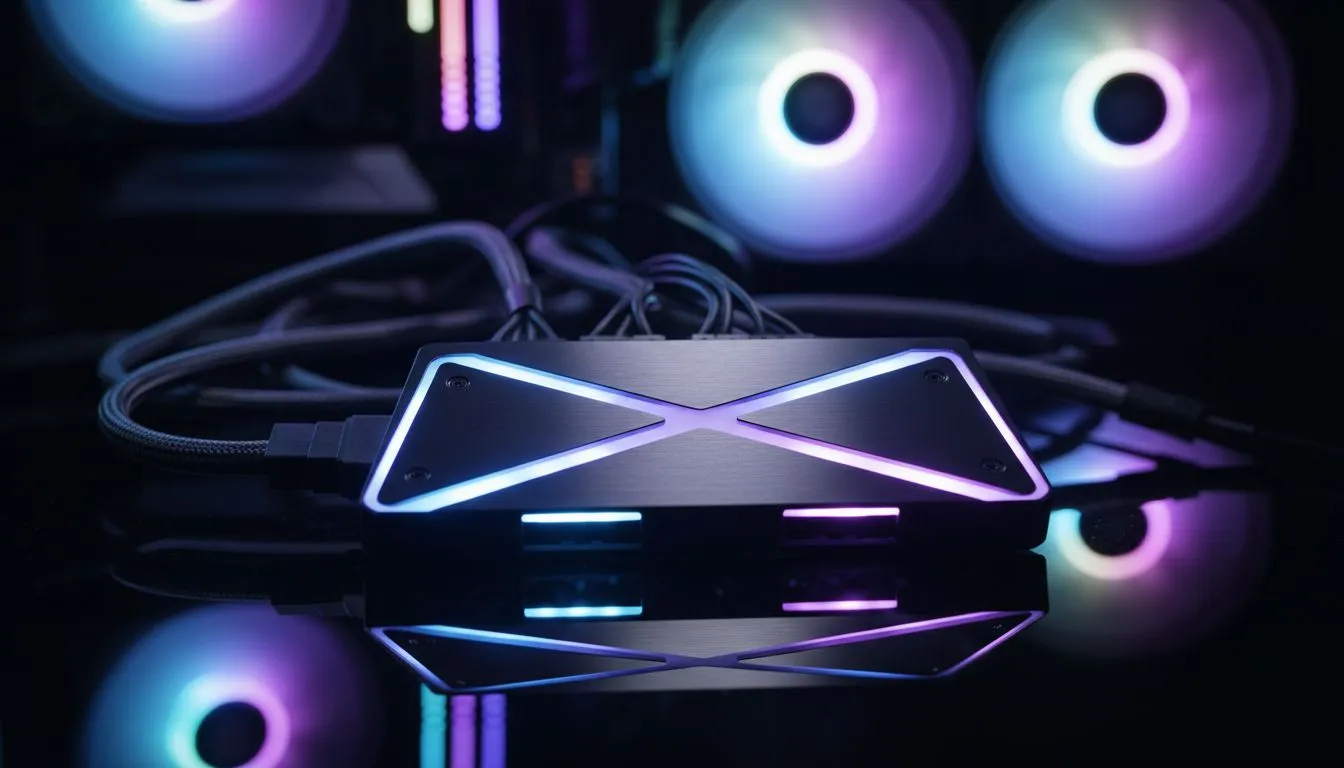
Tired of your PC looking like a mismatched disco? We’ve all been there. You buy a fan here and a strip there, only to find they won't talk to each other. In South Africa, where we take pride in our custom rigs, you want a unified aesthetic. Let’s look at how to sync ARGB fans across your entire gaming PC for a truly seamless light show. 🔧
The first step to a clean build is understanding your headers. Unlike standard RGB, Addressable RGB (ARGB) allows you to control every individual LED. This creates those smooth rainbow waves and pulse effects. To sync everything, you need a central "brain." This is usually your motherboard or a dedicated ARGB controller hub.
When you start a new build, choosing the right foundation is key. Browsing our wide range of computer cases is the first step toward a unified aesthetic. Look for cases that include built-in PWM and ARGB hubs. These hubs allow you to plug multiple fans into a single header... making cable management a breeze.
If you prefer a sophisticated look with clean lines and premium build quality, fractal design pc cases offer excellent cable management for those extra ARGB wires. Their layouts often include clever routing paths to hide the "spaghetti" that comes with multiple fans.
For those who want high-performance lighting right out of the box, gamdias gaming cases often come pre-installed with addressable fans. This saves you the hassle of buying separate kits. If you are building on a budget, you can find great deals on gamdias cases under R1500 that still offer that premium glow without breaking the bank. ⚡
Always check if your motherboard uses a 3-pin 5V ARGB header or a 4-pin 12V RGB header. Plugging a 5V ARGB fan into a 12V header will likely fry the LEDs instantly. Most modern gaming motherboards from MSI, ASUS, and Gigabyte include at least two 5V headers for easy syncing.
Once the hardware is plugged in, you need the right software. Most South African gamers stick to their motherboard’s ecosystem, such as MSI Mystic Light or ASUS Aura Sync. These programmes detect all connected devices... allowing you to change the colour of your RAM, GPU, and fans with one click.
If you have components from different brands, try open-source software like OpenRGB or SignalRGB. These tools are designed to bridge the gap between different manufacturers. They make it much easier to sync ARGB fans across your entire gaming PC regardless of the logo on the box. 🚀
Ready to Light Up Your Setup? Achieving the perfect glow requires the right hardware and a bit of planning. For the best deals on chassis and cooling in South Africa, we have you covered. Explore our massive range of computer cases and find the perfect home for your high-performance components.
Use a compatible ARGB header or hub, connect fans to one controller, install the motherboard or controller app, and apply a single lighting profile to sync ARGB fans.
Yes. Use an external ARGB controller or hub that connects via SATA or USB and supports your lighting app for ARGB sync without RGB header.
Popular apps include ASUS Aura Sync, MSI Mystic Light, Gigabyte RGB Fusion, and ASRock Polychrome, all able to control and sync ARGB fans.
Corsair iCUE mainly supports Corsair devices. Third-party ARGB fans may need a compatible controller or an iCUE-compatible Commander hub to sync.
Most headers handle 3–6 fans depending on amperage. Use an ARGB fan hub to expand capacity and avoid overloading the header.
Mixed controllers, conflicting software, wrong wiring, or firmware differences cause desync. Use one controller and the correct app to troubleshoot.
Top AMD GPU Under R40000 picks evaluated on performance, value & SA availability with current Rand pricing from Evetech.
Read more
Top RTX 4090 Under R12000 () picks evaluated on performance, value & SA availability with current Rand pricing from Evetech.
Read more
Ryzen 5 5600X + B550 + RTX 4060 Build Under. Full parts list, Rand pricing & expected performance. Build confidently with SA-available components.
Read more
Ryzen 5 5600X + B550 + RTX 4060 Build Under. Full parts list, Rand pricing & expected performance. Build confidently with SA-available components.
Read more
Top AMD GPU Under R25000 picks evaluated on performance, value & SA availability with current Rand pricing from Evetech.
Read more
Top Crucial GPU Under R15000 picks evaluated on performance, value & SA availability with current Rand pricing from Evetech.
Read more
Snapdragon X2 NPU Explained: How 80 TOPS Changes. Plain-English explanation of what it means, why it matters & how it affects your buying decisions in SA.

HBM? High Bandwidth Memory Used in GPUs and AI. Plain-English explanation of what it means, why it matters & how it affects your buying decisions in SA.

How much should you spend on sim racing accessories in South Africa for a realistic setup? We break down budgets by quality tiers, so you buy smart gear and avoid overspending 🎮💸

G-Sync and FreeSync? Variable Refresh Rate. Plain-English explanation of what it means, why it matters & how it affects your buying decisions in SA.

AMD Laptop: Value. SA-focused analysis with local pricing data, real-world insights & actionable buying advice.

How MacBook Neo Handles 30+ Chrome Tabs with Only. SA-focused analysis with local pricing data, real-world insights & actionable buying advice.

Why Apple Put 8GB RAM in MacBook Neo: The A18 Pro. SA-focused analysis with local pricing data, real-world insights & actionable buying advice.

Upgrade your work laptop with a New Motherboard. Step-by-step instructions with SA-specific tips, common pitfalls to avoid & expert recommendations.

Maintain wired headset — Checklist: • inspect cables • clean earpads • store properly 🔧🎧 Practical steps to preserve sound quality and avoid premature replacements.

Fix crackling headset fast: step-by-step checks for cables, connectors, drivers, and settings to remove static or distorted audio on wired headsets 🎧⚙️

Stereo vs mono headsets: learn which delivers clearer calls, better spatial music, or simpler mono voice performance — pick the right headset for meetings, music, or gaming 🎧💬

- Compare gaming headset vs studio headphones; - Assess comfort, mic and sound; - Recommend best daily picks. Gaming headset vs studio headphones: learn which suits work, music and casual gaming. 🎧⚖️