

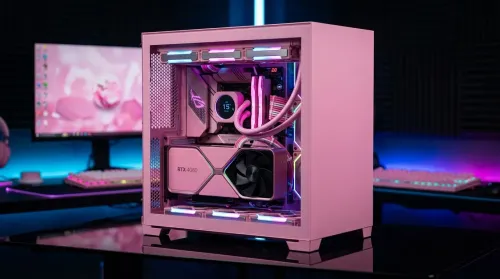
Pink Aesthetic Gaming Setup Ideas Without Sacrificing Performance
Build a pink aesthetic gaming setup without sacrificing performance. Get smart parts, lighting, cable control, and airflow tips to keep FPS high and style on point. 💗🎮
Read more• Use a transparent USB-C hub to cut clutter • Plan hub placement and route cables • Pick clips, mounts and minimal hubs 🌿🔌 Step-by-step cable management and product tips to tidy your workspace.
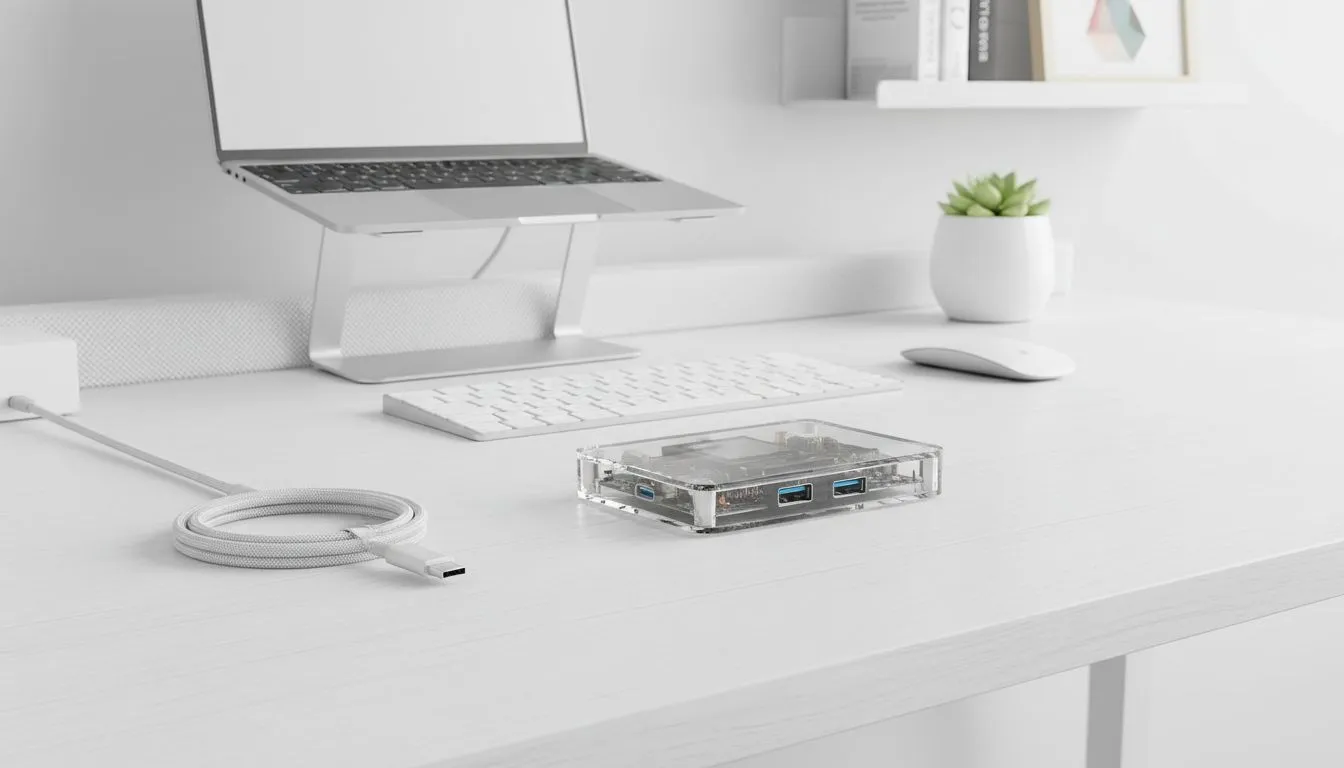
Tired of that tangled mess of cables and adapters cluttering your desk? You’re not alone. For many South African gamers and tech enthusiasts, a messy workspace can kill the vibe faster than load shedding. Imagine a sleek, organised setup where every piece of tech serves a purpose and looks good doing it. That's where the transparent USB-C hub comes steps in, turning your desk from chaotic to chic.
A cluttered desk isn't just an eyesore; it's a productivity drain. Every time you glance at that cable spaghetti, your brain registers a tiny bit of stress. A clean desk setup, however, fosters focus, boosts creativity, and even makes your gaming sessions more immersive. When your peripherals are neatly connected and your workspace is streamlined, you can dive deeper into your digital world without distraction. It's about creating an environment that sparks joy and efficiency.
Forget bulky, black boxes hidden behind your monitor. A transparent USB-C hub is a statement piece. It showcases the intricate circuitry within, blending industrial design with functional elegance. This isn't just about expanding your ports; it's about making your tech an extension of your personal style. Imagine seeing the subtle glow of indicators and the organised components through a crystal-clear casing. It’s a talking point, a mini art installation for your desk, and a crucial step towards that minimalist, yet powerful, workspace you've always wanted.
On Windows, use the PowerToys FancyZones utility to create custom snap layouts for your windows. It's a lifesaver for managing multiple apps on an ultrawide monitor, letting you organise your timeline, preview window, and asset folders perfectly for video editing.
While the transparent design is a major draw, the core functionality of a USB-C docking station remains paramount. These versatile devices are the nerve centre of any modern setup, especially for those with laptops or devices with limited ports. Need more USB-A ports for your mouse and keyboard? An HDMI output for an external monitor? Or perhaps an SD card reader for your camera? A quality docking station provides all this and more, often with power delivery to charge your laptop simultaneously.
Finding the right hub for your needs means considering port types, power delivery capabilities, and even the maximum resolution it supports for external displays. Whether you're a casual user or a power user, there's a docking station out there for every budget and requirement. If you're looking for an affordable upgrade to your desk, you can even find a solid USB-C docking station for under R1000 that will instantly declutter your space. For those needing more advanced features like multiple 4K outputs or higher power delivery, stepping up to a model under R2000 opens up a world of possibilities. Brands like Promate are known for their innovative designs, often incorporating that transparent aesthetic we love.
Integrating a transparent USB-C hub is just one piece of the puzzle. Here are a few extra tips for achieving that pristine workspace:
By combining the elegant simplicity of a transparent USB-C hub with smart organisation techniques, you'll not only enhance your desk’s aesthetic but also boost your productivity and enjoyment. It’s time to take control of your workspace.
Ready to Build Your Dream Workspace? A transparent USB-C hub is more than just a gadget; it's an investment in a cleaner, more efficient, and undeniably stylish desk setup. Explore Evetech's extensive range of docking stations and USB-C hubs today and discover the perfect solution to declutter your world and elevate your tech experience.
A transparent USB-C hub is a clear-bodied hub that lets you see ports and LEDs. It adds style while centralizing connections for cleaner cable routing.
Mount under the desk or behind a monitor, keep it near device clusters, and run short, labeled cables to reduce visible slack.
Use adhesive cable clips, under-desk mounts, and Velcro straps. They pair well with transparent hubs and improve route control.
Yes. Many transparent USB-C hubs offer PD passthrough and multiple ports. Check wattage and port types before buying.
Use cable channels, short right-angle cables, and a hub-mounted cable bay so you can hide wiring while keeping ports reachable.
Most hubs support both, but confirm MacBook power delivery and Windows drivers. Look for hub listings that mention Mac and PC compatibility.
Re-route loose cables monthly, dust the hub, label new cables, and replace frayed leads to sustain a clutter-free setup.
Build a pink aesthetic gaming setup without sacrificing performance. Get smart parts, lighting, cable control, and airflow tips to keep FPS high and style on point. 💗🎮
Read more
Set up a gas spring monitor arm for perfect ergonomic height and viewing angles in minutes. Get less neck strain, better posture, and smoother adjustments 😊🛠️
Read more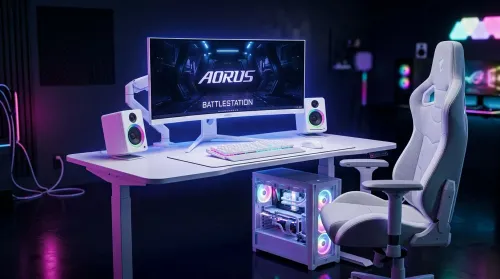
Want a white gaming battlestation setup in South Africa? From desk to monitor to chair, we map the right parts for smooth FPS, tidy cable runs, and all-day comfort 😊🖱️
Read more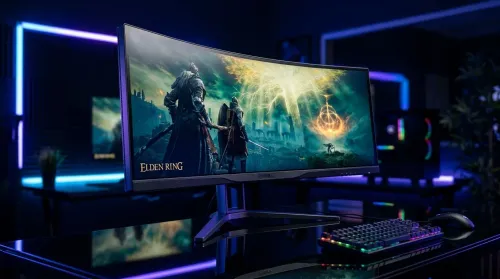
49-inch ultrawide vs dual monitors for gaming in South Africa: pick the setup that fits your games, desk space, and budget. Get clear trade-offs, smooth performance, and the right resolution plan. 🎮🇿🇦
Read more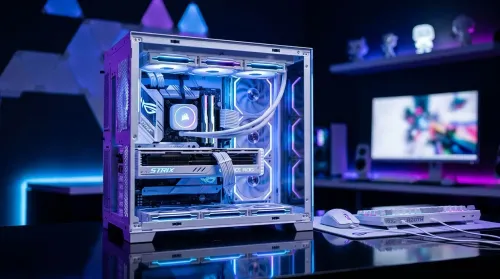
Want a white gaming setup in South Africa that performs? Here’s a complete ZAR component breakdown, from CPU to monitor—optimized for FPS, smooth play, and clean aesthetics. 🎮⚪
Read more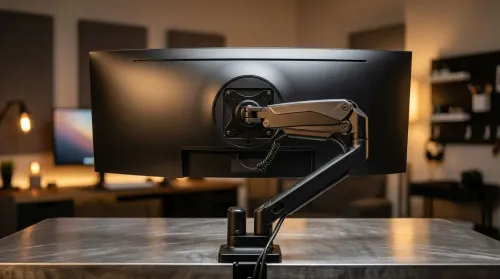
Gas spring monitor arms vs fixed stands for 49-inch ultrawide setups: learn what matters for stability, height, and desk clearance. Get the right mount fast and avoid misalignment issues. 🖥️⚙️
Read more
Every spec on PCIe 5.0 explained in plain English. What matters for gaming and creator work in 2026, what's marketing fluff, and how each number translates to real-world performance.

A head-to-head look at WiFi 7: real-world performance, ZAR pricing and which option delivers better value for SA builders. The clear answer — no fluff.

Everything you need to set up and tune PCIe 5.0 properly: the prep work, the settings that actually matter, and the mistakes to skip. Written for SA builders in 2026.

Everything you need to set up and tune X870E Motherboard properly: the prep work, the settings that actually matter, and the mistakes to skip. Written for SA builders in 2026.

Wondering what a 512GB SSD capacity really holds? This guide breaks down how many games, photos, and documents fit on 512GB, with real-world ranges 📦💾

Every spec on vrm explained in plain English. What matters for gaming and creator work in 2026, what's marketing fluff, and how each number translates to real-world performance.

Every spec on motherboard explained in plain English. What matters for gaming and creator work in 2026, what's marketing fluff, and how each number translates to real-world performance.

Premium vs Midrange Motherboards in South Africa: real-world performance, SA pricing, power draw and which one delivers better value for your build for SA buyers. The clear answer — without the fluff.
Wondering what a 512GB SSD capacity really holds? This guide breaks down how many games, photos, and documents fit on 512GB, with real-world ranges 📦💾
Every spec on PCIe 5.0 explained in plain English. What matters for gaming and creator work in 2026, what's marketing fluff, and how each number translates to real-world performance.
A head-to-head look at WiFi 7: real-world performance, ZAR pricing and which option delivers better value for SA builders. The clear answer — no fluff.

Every spec on USB4 explained in plain English. What matters for gaming and creator work in 2026, what's marketing fluff, and how each number translates to real-world performance.