


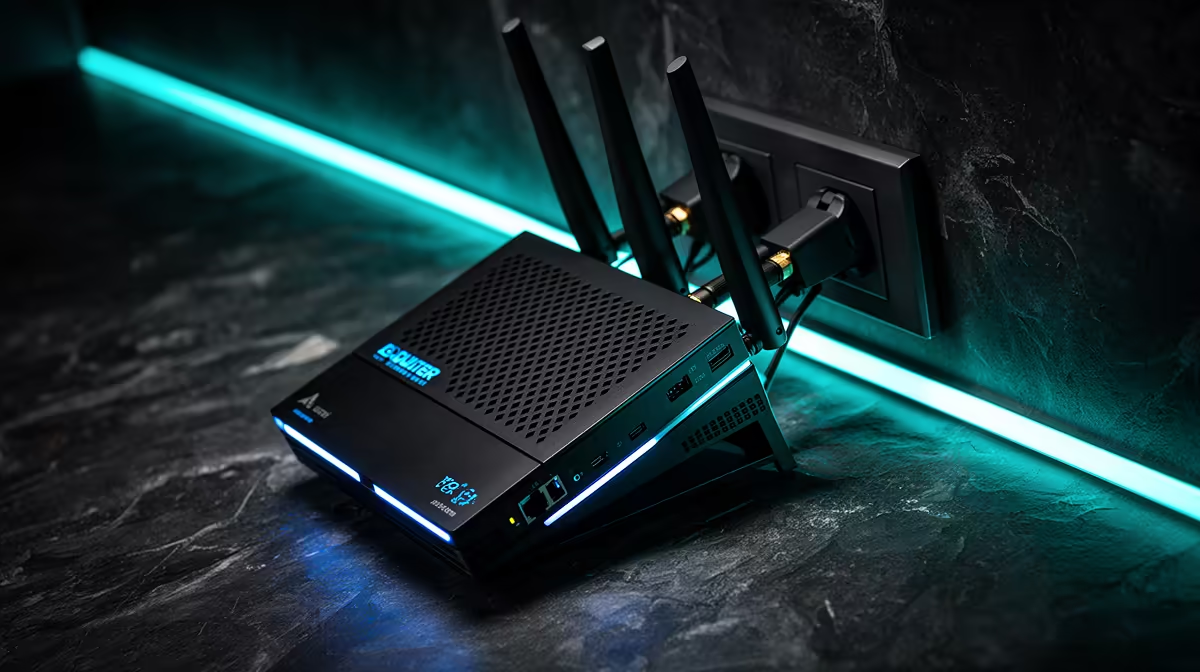
Two failed routers on one outlet turn the socket, power strip and supply quality into serious suspects. A repeated router failure on one plug needs a qualified electrician's assessment before more equipment is connected.
Quick Answer
Two routers failing at one outlet are enough reason to stop using that power point until the cause is assessed. Do not plug in another valuable device as a test. The outlet, adapter, multi-plug, circuit, earthing, upstream supply, heat, liquid, or coincidence can all be involved.
Compare exact replacement requirements in the networking range, then check approved adapters and cables among accessories best sellers. Buy nothing until a qualified assessment confirms the power path is safe.
Isolate the area safely
If there is smoke, burning smell, crackling, sparking, heat, discoloration, a shock sensation, or exposed damage, keep people away and use the electricity emergency route. Do not touch the outlet, adapter, or wet equipment.
Switch off the affected circuit only when you know the correct safe procedure and can do so without exposure. Do not repeatedly reset a breaker. A trip is evidence, not an obstacle to defeat.
Unplugging a device can be unsafe when the plug or socket is hot or damaged. Wait for a registered electrician when in doubt.
Photograph the arrangement from a safe distance and note the time, weather, other appliance behaviour, and whether lights changed brightness.
Preserve both failed routers and adapters
Label each router, its original power adapter, outlet position, Ethernet cables, ONT connection, and failure date. Do not mix the adapters. Identical barrel plugs can use different voltage, current, and polarity.
Keep failed equipment unchanged for assessment or insurance. Do not open the router adapter or attempt to bridge a fuse. Power supplies can retain dangerous energy.
Check whether both routers truly failed. One can have a dead adapter, damaged WAN port, corrupt configuration, failed Wi-Fi radio, or provider problem. Test only after the electrical installation is declared safe and through an appropriate technician.
Have the outlet and circuit assessed
A registered electrician can inspect socket condition, terminations, polarity, earth continuity, neutral integrity, voltage behaviour, protection devices, and signs of heat or overload. The exact tests depend on the installation.
A cheap plug-in meter cannot make a suspicious outlet safe. It can also miss intermittent faults or transients. Never insert probes into a socket yourself.
Tell the electrician about every connected item: multi-plug, UPS, surge protector, ONT, router, switch, television, PC, charger, and extension. An overloaded or damaged intermediary may be the fault point.
If the outlet shares a circuit with a motor, fridge, pump, gate, or other load, provide that pattern. Do not repeatedly switch the appliance to reproduce damage.
Separate power from network paths
Routers connect to mains through adapters and to copper Ethernet devices. A fault can enter through power, ONT or modem equipment, outdoor network cable, PoE, or another connected device.
Optical fibre strands do not conduct, but ONTs, routers, power adapters, Ethernet, and some cable constructions or installation hardware create other paths. Ask the network provider about its equipment.
A surge protector on the power plug does not cover every data route. Interface protection needs to match link speed, PoE, earthing, and the installation. Use qualified network and electrical guidance.
Diagnose after the circuit is safe
Test each original adapter separately with manufacturer-approved methods. Confirm output and load behaviour through a technician; an unloaded voltage reading may not reveal failure under load.
Connect a known-good supported adapter to the router only when its voltage, polarity, connector, and current capability match exactly. Do not borrow by plug shape.
Check one LAN port and one client through a known-good cable. Then test WAN, Wi-Fi, and management. Avoid factory reset until configuration backup and provider requirements are known.
Record the first failed stage. A router that powers but cannot reach the provider needs a different remedy from one with no DC input.
Replace with the right evidence
If the router is confirmed failed, record the required WAN type, Wi-Fi coverage, Ethernet speed, mesh support, ONT or modem relationship, and provider configuration. Price a named current July 2026 model.
Use its supplied or approved adapter on the repaired safe outlet. Add a suitable surge or backup device only after checking the complete installation and load.
Do not claim that a retailer can advise on the unsafe wall socket or determine the electrical cause. Router selection and fixed-wiring assessment are separate jobs.
Prevent a third loss
Keep the router and adapter ventilated. Do not stack them on a hot ONT, put them under fabric, or trap power bricks in a cable sleeve.
Use correctly rated, earthed power equipment and avoid daisy-chained strips. Have distribution-board and point-of-use surge protection coordinated where the assessment calls for it.
Back up router configuration after setup. Label every adapter. Keep insurance and service records for the failed units and electrical repair.
FAQ
Should I test the outlet with another appliance?
No. Repeated equipment failure makes that an unsafe experiment. Stop using the point and have it assessed with proper test equipment.
Could both router adapters have failed instead?
Yes. Adapter failure, heat, wrong adapters, network faults, and router faults are possible. Preserve each pair and test only after the supply is safe.
Will a surge protector solve the problem?
It can limit stated transients when correctly selected and installed. It cannot repair loose wiring, neutral faults, overload, bad earthing, or a failing outlet.
Stop using the suspect outlet, preserve each router and adapter pair, and obtain a registered electrical assessment before powering a replacement.









