


Quick Answer
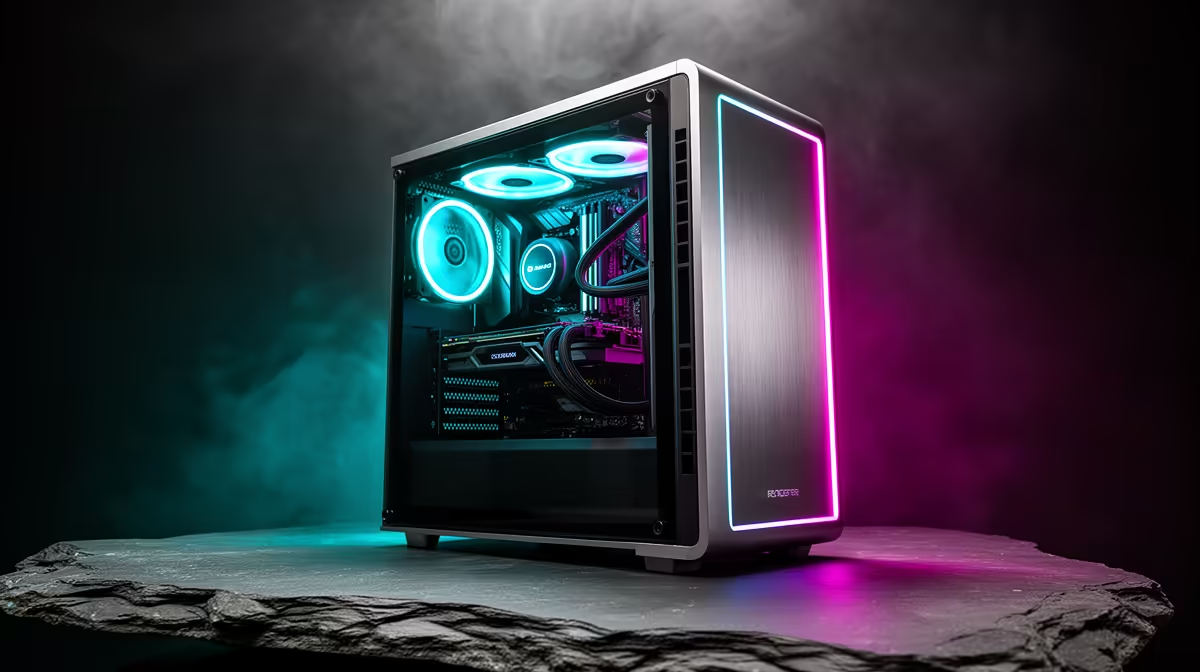
Quick take: for a UCT Information Systems student, the best R25,000 build is a Ryzen 7 7700, RTX 4070 12GB, 32GB DDR5-6000, 1TB NVMe. This spec puts the money where Information Systems coursework needs it. Spend where the workload actually lands, not on the loudest spec.
Building for Information Systems, not for marketing
Between a database server, an IDE and a container or two, IS work is all about RAM headroom and CPU threads. A discrete GPU stays idle, so don't overspend on one. In practice that means SQL Server or PostgreSQL, Visual Studio and VS Code, Docker and a Linux VM, all of which lean on CPU cores, RAM and a quick NVMe SSD - and no real graphics demand.
Inside the R25,000 spec
The R25,000 build is the sweet spot for demanding work: Ryzen 7 7700, RTX 4070 12GB and 32GB of fast DDR5-6000. It's the first tier that feels effortless at 1440p. The 32GB DDR5-6000 keeps it responsive and the 1TB NVMe loads projects fast. 16GB is the working minimum with a single VM; 32GB is what you want once a database and containers run together.
The display matters more than the GPU
Because information systems doesn't need the GPU, this build runs on RTX 4070 12GB (or RTX 4060 Ti 8GB to save). With an RTX 4070 you'll see 85-115 fps at 1440p Ultra and very high frame rates at 1080p for competitive play. Pair it with a 24-27 inch 1080p IPS panel; for long reading and coding a 75Hz or 100Hz screen is gentler on the eyes.
Mowbray buyer notes
Mowbray's proximity to UCT makes a stay-at-home desktop the obvious choice over a pricey laptop. Orders to Cape Town courier out of the Joburg warehouse within roughly 2-3 business days. Fibre from Openserve or Vumatel is the norm here; a 5G router covers you until it's connected. NSFAS pays R5,200 for a device, short of the R8,000 entry laptop - plan to add to it or choose a desktop that holds value across all your study years.
FAQ
Do Information Systems students need a gaming graphics card?
Not for study. Information Systems runs fine on integrated graphics, so a discrete GPU is optional and only worth it if you also want to game in your downtime.
How much RAM should an Information Systems student get?
16GB copes with light dev work; step to 32GB the moment you keep VMs and Docker resident all day. DDR5 is standard on current AM5 boards.
Should an Information Systems student buy a desktop or a laptop?
A desktop gives far more performance per rand at R25,000 and is easy to upgrade later. A cheap laptop for lectures plus a desktop at home is the combination most students settle on.
RAM over a slightly faster CPU if the budget forces a choice - extra memory ages better for study software.









