


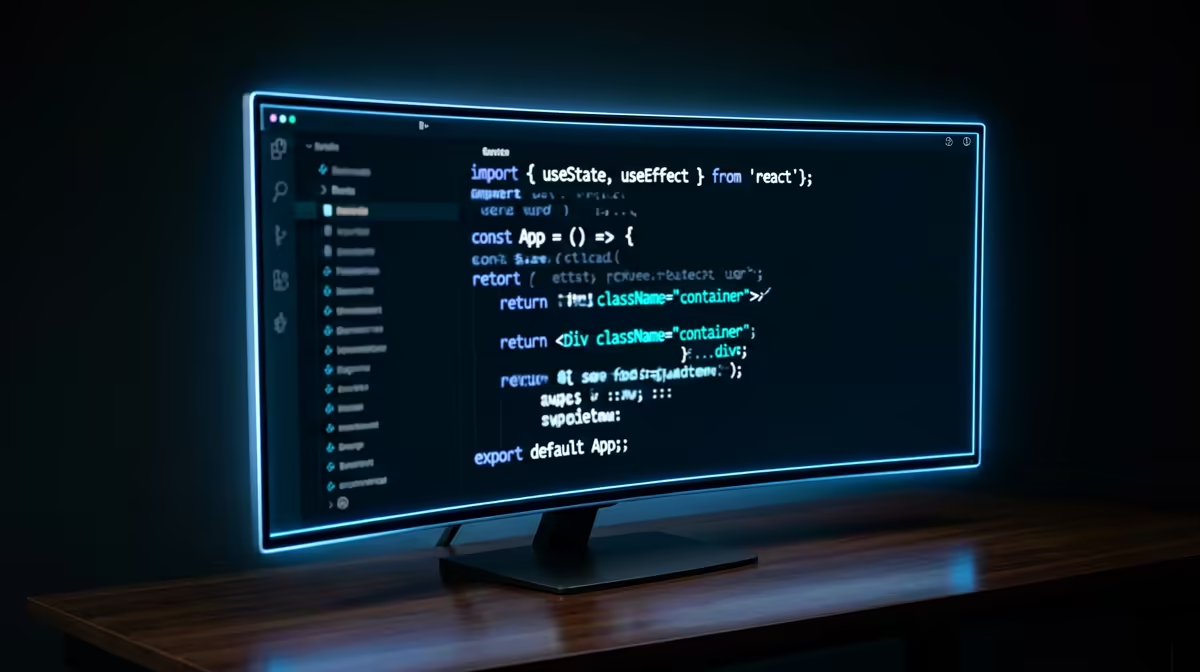
The Arozzi Nova Curved 34" VA, 165Hz at R4100 suits a South African learner who wants one wide coding screen without paying premium gaming-monitor money. A 34-inch ultrawide monitor gives enough horizontal space for an editor, browser preview, terminal, and notes, so it can be enough for learning to code if the desk has room for the curve.
Best starting point for a coding desk
The ASUS TUF VG34WQML5A 34 Inch UWQHD Curved Fast VA LED 21:9 250 Hz Gaming Mo at R7700 is the stronger pick if the same screen will handle study by day and fast games after hours. The 21:9 layout is useful for coding because documentation can sit beside the editor, while the 250 Hz spec keeps the display ready for smoother gaming use.
The Samsung Odyssey (34") QHD 3440 x 1440 pixels UltraWide Gaming Monitor at R7999 is a practical middle ground for learners who care about text space. Its 3440 x 1440 resolution gives more room for side-by-side panes than a normal single screen, which helps when following tutorials, reading API notes, and testing small projects.
Student desk coding reality in SA
For a res, digs, or home study desk, one wide display can be simpler than two mismatched screens. The HP MONITOR OMEN CURVED GAMING 34 INCH WQHD 165HZ 1 YEAR Warranty at R10405 adds a 34-inch curved WQHD panel with 165Hz refresh, making it better for someone who wants a cleaner desk setup and a sharper workspace for long practice sessions.
Pro Tip ⚡
VA, 165Hz at R4100 gives the key 34-inch curved workspace before moving up to the R7999 Samsung Odyssey for 3440 x 1440 clarity."
Ready to choose the right ultrawide monitor? Start the ultrawide monitor shortlist shortlist with ASUS TUF VG34WQML5A 34 Inch UWQHD Curved Fast VA LED 21:9 250 Hz Gaming Mo at R7,700, especially if ultrawide monitor enough learning code points you toward (7 in stock).











