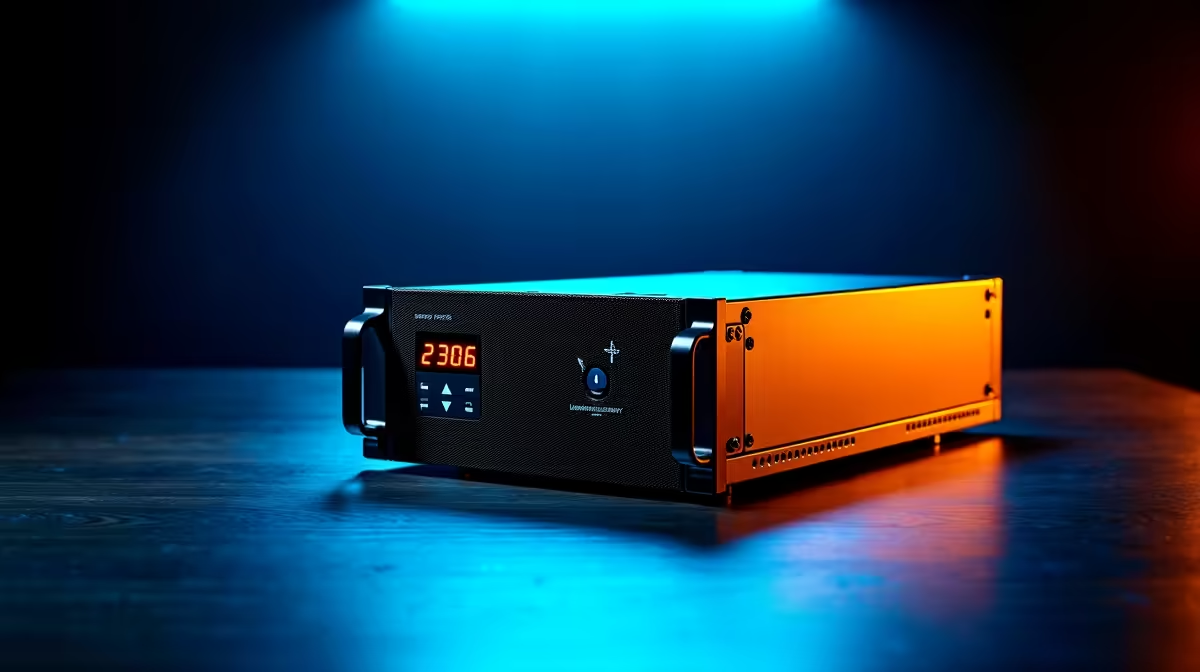
The lights go out. Your screen goes black. That clutch moment in your ranked match… gone. Your unsaved project… vanished. For South African gamers and creators, this isn't a rare disaster; it's just another Tuesday. But there's a simple, powerful solution: an Uninterruptible Power Supply (UPS). 🛡️
Why a UPS is Non-Negotiable for Your PC in South Africa
Think of a UPS as more than just a big battery. It's a two-in-one guardian for your tech. Firstly, it provides instant, seamless power the moment Eskom's grid fails, giving you precious minutes to save your work and shut down your PC safely. Secondly, and just as importantly, it acts as a high-end surge protector. The unstable power that returns after an outage can be just as damaging as the cut itself, potentially frying your motherboard, PSU, or SSD.
Protecting your investment is crucial, especially when you've invested in a high-performance machine. The sensitive components inside top-tier rigs are particularly vulnerable to dirty power, making a quality UPS an essential part of any setup featuring one of our powerful PCs above R20k.
Choosing the Right UPS for Your Gaming PC
Walking into the world of UPS specs can feel a bit intimidating, but it boils down to two key things: power capacity and type.
Understanding VA and Watts
You'll see two numbers on a UPS box: Volt-Amps (VA) and Watts (W). The Watt rating is the most important one—it tells you the maximum actual power the UPS can deliver. Your PC's power supply unit (PSU) also has a Watt rating (e.g., 750W). Your UPS's Watt rating must be higher than the total power draw of everything you plug into it.
A good rule of thumb is to choose a UPS with a Watt rating that's at least 25% higher than your PSU's rating to give you a safe buffer. This ensures that even when your GPU and CPU are running at full tilt, the UPS can handle the load. This applies whether you're running a beastly custom build or one of the excellent value PCs under R20k that still deserve solid protection.
Line-Interactive vs. Online UPS
For most home and gaming setups, a Line-Interactive UPS is the sweet spot. It offers excellent protection, fast switchover times, and automatic voltage regulation (AVR), which smooths out minor power fluctuations without even switching to battery.
Quick Power Calculation ⚡
Not sure how much power your PC uses? A simple way to estimate is to look at your Power Supply Unit (PSU). If you have a 650W PSU, a UPS with a rating of 800-1000W would be a safe bet. For a more precise figure, you can use an online PSU calculator and enter all your components to see your peak power draw.
How Much Runtime Do You Actually Need?
It's a common misconception that you need a UPS to keep gaming for hours during a blackout. The real goal of a UPS for a PC during an unexpected outage is to provide enough time for a graceful shutdown. For 99% of users, 5-10 minutes of runtime is more than enough. This gives you ample time to:
- Save your game.
- Finish your sentence or save your project file.
- Close all your applications.
- Shut down Windows properly.
This controlled shutdown prevents file corruption and protects your operating system. Many of our customers pair our pre-built PC deals with a 1000VA to 1500VA UPS, which typically provides this ideal 5-10 minute window for a safe exit.
Beyond the PC: What Else to Plug In?
Your PC isn't the only thing that needs power to be useful. To make your safe shutdown seamless, you absolutely must plug your primary monitor and your internet router/Fibre box into the UPS's battery-backed outlets. What's the point of having your PC on if you can't see what you're doing or save a cloud-based document? Protecting these peripherals is a key part of a complete power-continuity strategy, turning one of the best gaming PC deals into a truly resilient setup. 💡
Don't waste your battery backup on non-essential items like printers or speakers. Most UPS units have separate outlets that are surge-protected only, which are perfect for these devices. Even the most humble of budget gaming PCs can be the heart of a great setup when properly protected this way.
Ready to Improve Your Pc Setup?
A UPS isn't a luxury... it's essential hardware for any South African PC owner. It provides peace of mind, protects your components, and saves your progress. Explore our wide range of UPS solutions and find the perfect power guardian for your rig today.