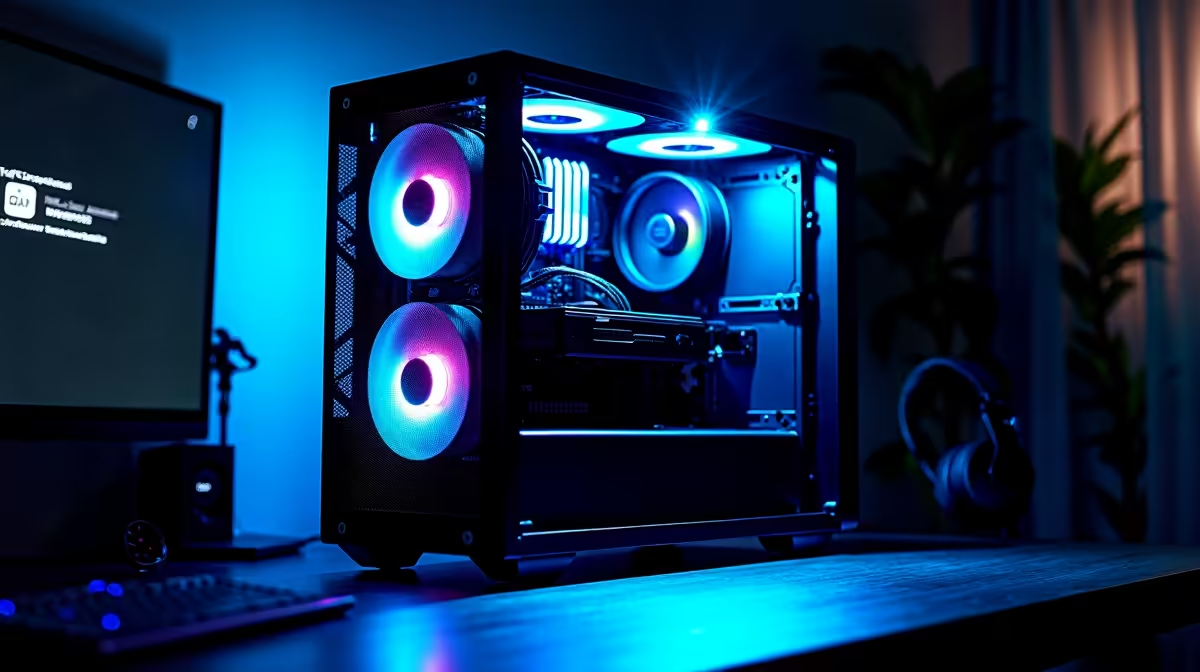
A video-editing PC is powerful enough to view and export home-security footage, but it is not a complete security setup. Cameras, recording retention, protected accounts and an agreed response matter more than editing performance. A dedicated recorder or camera storage may also need to remain available while the PC is off.
Design security before editing
Choose entrances and rooms that need coverage without capturing unnecessary private areas. Decide who receives alerts, how long clips remain available and what happens when the internet fails. Test night visibility, wireless signal and footage export before relying on the system.
The TP-Link Tapo C212 Wi-Fi camera has a verified price of R451. Check current resolution, local storage, detection settings, app support, power and warranty. The editing PC may help review exported clips, but it should not hold the only copy of important evidence.
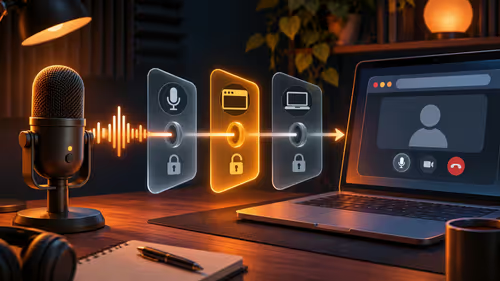
Use unique credentials, multifactor authentication where supported and current firmware. Restrict shared access and follow applicable privacy obligations. Keep security devices on an appropriate network and protect exported footage. If the editing workstation handles client media, separate it from general camera administration. Buy a powerful PC only when video production is a genuine second workload. For home security alone, direct the budget toward reliable cameras, appropriate recording capacity, power continuity and a documented response. The PC is enough as a viewing tool, not as the entire protection plan.
Planning home monitoring? > Compare verified Wi-Fi cameras with Evetech around coverage, storage and access.