


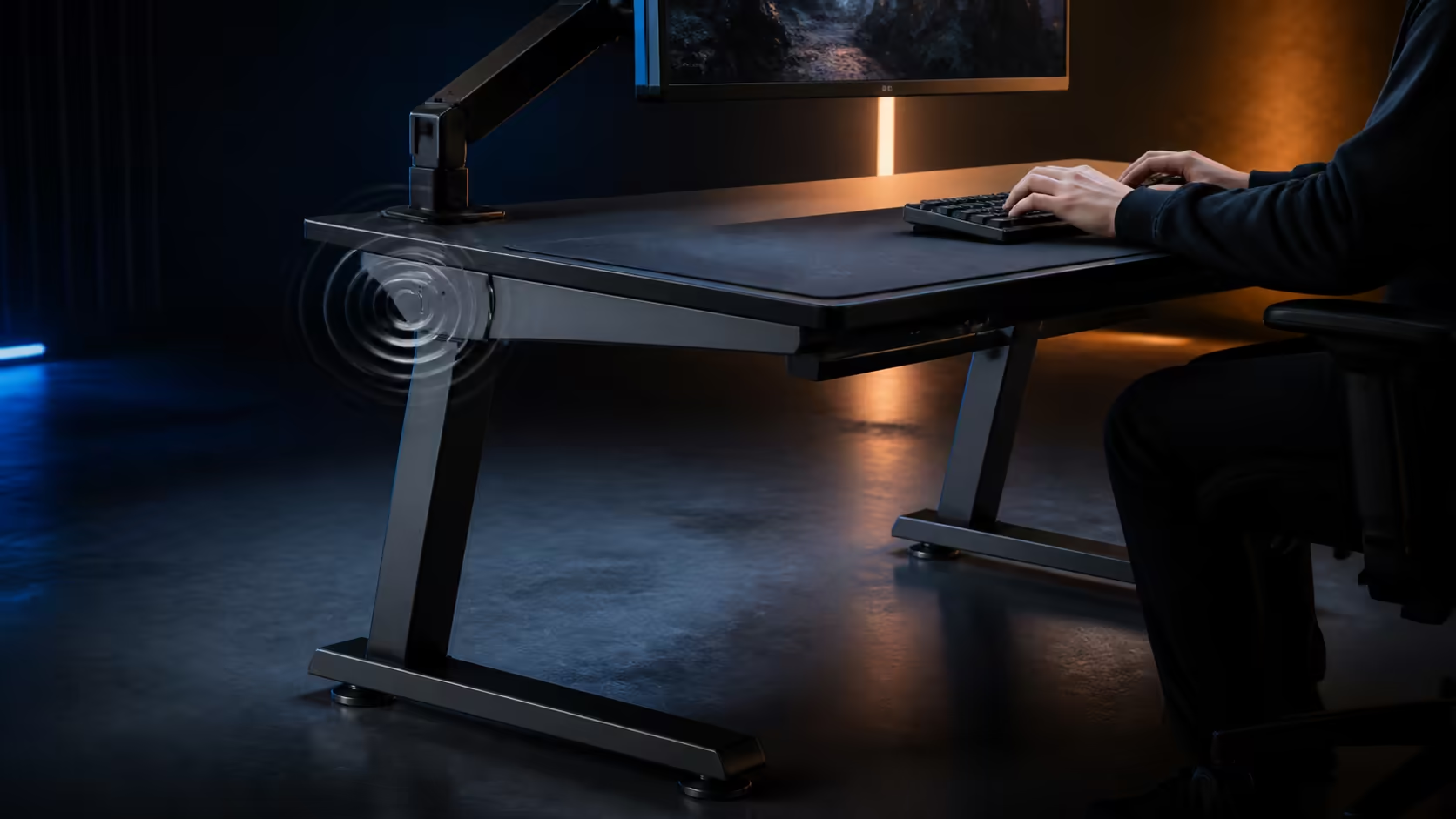
A shaking screen does not automatically mean the desktop frame is failing. Why a gaming desk shakes while typing or gaming can trace to uneven floor contact, loose joints, unbalanced equipment, cable tension or flexible monitor hardware. The R5,099 height-adjustable Arozzi Arena provides a 160x82cm platform for a methodical diagnosis.
Quick Answer
Remove loose objects, check all floor contact points and repeat a normal typing test while watching the frame and monitor separately. Recheck assembly fasteners, balance heavy equipment and release any cable that pulls during movement. On the R5,099 Arena, test at the selected working height with its monitor attachment and three cut-outs included in the inspection rather than shaking the desk artificially.
🔍 Identify what is actually moving
Place a cup of water well away from electronics or use a small reference object near the centre to observe worktop movement. Type normally and move the mouse as in a game. Avoid pushing the edge harder than daily use would.
Watch the desk frame, monitor stand, screen panel and nearby furniture as separate layers. A flexible display mount can amplify small input motion, while a cable tapping the wall can sound like a structural knock.
Remove speakers, ornaments and empty containers one at a time. A loose object can rattle while the main worktop remains steady. Repeat the exact same paragraph or mouse pattern after each change.
Review gaming desk designs with stability treated as a complete installed-system question.
📐 Check floor contact and assembly
Unload the desktop safely, then inspect whether every intended contact point meets the floor. A rug edge, tile variation or trapped debris can allow rocking. Reposition the desk on the final surface rather than diagnosing it somewhere temporary.
Use the assembly directions to inspect joints and fasteners. Tighten only as specified and do not force a misaligned connection. Missing or incorrect hardware needs the proper resolution, not an improvised substitute.
After moving or assembling the Arena, choose the working height and confirm both sides settle evenly. Height adjustment changes the geometry being tested, so a result at one setting should not be assumed for another.
Use Arozzi setup layouts to think about equipment distribution rather than copying decorative placement.
⚖️ Rebalance equipment and displays
Trace the footprints of monitor stands, the PC and heavy accessories. Keep loads distributed around supported areas and avoid placing every heavy item on one outer corner of the 160cm surface.
Monitor movement deserves a separate test. Hold the worktop lightly while observing the screen during typing. Then inspect the stand or compatible attachment according to its own installation requirements.
The Arena includes monitor attachment, but each chosen display solution brings its own joints and screen limits. Do not tighten an arm blindly to hide a compatibility or installation issue.
The full-surface mousepad can conceal a small object trapped beneath it. Clear the top according to its easy-clean routine and ensure the layer lies evenly before rebuilding equipment.
🧵 Release cable-induced movement
Follow each lead through the Arena's three cut-outs. A taut display, power or peripheral cable can pull equipment whenever the desk or chair shifts. Restore a controlled service loop without leaving slack in leg space.
Support power bricks and long bundles below the top. Do not let their weight hang from ports. Check that no lead catches on the frame during height setup.
Explore complete gaming setups only after the base station passes. Every added device changes load and routing, so retest after meaningful changes.
Keep a short fault note with the task, movement location and correction. If a new symptom appears later, the earlier baseline prevents the entire desk from being blamed again.
Temperature and time can change the test conditions. Fasteners and floor contact may settle after assembly, while a cable bundle can shift after several height adjustments. Repeat the ordinary input test after the first week and after the desk is moved.
Distinguish vibration from rocking. Fine screen movement during rapid typing may point towards display hardware, while alternating contact at desk feet suggests a floor or levelling relationship. A slow video recorded from the side can help reveal which layer begins first without requiring a second person to guess.
Do not brace the desk against a wall as a permanent cure. Contact can transfer noise, mark surfaces or conceal the original movement. Restore clear space, correct the cause and keep the worktop independent of nearby furniture.
If one accessory triggers the symptom, test its placement closer to a supported zone. Use no additional clamps or modifications until their compatibility is understood. A diagnosis should reduce unknowns, not add new ones.
After correction, perform a work block and a gaming block because their inputs differ. Repeated keystrokes, broad mouse sweeps and resting forearms load the setup in distinct ways. Passing each realistic task is more useful than surviving a one-time push.
Frequently Asked Questions
Why does a monitor shake while typing?
The movement may come from the desk, stand, attachment or panel. Observe each layer separately during the same normal task.
Can an uneven floor cause desk movement?
Yes. Incomplete contact or debris beneath a support point can make an otherwise sound assembly rock.
Should every fastener simply be tightened harder?
No. Follow the assembly instructions and correct alignment; forcing hardware can create another problem.
Does equipment placement affect stability?
Yes. Concentrating heavy devices at one edge can change how the complete setup responds to input.
Can cables make a desk or monitor move?
A taut lead or hanging adapter can transfer force to ports and equipment. Support slack and retest.
How should the Arena's height enter the test?
Evaluate it at the actual working setting and recheck after any height change.
What is the Arena price?
The dark grey Arozzi Arena costs R5,099.
Ready to isolate the first moving layer instead of shaking the whole station? Explore Evetech's gaming desks, repeat one normal typing test, and correct floor, joints, load and cables in a measured order.











