


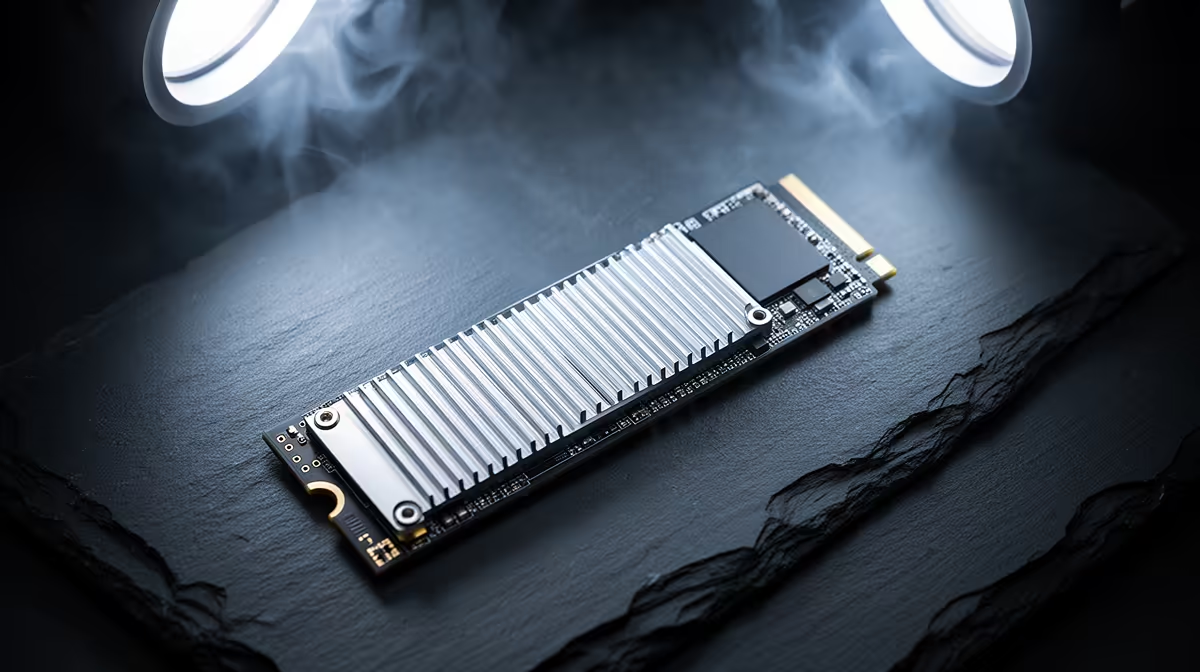
A PC that reboots and points back to a Gen 5 NVMe drive is usually losing the boot device mid-operation. That dropout, not a Windows crash, is what triggers the restart, so storage stability is the focus.
Quick Answer
PC restarts blamed on a Gen 5 NVMe SSD usually come from the drive dropping its link, often due to seating, firmware, or aggressive power management. Re-seat the drive, flash the latest firmware, and disable PCIe link power saving. A firmly seated drive on current firmware stops most reboot loops.
Secure the drive and its link
A Gen 5 drive that is not held flat in its M.2 slot can drop its PCIe link and force a restart. Power down, re-seat the drive, and fasten the screw or latch so it sits level against the standoff. Confirm in BIOS that the slot reports its full Gen 5 link width, since a degraded link causes intermittent dropouts that look like random reboots.
Update firmware and stop power dropouts
Flash the latest SSD firmware to clear known dropout bugs, then set PCIe link state power management to Off in the power plan. Aggressive power saving can cut power to a fast drive, dropping the boot device and rebooting the machine. With firmware current and power management relaxed, the link stays stable under load.
FAQ
Why does losing the SSD reboot my whole PC?
If the boot drive drops out, Windows loses access to system files and the machine restarts. Keeping the drive's link stable prevents these reboots.
Can a loose M.2 screw cause reboots?
Yes. A drive that is not held flat can lose contact and drop its link under load, triggering a restart. Re-seating and securing it is a quick fix.
Does PCIe power management affect NVMe stability?
It can. Aggressive link power saving sometimes drops fast drives offline. Setting it to Off in the power plan improves stability for Gen 5 SSDs.
Pro Tip
Re-seat the drive flat, flash its firmware and disable PCIe link power saving; a secure, current Gen 5 drive rarely drops out and reboots the PC.









