


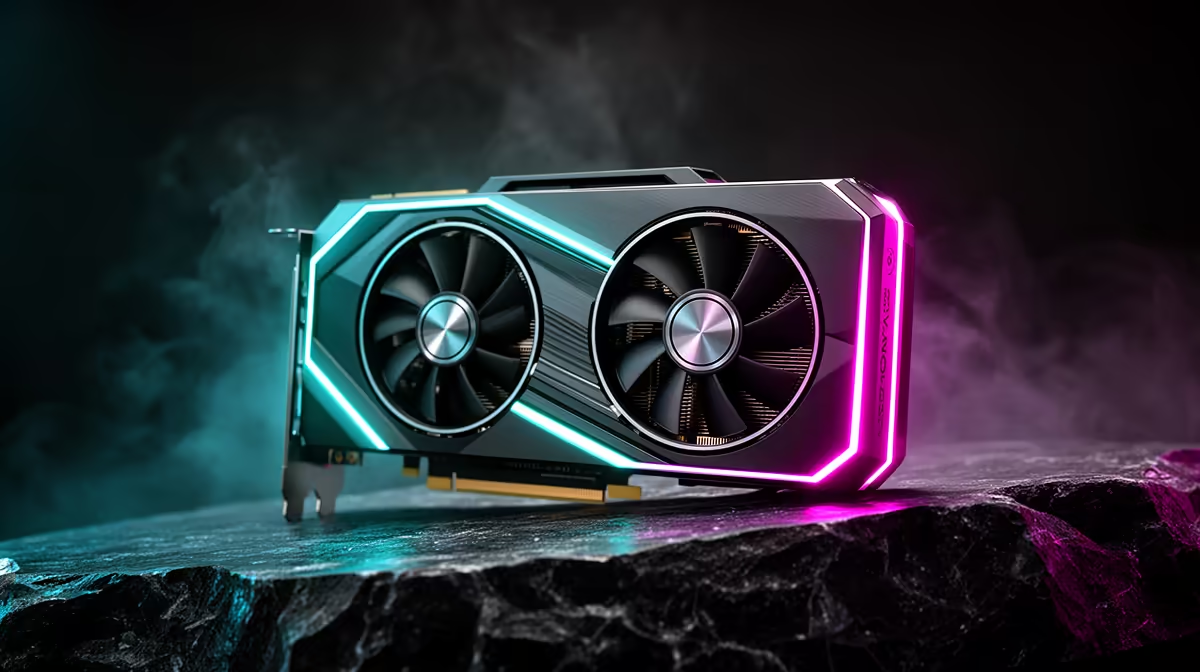
If an RTX 5090 build started lagging right after a Windows update, the new driver or a background service is the likely culprit, not the card. The timing pins it down better than any benchmark.
Quick Answer
Post-update lag on an RTX 5090 build usually means Windows installed a generic GPU driver or re-enabled a heavy background task. Clean-install the latest NVIDIA driver with DDU and check Task Manager for a process pegging the CPU or disk. Lag tied to an update date is software and reversible.
Trace the lag to the update
Check Windows Update history for the date the lag began. If a generic display driver or a cumulative update landed then, that is the suspect. A 5090 does not slow down on its own; an update that swapped the driver or woke a background indexing task is what introduced the stutter and input lag.
Clean driver and quiet background tasks
Use DDU to remove the current driver, then install the latest stable NVIDIA build so the card runs as intended. Open Task Manager during the lag to spot any process hammering the CPU, disk, or network. Pausing Windows Search indexing and trimming startup apps recovers resources the update consumed.
Bottom Line: RTX 5090 lag fixes after Windows update
To sum up for SA buyers weighing this: Check Windows Update history for the date the lag began. If a generic display driver or a cumulative update landed then, that is the suspect. This keeps the decision grounded in what actually changes the experience rather than headline numbers, so you spend where it counts.
FAQ
Why does my RTX 5090 build lag after a Windows update?
A generic driver or a re-enabled background task usually causes it. Clean-install the NVIDIA driver and check Task Manager for a resource hog.
Does DDU help after an update?
Yes. A clean removal before installing the latest stable driver clears conflicts a Windows-supplied driver can introduce.
Can background tasks slow a 5090 build?
Yes. Indexing or update services can pin the disk or CPU, causing lag even with a powerful GPU. Pause them during gaming.
After updates
Lag that starts on an update date is software. Clean-install the NVIDIA driver with DDU and check Task Manager for a process eating resources before blaming the 5090.







