The Heart of Your Home: Start with a Better Router
Living in a beautiful double-storey home in South Africa comes with many perks... but consistent internet usually isn't one of them. You might have a blazing fast fibre line downstairs, but the moment you step upstairs to your bedroom or home office, the signal drops to a crawl. To properly optimise your WiFi signal in double-storey homes, you need more than just hope. You need a strategy that accounts for the thick concrete slabs and brick walls typical of local architecture. 🚀
Most ISP-provided routers are designed for small apartments, not sprawling multi-level houses. If you want to eliminate dead zones, your first step should be looking at high-performance wireless routers that feature high-gain antennas and Beamforming technology. These devices are better at "aiming" the signal toward your devices rather than just broadcasting it in a weak circle.
Dealing with Concrete Slabs and Brick Walls
South African homes are built to last, which usually involves plenty of brick and mortar. While great for security, these materials are the natural enemy of a stable WiFi signal in double-storey homes. Every wall or floor the signal passes through reduces the speed significantly. This is why your gaming PC upstairs might only be getting 10% of the speed you pay for each month. 🔧
The Elevation Rule ⚡
Always place your router as high as possible on the ground floor. Since WiFi signals tend to radiate outwards and downwards, placing a router on a high shelf or mounting it on a wall gives the signal a better "line of sight" to the floor above. Avoid placing it near large metal objects like fridges or inside TV cabinets, as these act as shields that kill your connection.
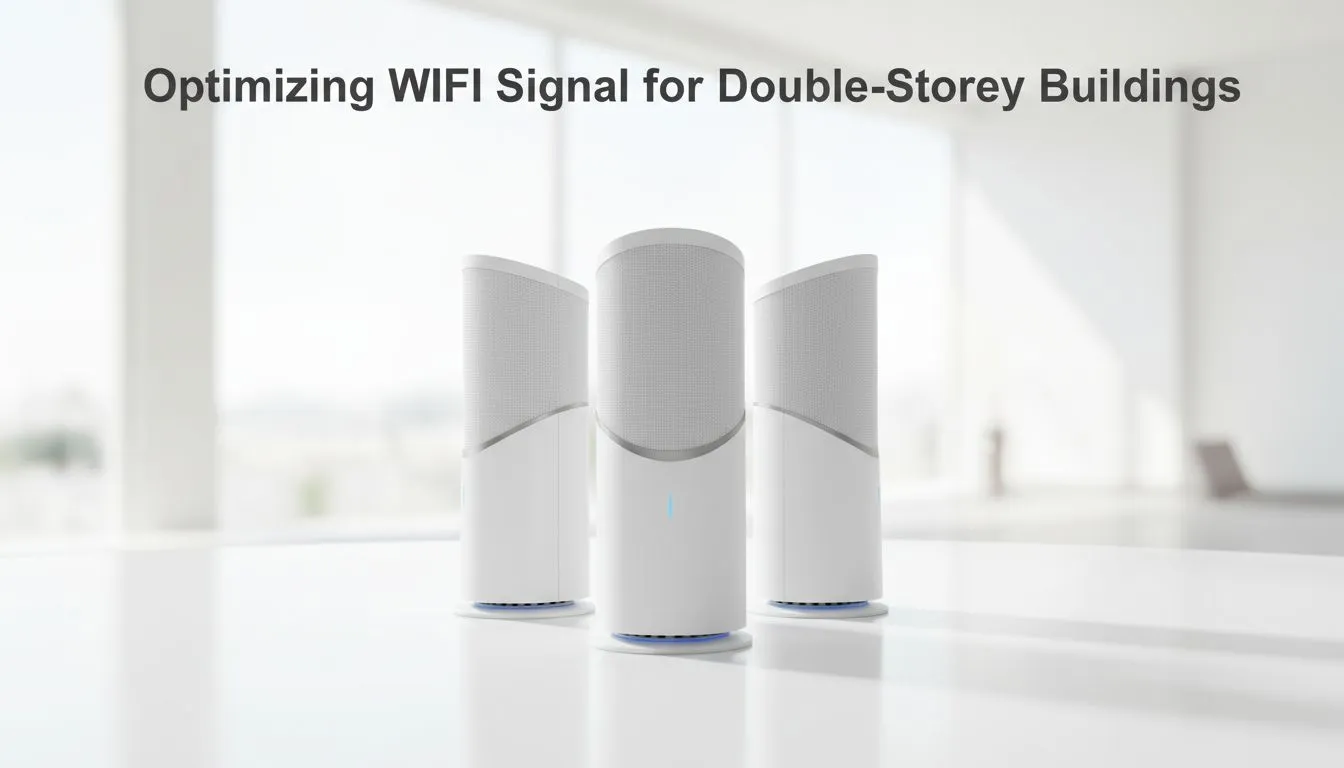
To truly overcome these physical barriers, you should consider a broader range of wireless networking hardware such as Mesh systems. Unlike traditional setups, Mesh nodes work together to create a single, seamless network that covers both floors without forcing you to switch connections manually.
Bridging the Gap Between Floors
If a full Mesh system is outside your current budget, there are other ways to boost your WiFi signal in double-storey homes. For many, wireless range extenders offer a cost-effective middle ground. These devices pick up the existing signal from your router and rebroadcast it. The trick is to place the extender halfway between the router and the dead zone... close enough to get a strong signal, but far enough to push it where it is needed. ✨
Upgrading Your PC's Reception
Sometimes the problem isn't just the router... it is the device trying to catch the signal. Older laptops or desktop PCs with cheap internal chips often struggle to maintain a stable connection through a concrete floor. Upgrading to modern USB or PCIe wireless adapters can make a massive difference. These adapters often feature external antennas that are much better at picking up faint signals than the tiny wires hidden inside a laptop screen. ⚡
By combining a powerful router with the right positioning and updated hardware, you can finally enjoy the full speed of your fibre connection, whether you are in the kitchen or the upstairs master bedroom.
Ready to Eliminate Dead Zones?
Don't let a weak signal hold back your gaming or productivity. Whether you need a high-end mesh system or a simple booster, Evetech has the gear to get you connected. Browse our full range of networking solutions and enjoy seamless coverage across your entire home.