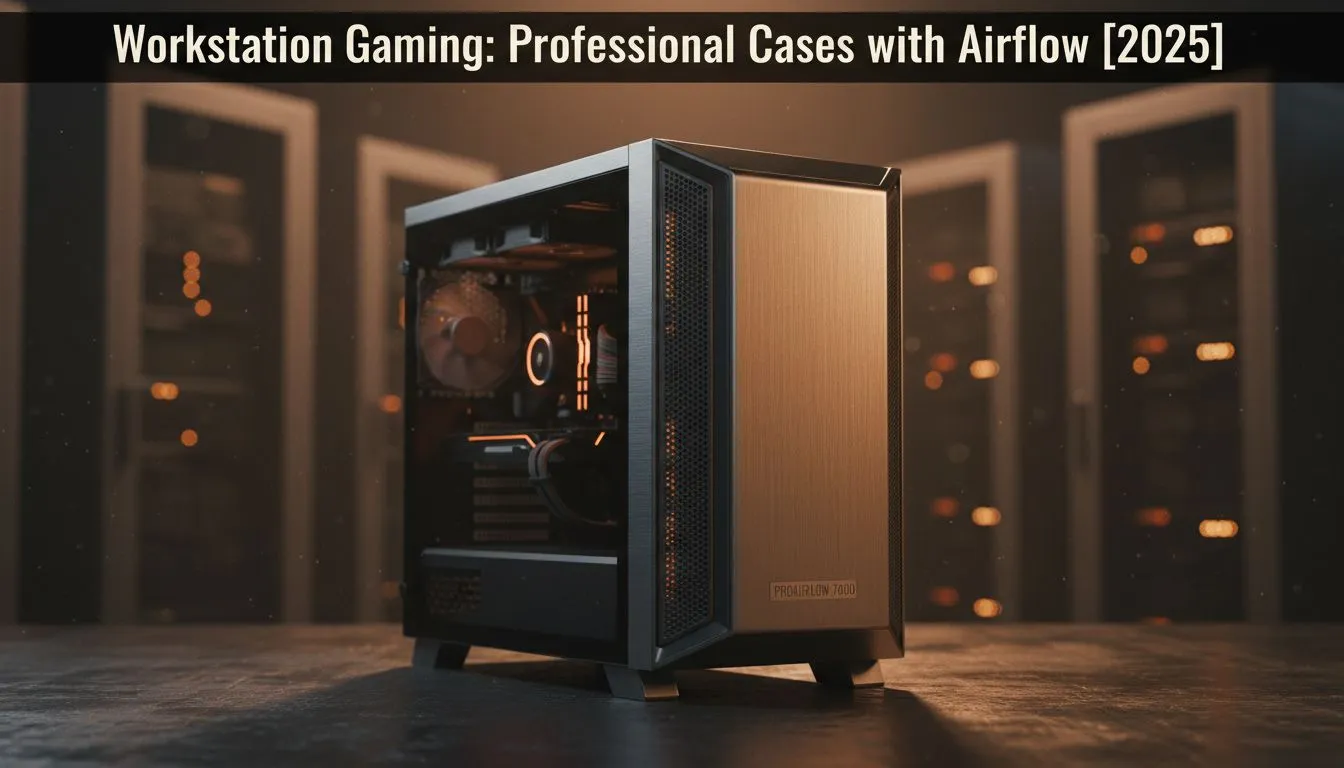
Got a powerful new GPU for your rig? That's lekker! But in the South African heat, even the mightiest components can choke without proper cooling. Your PC case isn't just a box; it's the foundation of your system's performance and longevity. A workstation gaming case with excellent airflow is non-negotiable for keeping temps down and frames up, whether you're rendering a 4K project or dominating in a heated online match. Let's dive in.
Why Airflow is Your PC's Best Friend
Ever noticed your game stuttering during an intense firefight, or your video export slowing to a crawl? It might not be your CPU or GPU… it could be thermal throttling. This happens when your components get too hot and automatically reduce their speed to prevent damage. A stuffy, closed-off case traps heat, creating an oven for your expensive hardware.
A proper workstation gaming case with airflow as its main design feature ensures a constant stream of cool air flows over your critical components. This simple principle directly translates to:
- Higher, more stable frame rates in games.
- Faster rendering and processing times in creative apps.
- Longer lifespan for your components by reducing heat stress.
Investing in a good chassis isn't an expense; it's insurance for the performance you paid for.
The Anatomy of a High-Airflow Case 🌬️
When you're browsing the massive selection of computer cases available in South Africa, it's easy to get distracted by flashy RGB lights and tempered glass. But for pure performance, you need to look for a few key features that define a great airflow-focused case.
It Starts at the Front: Mesh is King
That solid front panel might look sleek, but it's often a major bottleneck for air intake. The best cases for cooling almost always feature a perforated or mesh front panel. This design allows multiple front-mounted fans to pull in huge volumes of unrestricted cool air, which is the first and most critical step in an effective cooling loop.
Smart Fan & Radiator Support
Look for cases that support larger 140mm fans, as they can move more air more quietly than their 120mm counterparts. A good layout includes:
- Front: Mounts for 2-3 intake fans.
- Top: Mounts for 2-3 exhaust fans or a radiator for liquid cooling.
- Rear: A single exhaust fan mount to expel hot air from the CPU area.
Cooling Pro Tip 🔧
Try to create 'positive pressure' inside your case. This means having slightly more air being pulled in by your intake fans than pushed out by your exhaust fans. This helps force air (and dust) out through unfiltered cracks and vents, keeping your rig cleaner and cooler for longer. It's a simple trick for maintaining your high-performance build.
Space for Tidy Cables
A messy nest of cables behind the motherboard doesn't just look bad; it can obstruct airflow. A quality chassis will provide ample space behind the motherboard tray, along with plenty of tie-down points and routing channels. Tucking cables away neatly ensures the air you pull in can travel freely over your hot components and out the exhaust.
Choosing Your Airflow Champion 💻
Finding the perfect balance between performance, aesthetics, and price is key. Thankfully, the market for workstation gaming cases with airflow has never been better.
For those who value minimalist design and top-tier thermal engineering, premium brands are a fantastic choice. Builders who prioritise quiet operation and clever features know that brands like Fractal Design are famous for their airflow-focused PC cases that look as good as they perform.
On the other hand, you don't need to break the bank to get incredible cooling. If you're looking for aggressive styling and brilliant performance-per-rand, you can find fantastic value in the latest Gamdias gaming cases. They often pack in features like included ARGB fans and mesh fronts at a very competitive price. In fact, even with a tight budget, there are excellent airflow-focused options under R1500 that will keep your new build cool and fast. ✨
Ready to Build a Cooler, Faster PC?
The right chassis is the foundation for a powerful and reliable rig. Don't let your high-end components suffocate. Explore our huge range of PC cases and find the perfect home for your next build.