

Best Samsung GPU Under R10000 in SA 2026
Top Samsung GPU Under R10000 picks evaluated on performance, value & SA availability with current Rand pricing from Evetech.
Read moreDiscover the ultimate zero-frame gaming monitor setup for a seamless, immersive experience. We guide you through choosing the best thin-bezel displays, calibrating them perfectly, and achieving that multi-screen sweet spot for total in-game immersion. Ready to go bezel-free? 🚀🎮
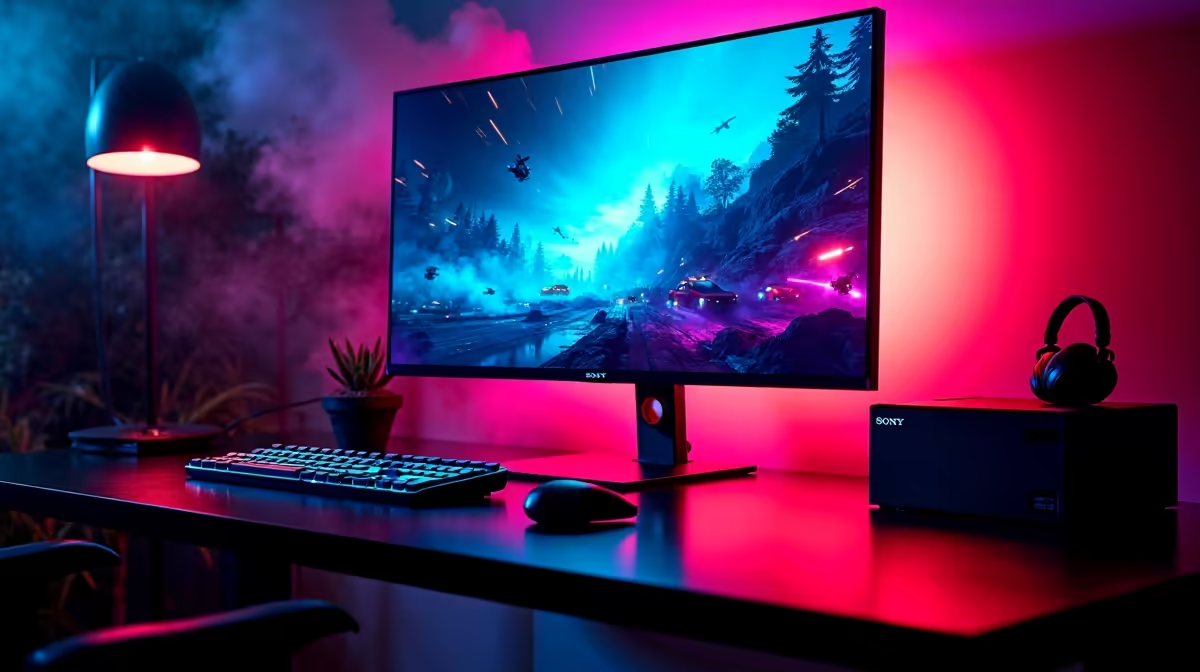
Tired of those chunky black borders breaking your immersion? Imagine your game world stretching seamlessly across your vision, with no plastic bezels pulling you out of the action. That’s the magic of a zero-frame gaming monitor setup, and it’s more achievable than you think. This guide will walk you through building the ultimate panoramic battlestation, turning your desk into a true command centre. Ready to see the bigger picture? Let's dive in. 🚀
Let's be clear... "zero-frame" is a bit of marketing magic. No monitor is truly without a border. Instead, the term refers to displays with ultra-thin bezels, the plastic edges surrounding the screen. While older monitors had thick, distracting frames, modern designs have shrunk them down to just a few millimetres.
For a single-screen user, this is a sleek aesthetic choice. But for anyone planning a multi-monitor setup, it's essential. A proper zero-frame gaming monitor setup places these thin edges side-by-side, creating a nearly uninterrupted panoramic view. This transforms your experience in flight simulators, racing games, and epic RPGs, making the gap between screens almost disappear. You can browse a huge variety of modern PC monitors to see just how slim the latest designs have become.
Building the perfect multi-screen rig isn't just about buying two or three monitors and hoping for the best. A little planning goes a long way to achieving that flawless, wrap-around effect.
Consistency is king. For the most seamless experience, it’s best to use identical monitor models. This ensures that the screen height, colour reproduction, and brightness are perfectly matched right out of the box. When browsing for the core of your new setup, consider these points:
perfect zero-frame gaming monitor setup isn't just for the game itself. Consider adding a smaller fourth screen, like one of the surprisingly versatile [portable monitors](https: www.evetech.co.za buy-portable-monitors x 1590.aspx), mounted above your main displays. It's the perfect spot to keep Discord, OBS, or Spotify open without ever having to Alt-Tab out of your game.
The secret to making the bezels truly vanish is in the mounting. While the stands included with monitors are fine for single use, they rarely allow for the precise micro-adjustments needed for a perfect multi-monitor alignment.
This is where a VESA mount becomes your best friend. A dual or triple-monitor arm clamps to your desk and lets you independently adjust the height, tilt, and angle of each screen. This allows you to butt the edges right up against each other, eliminating gaps and creating that single, massive display you've been dreaming of. Investing in good monitor accessories like a solid mount is non-negotiable for a clean and effective setup.
Once your hardware is in place, the final step is telling your PC to treat the displays as one. Both major GPU manufacturers have free software for this:
Both tools guide you through arranging your monitors and enabling bezel correction. This clever feature hides a few pixels behind the physical bezels, so on-screen objects move smoothly from one screen to the next without "jumping" across the gap.
A triple-monitor setup is demanding on your graphics card... a triple 4K setup is a whole other beast. Pushing that many pixels requires a top-tier GPU. However, for productivity, creative work, or playing less demanding sim games, the visual payoff is immense. The clarity and screen real estate you get from a bank of 5K & 4K monitors is truly incredible.
If you're building your first zero-frame gaming monitor setup, starting with three 1080p or 1440p 144Hz+ monitors is often the sweet spot for performance and immersion. Keep an eye on the best PC monitor deals in South Africa to snag a great price on a matching set.
Ready to Build Your Dream Display? A seamless multi-monitor setup is one of the biggest upgrades you can make to your gaming rig. From ultra-fast esports panels to immersive curved screens, we've got the perfect display for your battlestation. Explore our massive range of gaming monitors and start building your ultimate panoramic view today.
A zero-frame or bezeless monitor has extremely thin borders (bezels) around the screen, creating a nearly seamless image when placed next to other monitors.
Not completely. They have ultra-thin bezels, typically a few millimeters wide, which are far less distracting than traditional monitors for a multi-screen setup.
Use a quality multi-monitor stand for precise height and angle adjustments. Then, use software like NVIDIA Surround or AMD Eyefinity to treat the displays as one.
They provide a more immersive, panoramic view with minimal disruption between screens, making them ideal for racing sims, flight simulators, and strategy games.
A triple monitor setup offers the most immersive peripheral vision, which is a huge advantage in sim racing. A dual setup is great for productivity and gaming.
Yes, a powerful GPU is crucial. Look for a graphics card with enough VRAM and multiple DisplayPort or HDMI outputs to drive all monitors at your desired resolution.
Top Samsung GPU Under R10000 picks evaluated on performance, value & SA availability with current Rand pricing from Evetech.
Read more
Top RTX 5070 Under R30000 picks evaluated on performance, value & SA availability with current Rand pricing from Evetech.
Read more
Ryzen 7 9800X3D + X670E + RTX 5080 Build Under. Full parts list, Rand pricing & expected performance. Build confidently with SA-available components.
Read more
Top Budget PC Build Around the RTX 5060 picks evaluated on performance, value & SA availability with current Rand pricing from Evetech.
Read more
Ryzen 5 5600X + B550 + RTX 4060 Build Under. Full parts list, Rand pricing & expected performance. Build confidently with SA-available components.
Read more
Top Intel GPU Under R10000 picks evaluated on performance, value & SA availability with current Rand pricing from Evetech.
Read more
Snapdragon X2 NPU Explained: How 80 TOPS Changes. Plain-English explanation of what it means, why it matters & how it affects your buying decisions in SA.

HBM? High Bandwidth Memory Used in GPUs and AI. Plain-English explanation of what it means, why it matters & how it affects your buying decisions in SA.

How much should you spend on sim racing accessories in South Africa for a realistic setup? We break down budgets by quality tiers, so you buy smart gear and avoid overspending 🎮💸

G-Sync and FreeSync? Variable Refresh Rate. Plain-English explanation of what it means, why it matters & how it affects your buying decisions in SA.

AMD Laptop: Value. SA-focused analysis with local pricing data, real-world insights & actionable buying advice.

How MacBook Neo Handles 30+ Chrome Tabs with Only. SA-focused analysis with local pricing data, real-world insights & actionable buying advice.

Why Apple Put 8GB RAM in MacBook Neo: The A18 Pro. SA-focused analysis with local pricing data, real-world insights & actionable buying advice.

Upgrade your work laptop with a New Motherboard. Step-by-step instructions with SA-specific tips, common pitfalls to avoid & expert recommendations.

Maintain wired headset — Checklist: • inspect cables • clean earpads • store properly 🔧🎧 Practical steps to preserve sound quality and avoid premature replacements.

Fix crackling headset fast: step-by-step checks for cables, connectors, drivers, and settings to remove static or distorted audio on wired headsets 🎧⚙️

Stereo vs mono headsets: learn which delivers clearer calls, better spatial music, or simpler mono voice performance — pick the right headset for meetings, music, or gaming 🎧💬

- Compare gaming headset vs studio headphones; - Assess comfort, mic and sound; - Recommend best daily picks. Gaming headset vs studio headphones: learn which suits work, music and casual gaming. 🎧⚖️