

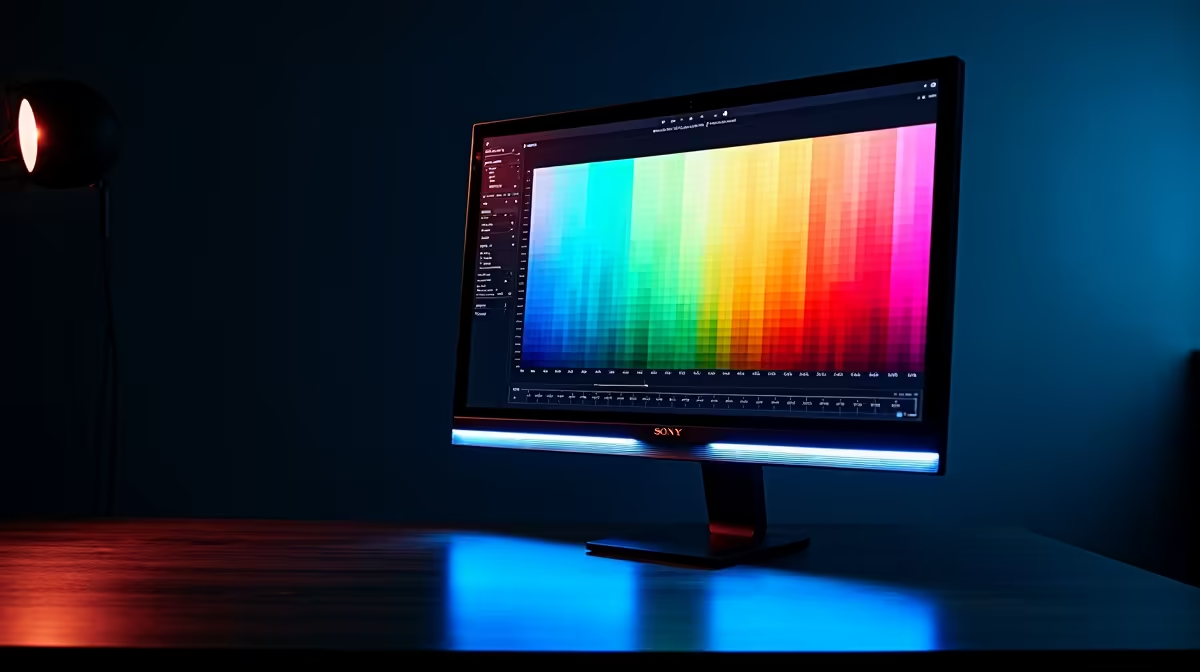
Accurate colour grading starts with a calibrated monitor - if your display is showing shifted whites, crushed blacks, or inaccurate hues, every edit you make is built on a false foundation. For South African editors and photographers working in a market where client colour expectations are often set by internationally produced references, getting your monitor dialled in is a professional necessity, not a luxury.
Quick Answer
For colour grading, calibrate your monitor to sRGB or DCI-P3 using a hardware colorimeter (X-Rite or Datacolor), set white point to D65, gamma to 2.2, and brightness to 120 cd/m² for dark rooms or 160 cd/m² for bright offices. Recalibrate every 4–6 weeks as display panels drift over time.
🎨 Hardware Calibration vs Software Profiles
Software colour profiles alone are not sufficient for serious colour work. The ICC profiles built into Windows and macOS approximate calibration but cannot correct for panel-level variance, backlight shift, or individual pixel drift. A hardware colorimeter like the X-Rite i1Display or Datacolor SpyderX measures actual light output from your panel and generates a display-specific profile that compensates for real deviations.
Before calibrating, warm up your monitor for at least 30 minutes - panels shift colour temperature significantly in the first 20 minutes after power-on. Dim or eliminate ambient lighting during the measurement process; reflections and room light contaminate sensor readings. For a production-grade editing monitor, IPS or OLED panels will generally reach Delta-E values under 2 after calibration, which is the threshold for professional accuracy.
⚙️ Target Settings for Editing Monitors
Set your target colour space based on your delivery format. Web and social media content should calibrate to sRGB (100% coverage). Video production targeting streaming platforms uses Rec. 709, which shares the sRGB gamut but with specific gamma handling. DCI-P3 is the target for cinema delivery and applies to wide-gamut OLED panels. Do not calibrate to DCI-P3 if you are only delivering web content - colours will appear muted on standard displays.
White point should be D65 (6500K) for all standard delivery formats. Gamma 2.2 is correct for Windows-based editing workflows; macOS systems default to 2.2 but historically used 1.8, so verify your system gamma if working cross-platform. Brightness between 100–120 cd/m² is appropriate for controlled editing environments; higher values introduce eye fatigue during long sessions.
🖥️ Maintaining Calibration Over Time
Monitor calibration is not a one-time task. Backlight output decreases and shifts over the lifespan of a panel, particularly in LED-backlit IPS monitors. Schedule recalibration every four to six weeks if the monitor is in daily production use. Store your colorimeter in a dust-free case and away from direct sunlight - sensor contamination produces false readings.
Create separate ICC profiles for different lighting conditions if your workspace has variable ambient light. Many calibration tools allow multiple profiles per monitor. Log calibration dates and Delta-E readings in a simple spreadsheet so you can track panel degradation over time and plan replacements before quality drops below professional thresholds.
❓ FAQ
Q: Can I do colour grading on a gaming monitor? Many gaming monitors have wide colour gamuts and good peak brightness, but they are optimised for speed rather than accuracy. Check if the model has a factory calibration report and supports hardware calibration. Some gaming monitors calibrate well; others have poor uniformity that no software can fix.
Q: What is a good Delta-E target for editing work? Delta-E below 2 is considered the threshold for professional colour accuracy - differences at that level are imperceptible to the human eye in most viewing conditions. Delta-E below 1 is excellent; above 3 is noticeable and problematic for production work.
Q: Does monitor calibration affect gaming or general use? A calibrated colour profile is applied system-wide, so gaming and general content will appear slightly different - typically more neutral and less vibrant than factory settings. Many editors use software to switch between a calibrated profile for editing sessions and a vivid factory profile for entertainment.
Shop All Monitors and Graphics Card Deals at Evetech for fast delivery across South Africa.











