


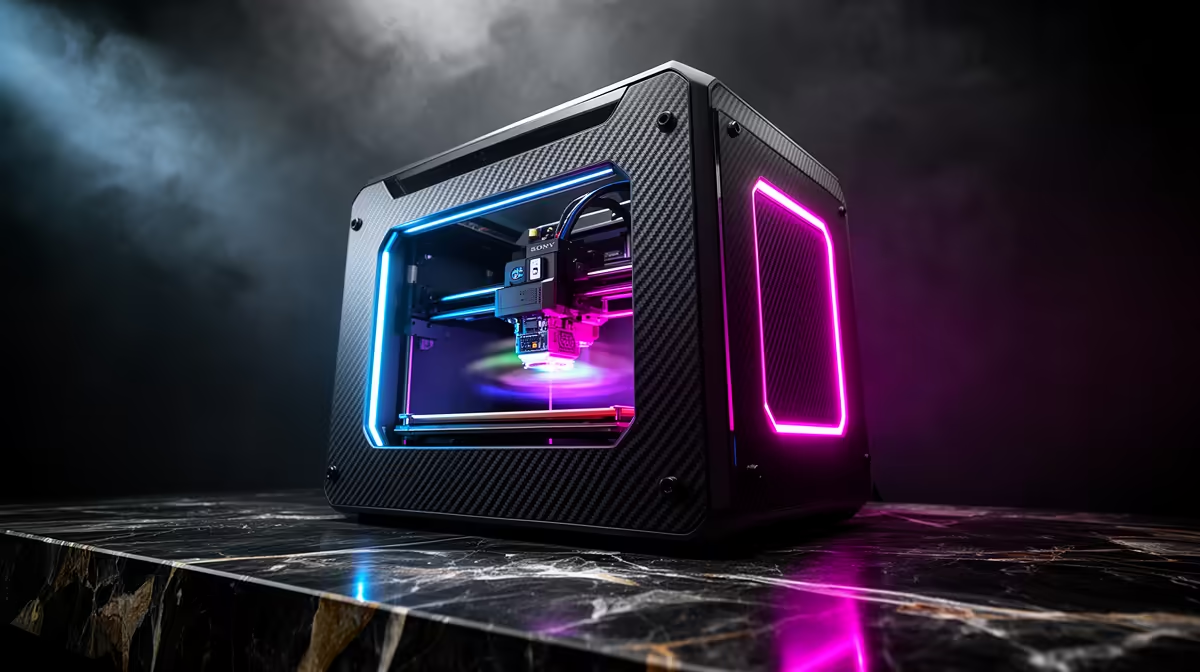
Tom's Hardware handed its Best 3D Printer of CES 2026 award to the Creality SPARKX i7, and the reasons are easy to see once you list what it packs in. Four-colour printing without a clumsy bolt-on unit, an onboard AI camera that watches for failed prints, and a setup that goes from box to first layer in under five minutes. For anyone who has spent an evening levelling a bed by hand, that last point alone is the headline.
Quick Answer
The Creality SPARKX i7 won Tom's Hardware Best 3D Printer of CES 2026 thanks to built-in four-colour printing, an AI failure-detection camera, and a sub-five-minute plug-and-play setup. South African pricing and stock are not confirmed yet; track availability through Evetech's 3D printer listings as it lands.
Why It Took the CES Crown
Award judges at CES weigh practical leaps over spec-sheet bragging, and the i7 delivers on the things that frustrate everyday users. Multicolour printing has traditionally meant strapping a separate filament system onto a printer and wrestling with the software. Here it is part of the machine, so a single model can come out in four colours without manual swaps. The AI camera is the second pillar: it scans the print in progress and flags spaghetti failures or detachment early, so you are not coming back to a fused mess after a six-hour run. Together they target the two biggest pain points in home printing, mess and failed jobs, in one box.
The Features That Matter Day to Day
Four-colour capability changes what hobbyists can make at home. Multi-material models, labelled parts, and colour-accurate figurines stop being a multi-print chore. The AI failure camera earns its keep on long jobs, because catching a problem in the first twenty minutes saves both filament and hours. And the five-minute setup lowers the barrier for newcomers who would otherwise stall on calibration. Creality has clearly aimed this at people who want to print, not tinker with the printer itself.
What We Still Need Confirmed
CES reveals run ahead of retail, so a few things stay open. Local pricing in Rand is not set, and shipping timelines to South Africa depend on Creality's regional rollout. Print volume, supported filament types, and exact slicer integration are worth confirming against the final retail spec before you commit. Until then, treat the headline features as confirmed and the local details as pending. The smartest move is to keep an eye on the 3D printer category so you see it the moment it is listed, and to line up the consumables you will want from the accessories best sellers ahead of time.
Frequently Asked Questions
Is the Creality SPARKX i7 available in South Africa yet?
Not confirmed at the time of writing. It was unveiled at CES 2026 and local stock and Rand pricing have not been announced. Watch Evetech's 3D printer listings for the official local launch.
What makes the i7 different from a standard Creality printer?
Three things: integrated four-colour printing without an add-on unit, an AI camera that detects failed prints in progress, and a setup that takes under five minutes. Most printers offer one of these at best, rarely all three.
Does the AI camera stop every failed print?
It is designed to detect common failures like detachment and spaghetti tangles early so it can pause or alert you. No system catches everything, but early detection saves filament and time compared with discovering a failure hours later.
How many colours can it actually print?
Four, built into the machine rather than added through a separate filament system. That makes multicolour models far simpler than the bolt-on approach most multi-material printers use.
Is it suitable for a complete beginner?
The sub-five-minute setup and automated calibration are aimed squarely at newcomers. It removes the manual bed-levelling step that trips up many first-time owners, so it is one of the friendlier on-ramps into printing.
Want to be first in line when the SPARKX i7 reaches South Africa? Keep the Evetech 3D printer range bookmarked and watch for the local listing and Rand pricing as it arrives.









