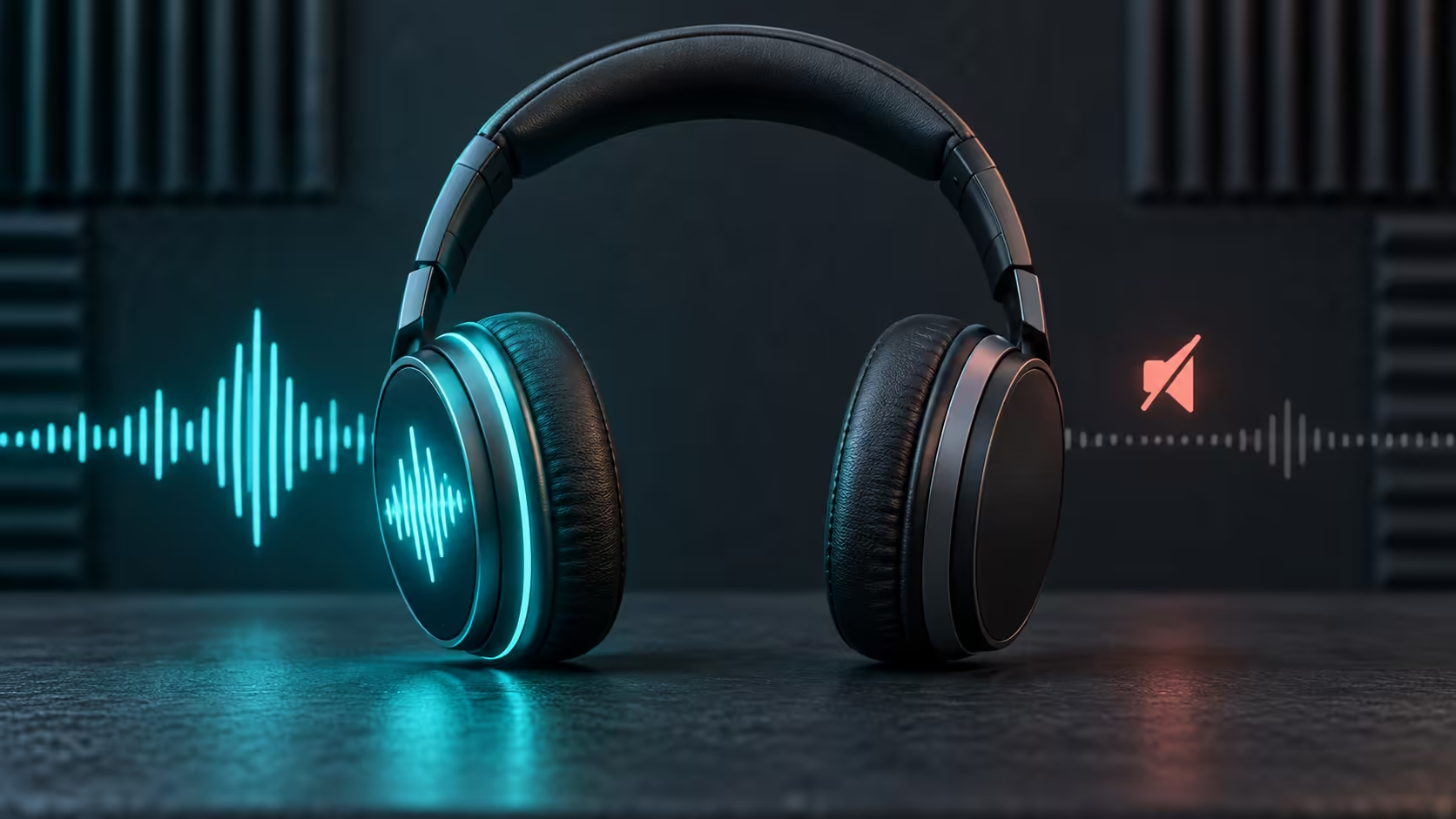
Learning how to fix headphones that only work on one side starts with locating the fault. The cause may be a balance setting, a loose plug, debris, stale Bluetooth pairing data, an app, the source device, a damaged cable or a failed speaker driver. Replacing the headset before isolating those possibilities can waste money and leave the real problem untouched.
Quick Answer
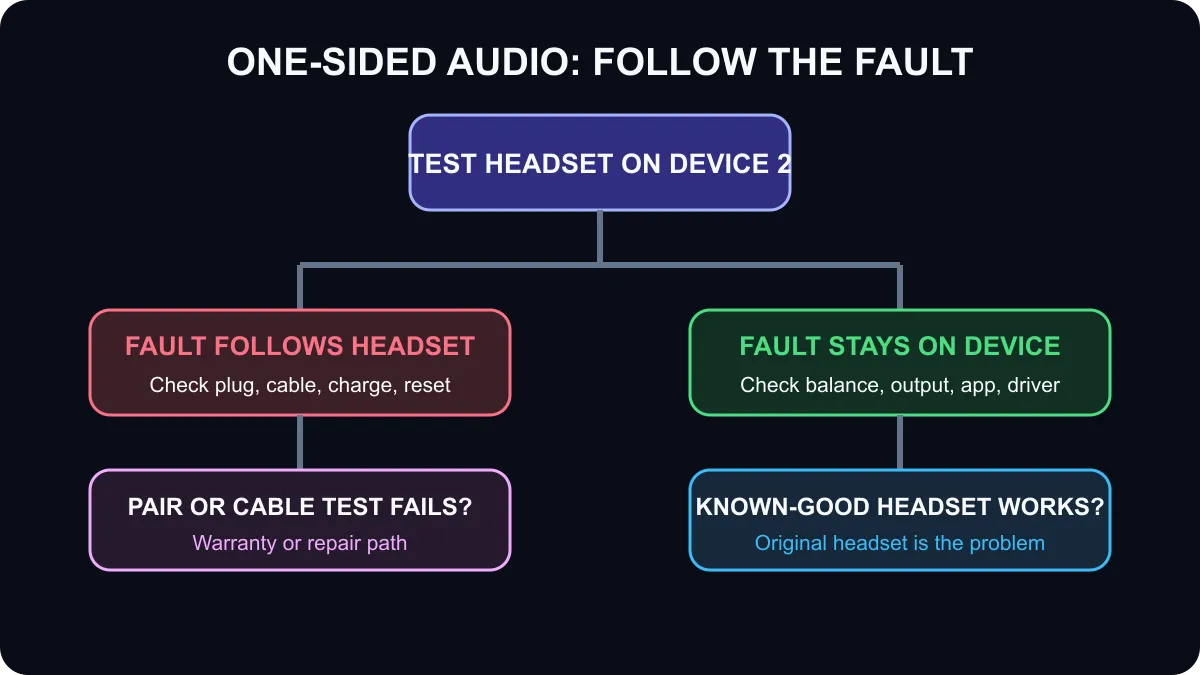
Test the headphones on a second device, then test a known-good headset on the original device. If the fault follows the headphones, inspect their cable, connector, charging state and pairing. If the fault stays with the source, check left-right balance, the selected output, the app and its audio drivers. Stop using the headset if a cable is exposed, a battery is swollen or a connector becomes hot.
🎧 Run the two-device swap test first
Play a familiar stereo track or a left-right test on the current device. Move the volume to a moderate level and avoid using a recording where one instrument naturally sits on only one side. Then connect the same headphones to a second phone, laptop or controller.
If the same side remains silent, the headset or its connection is the likely cause. Now connect a known-good pair to the first device. If the replacement also loses the same channel, focus on the source's balance settings, port, Bluetooth service or application. This simple cross-test prevents random resets and unnecessary purchases.
For wired headphones, push the plug in fully without forcing it. A partially seated four-pole connector can lose a channel. Power the device down before removing visible lint with a dry, non-metal tool. Do not pour cleaning liquid into the port. If the cable is detachable, test another compatible cable.
⚙️ Check Windows and Bluetooth settings
In Windows 11, open Settings, System and Sound, select the active output device and inspect the left and right channel levels. They should match unless you intentionally adjusted balance. Also confirm that Windows is sending sound to the intended headset rather than a monitor or hands-free profile.
For Bluetooth headphones or true-wireless earbuds, charge both sides and the case. Forget the device in Bluetooth settings, restart the source and headset, then pair again from the beginning. Some earbuds require both pieces to reset together before stereo pairing returns. Use the manufacturer's reset sequence for the exact model.
Update the operating system, Bluetooth driver and headset firmware only after the basic tests. An update can fix a known channel issue, but it cannot repair a broken wire. Test more than one app as well. If only a single game or player is affected, inspect that app's audio channel, accessibility or communication settings.
🔌 Decide whether the fault is repairable
A wired headset that cuts in and out when the cable bends near the plug probably has a mechanical fault. Stop repeatedly twisting it because intermittent contact can worsen. A detachable lead is easy to replace; a permanently attached lead may need professional repair or warranty service.
For wireless models, a failed battery or speaker module can affect one side. If a full charge, reset, clean contact points and fresh pairing do not help, use the warranty process. Do not open sealed battery housings unless you have the correct service skills and parts.
If replacement is justified, compare all headset types, narrow the choice to wired headsets or review wireless headsets. The live category snapshot started at R299, but prices and stock can change.
Frequently Asked Questions
Why do my headphones play on only one side?
Common causes include shifted balance, a loose plug, debris, stale Bluetooth pairing, a damaged cable or a failed speaker driver.
What is the fastest first test?
Try the headset on a second device, then try a known-good headset on the original device. The result identifies where the fault follows.
Where is headphone balance in Windows 11?
Open Settings, System, Sound, choose the output device and confirm the left and right channel levels match.
Can Bluetooth pairing cause one-sided audio?
Yes. Forgetting the device, restarting both sides and pairing again can restore a broken stereo connection.
How do I test a wired headset?
Push the plug in fully, clean the connector safely and gently move the cable near the plug without twisting or forcing it.
When is replacement more sensible than repair?
Replace or claim warranty when the fault follows the headset across devices and a detachable cable or reset does not fix it.
If the fault is definitely in the headset, compare current wired and wireless options after checking warranty coverage.
Find where the fault follows before replacing anything. Two cross-device tests usually separate a headset problem from a source-device problem.