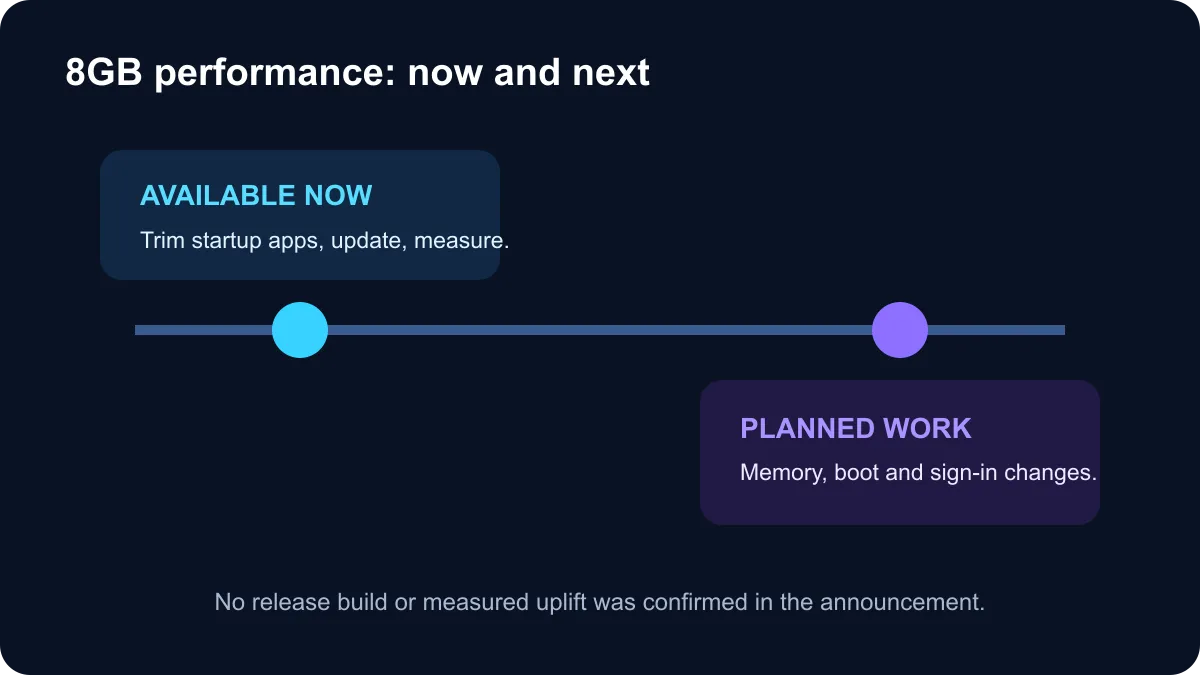
The Windows 11 8GB RAM optimisation story is a statement about upcoming engineering work, not a released performance patch. A Microsoft Windows executive reportedly said the company is working on memory use for 8GB devices, shorter boot time and faster Windows Hello response. No public build number, release date or measured improvement was supplied in the captured reports.
Quick Answer
Microsoft knows that many affordable and older Windows 11 PCs still have 8GB of memory. Planned work may make light everyday use smoother, but there is not enough evidence to promise a specific gain. Owners should keep Windows and drivers current, trim unnecessary startup software and measure their normal memory use before deciding whether to upgrade to 16GB.
🪟 What Microsoft has actually signalled
The reported comments cover three related areas: better memory behaviour on 8GB devices, faster startup and improved Windows Hello responsiveness. These can overlap, because too many startup processes and heavy background services consume both memory and storage activity as a PC signs in.
What is missing matters just as much. There is no named Windows update, supported hardware list, benchmark method or percentage improvement. It is therefore too early to say that an 8GB laptop will behave like a 16GB model, or that every slow boot will be fixed by the same change.
Windows performance also depends on the processor, storage, cooling, installed software and device drivers. An 8GB PC with a healthy SSD and a light workload can feel responsive, while the same capacity can struggle with dozens of browser tabs, a game launcher, communication apps and creative software running together.
🧰 Improve an 8GB PC today
Open Task Manager and check the Processes and Startup apps views during your real workload. Sort by memory to find unusually heavy applications. Disable only startup items you recognise and do not need at every sign-in. Removing unknown system or security components can create other problems.
Keep enough free SSD space for updates and temporary files. Install current Windows updates and manufacturer drivers, then restart fully rather than relying on weeks of sleep sessions. Scan for unwanted software if memory or CPU use stays high while the machine is idle.
If the laptop supports a memory upgrade, 16GB gives modern multitasking more room and reduces pressure on the storage-backed page file. Check whether the RAM is replaceable, how many slots exist, the supported DDR generation and the warranty conditions before buying modules.
Compare laptops on special, review current DDR4 memory, and check DDR5 memory when an upgrade is possible. DDR4 and DDR5 are not interchangeable.
📊 Decide with evidence from your workload
Watch the Memory graph in Task Manager while doing the work that feels slow. If use remains near capacity and the system repeatedly becomes unresponsive as apps switch, more RAM can help. If memory use is moderate but disk activity, CPU load or temperature is the bottleneck, a RAM upgrade may change very little.
An undated platform improvement is welcome, but it should not freeze a purchase decision. Buy the capacity needed for the next few years of your actual applications. For a new general-purpose laptop, 16GB is the more comfortable target when the budget allows, especially if the memory is soldered and cannot be expanded later.
Frequently Asked Questions
Is Microsoft optimising Windows 11 for 8GB RAM?
A Windows executive said future work will target memory use on 8GB devices, boot time and Windows Hello responsiveness.
When will the changes arrive?
No specific public version or release date was confirmed in the captured reports.
How much faster will an 8GB PC become?
Microsoft did not provide measured gains, so any precise speed claim would be speculation.
Is 8GB RAM enough for Windows 11?
It can handle light everyday use, but many browser tabs, games and creator apps benefit from 16GB or more.
Should I delay a RAM upgrade?
Do not base an upgrade decision on an undated promise. Check current memory pressure during your normal workload.
What can improve boot time today?
Remove unnecessary startup apps, keep storage space free, update Windows and drivers, and scan for unwanted software.
Planning a Windows laptop upgrade? Compare current Evetech laptop specials and prioritise enough memory for your real workload.
Buy for the workload you run today.
Compare laptop memory configurations and upgrade options instead of waiting on an undated optimisation.