A PC on a phone hotspot can use data for much more than the page open in front of you. Windows metered connection helps manage some of that background activity. It is worth checking before a limited data plan disappears into app updates or before a paused download is mistaken for broken networking hardware.
Quick Answer
Open Network & internet, choose the Wi-Fi connection currently in use, or your active Ethernet link, and review Metered connection. Turning it on can reduce background use while changing how some updates and apps behave. The setting costs R0; it does not make internet access free or guarantee that a provider's allowance cannot be exceeded.
📶 Set it on the right connection
Start with the network currently carrying traffic. If a laptop moves between a home router and a phone hotspot, the sensible preference may differ between those connections. A cable is not automatically unlimited either; Ethernet can lead to a router using a limited mobile plan.
Check the provider's actual allowance before deciding. Windows' view of usage is helpful for investigation, but the service provider controls billing and plan rules. Keep large optional transfers for a connection that suits them, and avoid treating a toggle as a substitute for understanding the account.
🔄 Expect a change in background behaviour
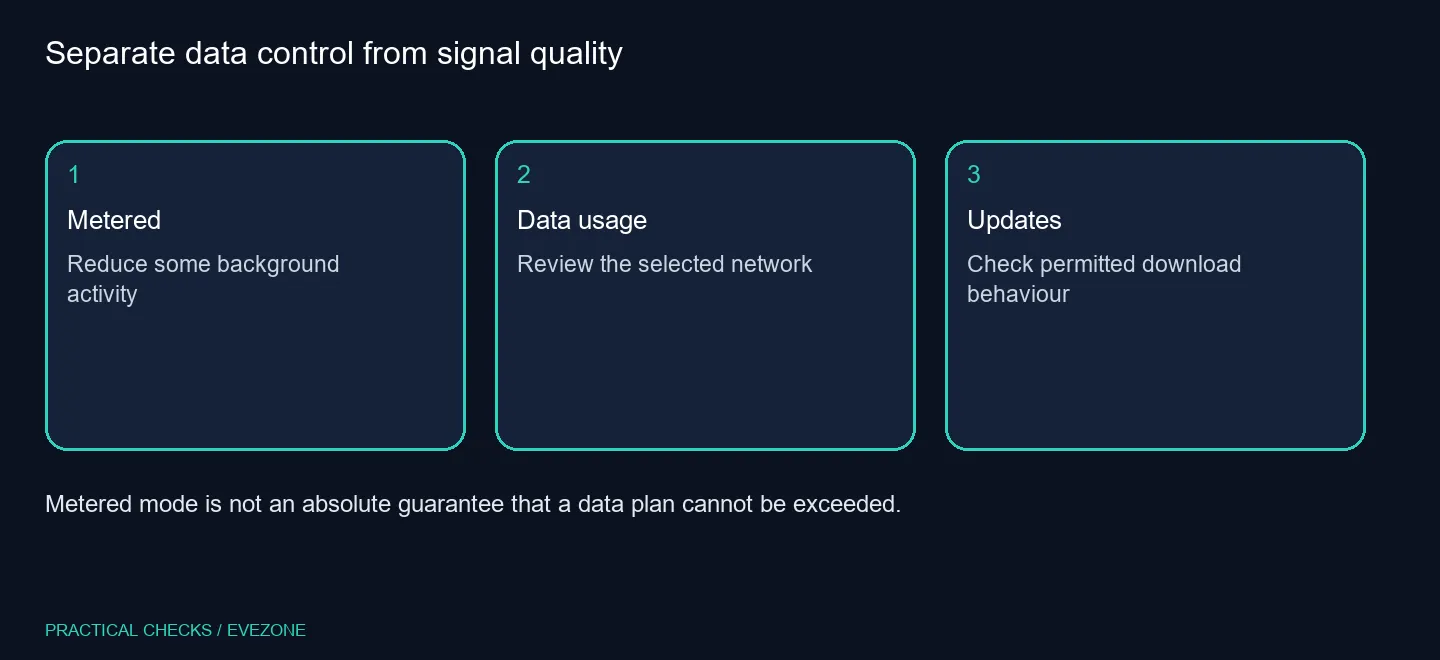
Some app downloads, syncing and updates can behave differently on a metered connection. If an update pauses, inspect the network preference before resetting the adapter or reinstalling the app. That observation can explain why the same laptop behaves differently after moving from one network to another.
Windows provides an advanced update option for downloads over metered connections. Decide deliberately before enabling it on a small allowance. Do not leave necessary security maintenance indefinitely unresolved; arrange suitable access for it and check the update status afterwards. The goal is to control consumption while keeping the machine maintained.
📊 Check data before buying equipment
Review the selected connection's Data usage page and any configured limit. A greyed-out preference may reflect a limit, permissions or management policy. On a work-managed machine, raise the exact behaviour with IT instead of editing unrelated settings.
Use networking for a physical network upgrade when capability is missing, or wireless networking when an adapter or wireless connection is the actual requirement. New hardware does not erase a data cap or a metered preference. First identify the application using data, the network carrying it and the provider's allowance. That evidence makes the next Rand spent more likely to address the problem you actually have.
Frequently Asked Questions
Does metered mean slower Wi-Fi?
It is a data-use preference, not a promise to change radio link speed.
Can Ethernet be metered?
Yes. Windows lets you mark a connected Ethernet network as metered too.
Will all downloads stop?
No. Some apps and services may be restricted, but it is not a universal block on data use.
Can updates still download?
Priority updates may download; Windows also offers a separate option to allow downloads over metered connections.
Why is the option greyed out?
A data-limit setting, account permissions or organisation policy may control it. Check the relevant settings or IT support.
What does the change cost?
Setting it costs R0. Your connection and service plan can still incur their normal charges.
Keep the data budget in view.
Compare Evetech networking around real coverage and connection needs after setting sensible data controls.