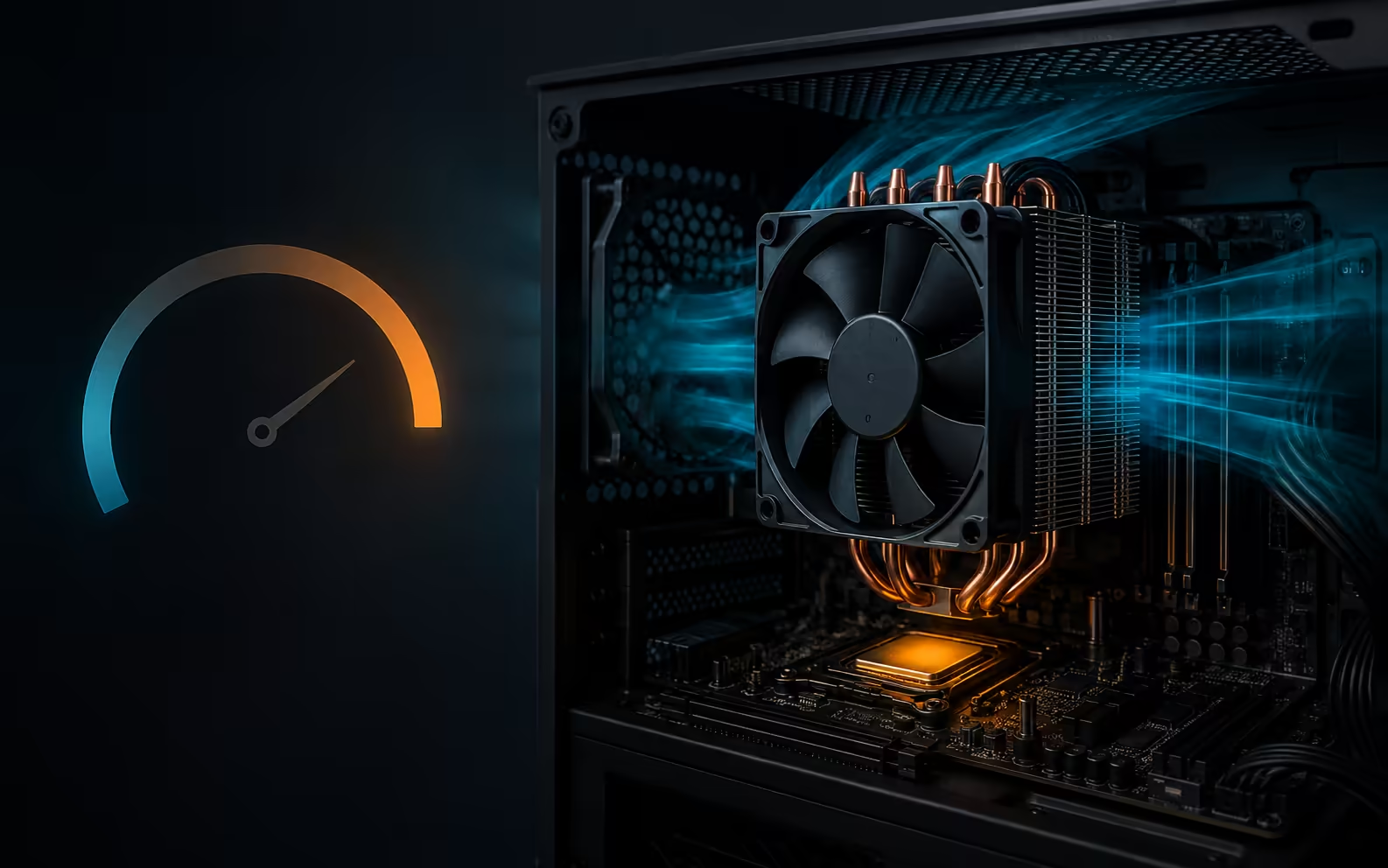
Learning how to check CPU temp Windows 11 is useful when a PC becomes noisy, slows under load or shuts down unexpectedly. Windows 11 does not provide a general CPU temperature reading in Settings or Task Manager. The safest starting point is a supported utility from the processor maker, followed by readings taken at idle and during a repeatable workload.
Quick Answer
AMD Ryzen owners can use Ryzen Master on supported systems to see current, average and peak temperatures. Owners of supported unlocked Intel processors can use Intel Extreme Tuning Utility for temperature monitoring. Do not judge the PC from one brief spike. Record room temperature, workload, fan behaviour and sustained readings, then compare them with the processor maker's published limit.
🌡️ Choose a supported monitoring tool
For a Ryzen desktop, install Ryzen Master from AMD's official page. Its monitoring view includes temperature, clocks and voltage, which helps show whether heat rises with a demanding workload. Use the default monitoring features first. Changing voltage or clock controls adds risk and is not required to read temperature.
Intel XTU can monitor temperature and related performance data, but Intel limits support to specific unlocked processor families and compatible systems. Check the supported CPU list before installing it. A laptop maker may provide its own control utility instead, especially when fan profiles and temperature sensors are integrated with the notebook firmware.
Third-party hardware monitors can cover a wider range of systems, but download them only from the developer's official site. Avoid bundled installers and do not trust a random temperature widget without knowing which sensor it reads.
🧪 Measure idle and loaded behaviour
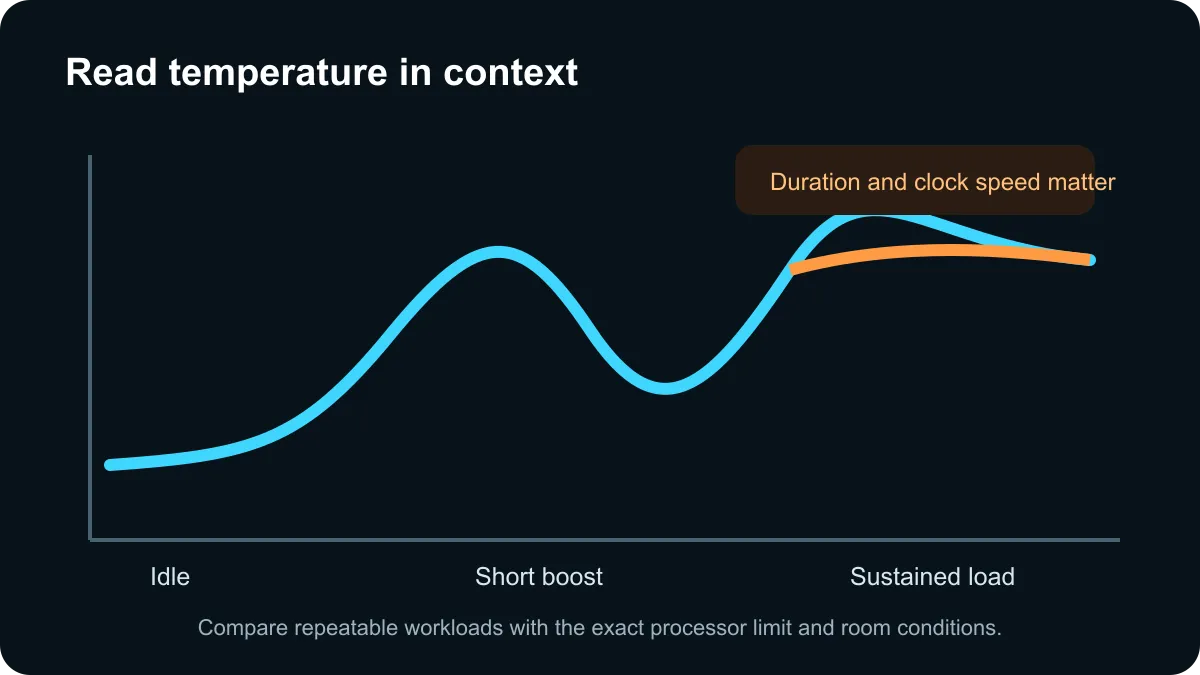
Start with the PC at the desktop after a few quiet minutes. Note room temperature, CPU temperature and fan noise. Then run a normal repeatable task such as a game, render or compile for several minutes. Watch whether temperature settles, keeps rising, or reaches a limit and forces clock speed lower.
Modern processors can change frequency and temperature very quickly. A short jump is not automatically a fault. Sustained high temperature combined with reduced clock speed, stutter, shutdowns or fans fixed at maximum speed is more useful evidence.
Do not compare a laptop with a large desktop cooler as if they have the same thermal target. Use the exact CPU model's specification and the system maker's guidance. If the monitoring utility reports several sensors, focus on the CPU package or control temperature identified by the tool, not an unrelated motherboard sensor.
🧹 Fix airflow before changing settings
If temperatures are consistently high, shut the PC down and inspect dust filters, vents and fan operation. Make sure the cooler is firmly mounted and that protective film was not left on a recently installed cooler. Old or poorly applied thermal paste can also reduce heat transfer.
Case airflow needs a clear path in and out. Loose cables, blocked front panels and an exhaust fan fitted in the wrong direction can trap warm air. A hotter room will also raise component temperature, so compare results under similar conditions.
The captured live catalogue included entry air coolers from R249 and several digital-display models around R699. One listed cooler reports temperature in real time, while another includes a high-temperature alarm. These features are convenient, but software monitoring remains useful because it also shows workload and clock behaviour.
Browse all CPU coolers, compare air coolers, and review liquid CPU coolers only after confirming socket, case and radiator compatibility.
Frequently Asked Questions
Can Windows 11 show CPU temperature in Settings?
No. Standard Windows Settings and Task Manager do not provide a general CPU temperature reading.
How do I check an AMD Ryzen CPU temperature?
Ryzen Master shows current, average and peak temperature alongside clocks and voltage on supported Ryzen systems.
How do I check an Intel CPU temperature?
Intel XTU can monitor temperature on supported unlocked Intel processors. Check the support list before installing it.
What CPU temperature is normal?
There is no universal number. Compare the reading with the processor's specified limit and note whether it occurs at idle or load.
Why does CPU temperature jump quickly?
Modern processors boost rapidly, so brief spikes can be normal. Sustained heat with throttling or shutdowns needs attention.
What should I check if the CPU is too hot?
Inspect dust, fan operation, cooler mounting, thermal paste, case airflow and room temperature before changing voltage settings.
Need better cooling after confirming a sustained heat problem? Compare Evetech CPU coolers and verify socket and case compatibility first.
Measure first, then fix the actual cooling problem.
Compare compatible CPU coolers only after confirming sustained heat under a repeatable workload.