An accidental press of Delete is easier to catch when Windows asks you to confirm it. Windows Recycle Bin delete confirmation adds that pause for the normal move-to-bin action. It is useful protection against a hurried click, but it must not be mistaken for a guarantee that every deletion can be reversed.
Quick Answer
Right-click the Recycle Bin on the desktop, select Properties and enable Display delete confirmation dialog. Save the change and test with a disposable file. This R0 setting adds a prompt to ordinary deletion; it does not turn permanent deletion, emptying the bin or every application's behaviour into a safe backup process.
🗑️ Enable the prompt for the action you mean
Open Recycle Bin Properties from its desktop icon. Read the choices carefully and select the confirmation checkbox. Leave the option about removing files immediately alone if your intention is to keep using the bin. Save the setting before trying a test.
Use a new empty file made only for this check. Select that file deliberately, press Delete normally and read the prompt before answering. The point is to see the confirmation path without risking something important. Do not use a folder full of personal work as a convenient test object.
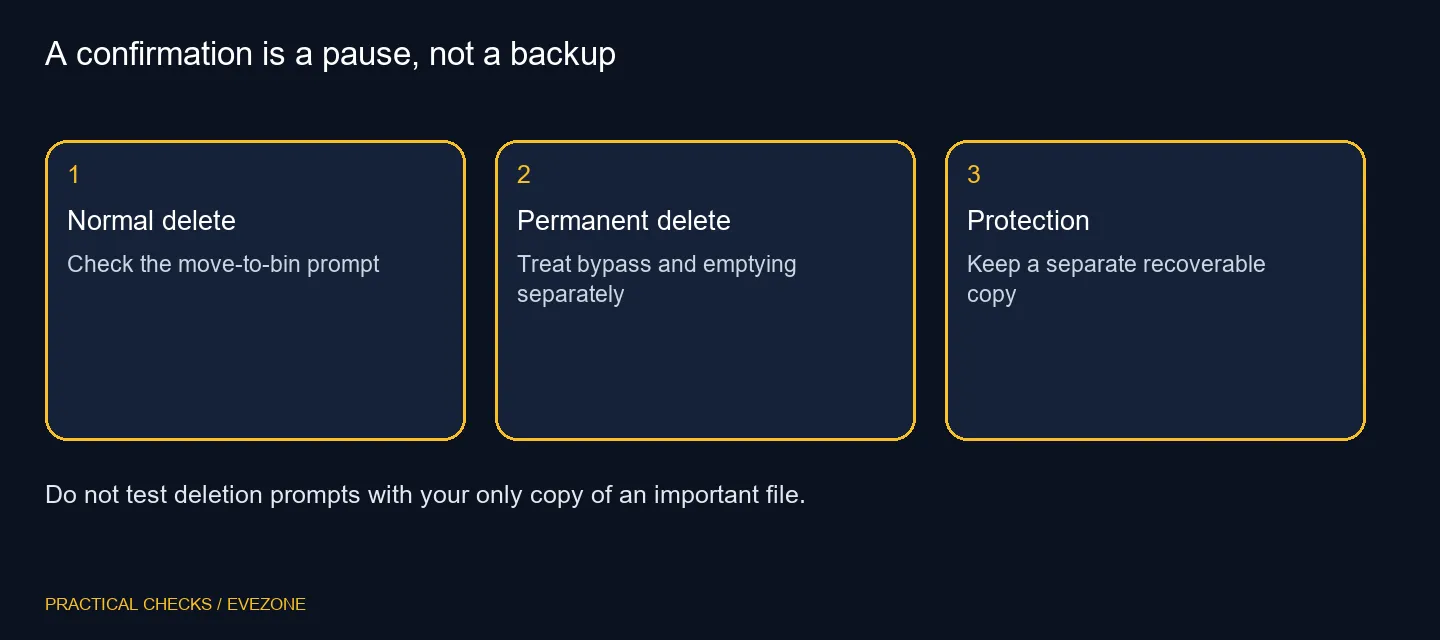
⚠️ Separate moving, bypassing and emptying
A normal move to the bin is different from an action that bypasses it. Emptying the bin is another distinct step. A warning about one action does not establish the behaviour of the other two, and an application's own delete command may have its own rules.
Pay attention to the location as well as the filename. Do not assume a network share or removable device offers the same recovery route as a local file. Before any important removal, identify where a recoverable copy exists. If you are unsure what the prompt means, cancel and inspect the selection rather than accepting it to get rid of the dialog.
🏢 Check policy before trying a workaround
On a managed PC, an administrator can control deletion-confirmation behaviour through policy. A greyed option may therefore reflect the organisation's setup rather than a broken Recycle Bin. Record what you see and ask the administrator if the setting cannot be changed normally.
There is no need to edit the registry or weaken a work policy to make this guide useful. The important result is knowing which delete action is being confirmed. Keep that question narrow when asking for help: normal delete, permanent delete or emptying the bin.
💾 Build recovery around copies you can restore
Extra capacity from internal ssds can solve a space shortage, but it does not by itself protect a file you delete. Decide what needs backing up, where the separate copy lives and how you would restore it before relying on a confirmation box.
An option from external ssds may form part of a backup routine, provided the routine actually creates recoverable copies. Test that recovery with harmless material first. Keep the delete prompt as an extra moment to notice a mistake, alongside careful selection and a backup plan, rather than treating it as the only protection for your work.
Frequently Asked Questions
Where is the normal delete prompt option?
Right-click the desktop Recycle Bin, open Properties and select Display delete confirmation dialog, then save it.
Does this stop every permanent deletion?
No. Different delete paths and applications can behave differently. A confirmation prompt is not a recovery system.
Why do I still see an empty-bin warning?
Emptying the bin is a different action from moving a file into it. The checkbox concerns the normal delete confirmation.
What if the checkbox is locked?
A work PC may have an administrator policy. Ask the administrator rather than changing policy or registry settings yourself.
Should I use a real document to test?
Use a disposable test file with no valuable content. Confirm the selection before deleting or restoring anything.
Can more SSD capacity replace a backup?
No. More storage and recoverable copies solve different needs. The Windows prompt itself costs R0 in extra hardware.
Planning storage and recovery?
Choose Evetech storage for the capacity you need, and keep a separate backup routine that you have tested.