


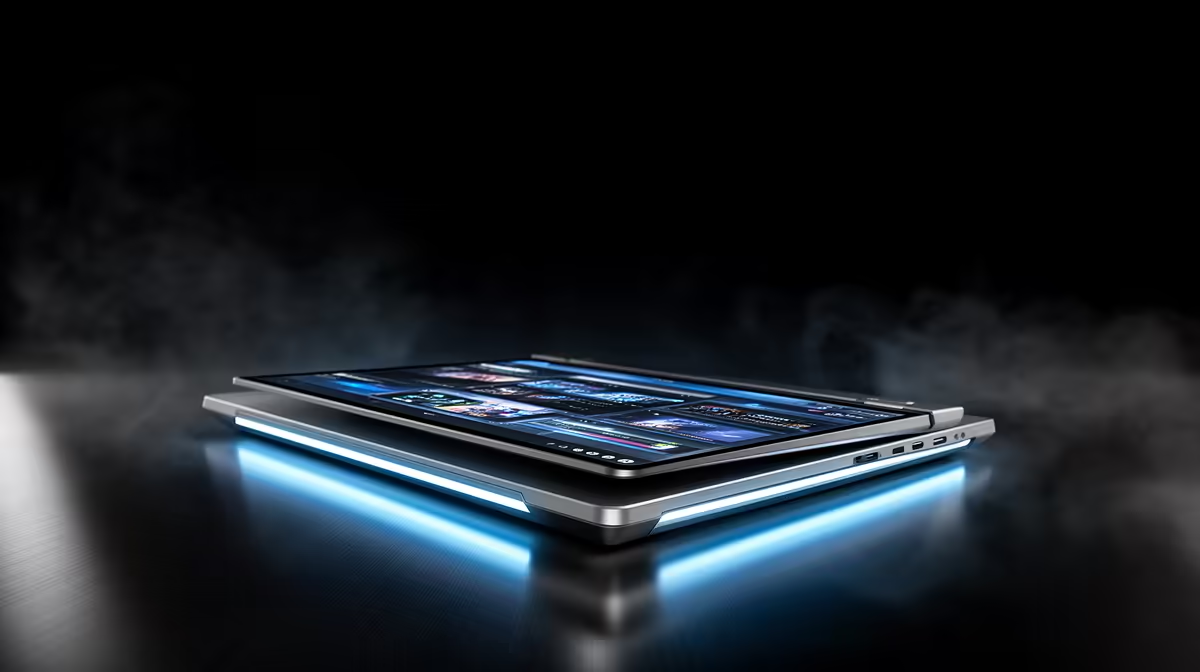
Running coding models locally used to mean a noisy desktop full of graphics cards. The M5 Max MacBook Pro changes the maths: up to 128GB of unified memory feeding the chip at 614 GB/s, in a laptop that stays silent and cool. For developers who want a large model on-device with no cloud bill and no per-token cost, it is one of the most practical machines Apple has shipped.
Quick Answer
Yes, the M5 Max MacBook Pro is excellent for AI coding. With up to 128GB of unified memory at 614 GB/s, it holds large coding models entirely in memory and generates tokens quickly, all from a portable, fan-quiet machine. That bandwidth is roughly double the 273 GB/s of NVIDIA's DGX Spark, which is why it feels so responsive for local inference.
Why Bandwidth Matters More Than Core Count
Token generation in a large language model is limited by how fast the chip can read the model's weights from memory, not by raw compute. Every token requires sweeping through gigabytes of parameters, so memory bandwidth sets the ceiling on how quickly text streams back to you.
The M5 Max delivers up to 614 GB/s, and crucially all 128GB is shared between the CPU and GPU at that full speed. A model that would otherwise need several discrete cards, each with its own pool of memory, loads into one address space. That is what lets a 70-billion-parameter assistant, or even larger, run on a laptop you can close and carry.
What This Means For a Coding Workflow
In day-to-day use, the payoff is a capable code model that answers from your own machine: completions, refactors, and explanations with no network round trip and nothing leaving the device. For anyone working with sensitive client code, that local-only path is a genuine advantage over cloud assistants.
The 128GB ceiling is the headroom that counts. Smaller 32GB and 64GB machines run smaller models or force heavy quantisation that dulls a model's reasoning. With 128GB you can keep a strong coding model resident and still have memory left for your editor, containers, and a browser full of documentation. If your work leans toward desktop builds instead, the AI workstation range at Evetech covers NVIDIA-based alternatives for the same job.
Where It Fits For SA Developers
For a South African developer, buying locally in Rand and getting in-country warranty support beats importing a machine and gambling on cross-border service. The M5 Max is a premium spend, so it suits people who genuinely run models locally rather than occasionally pinging a cloud API. If most of your AI use is cloud-based, a lighter Mac or a well-specced laptop from the best-selling PCs will serve you for far less.
Frequently Asked Questions
How much memory do I actually need for local AI coding?
For a serious local coding model, 128GB unified memory gives the most headroom and lets you run larger, less-compressed models. 64GB works for mid-sized models, while 32GB limits you to smaller ones or aggressive quantisation that reduces answer quality.
Why compare the M5 Max to the DGX Spark?
The DGX Spark is NVIDIA's compact local-AI box, but it runs memory at about 273 GB/s. The M5 Max's roughly 614 GB/s is close to double that, so for memory-bound token generation the Mac feels noticeably faster in a portable form.
Is a MacBook Pro better than a desktop for this?
It depends on your priorities. The MacBook Pro wins on silence, portability, and unified memory capacity. A desktop with NVIDIA cards wins where CUDA-specific tooling is required. Choose by which trade-off matters more to your workflow.
Will it stay quiet under an AI workload?
Largely, yes. Local inference is memory-bound rather than a sustained compute burn, so the machine runs cool and quiet far more often than a comparable cloud-free setup on discrete GPUs would.
Want a local AI machine without importing? Compare Apple silicon against NVIDIA-based options in the Evetech AI workstation range and buy in Rand with local support.









