

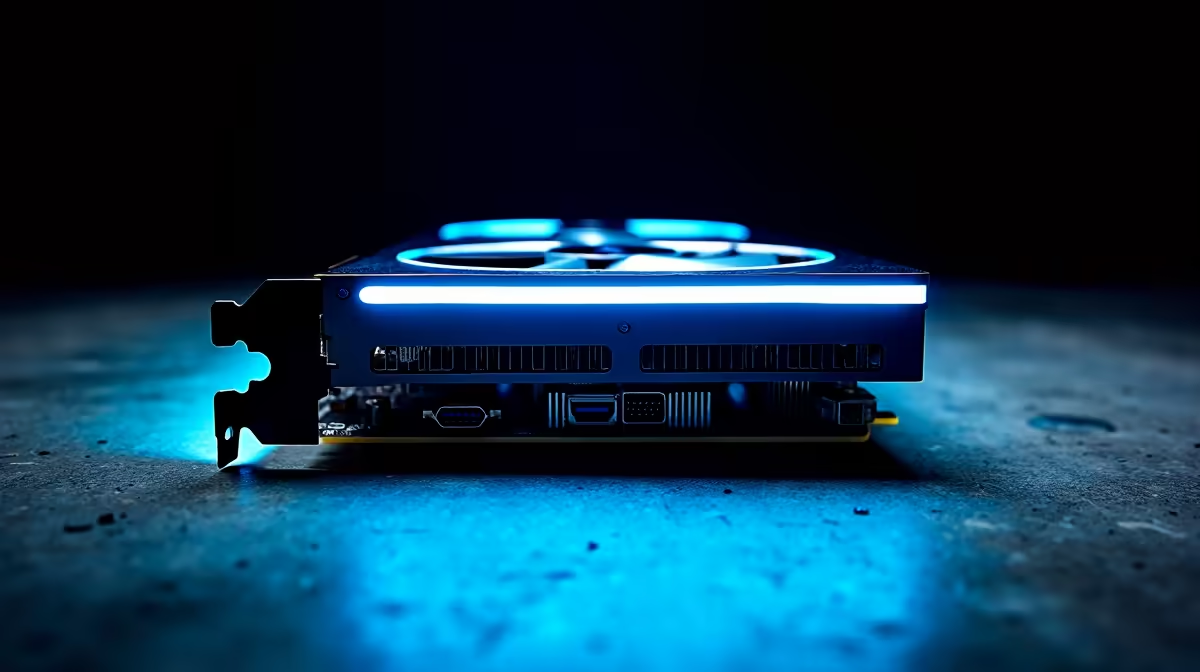
Drooling over the rendering capabilities of NVIDIA's workstation GPUs? You are not alone. South African creators are eyeing the ultimate upgrade... but there is a catch.
Before you drop serious ZAR on new silicon, you must check your system. Can your current rig actually handle the RTX 6000 power requirements? Let's look at what it takes to fuel this absolute beast.
Unpacking the RTX 6000 Power Requirements ⚡
NVIDIA designed the RTX 6000 Ada Generation for heavy workloads. It boasts a massive 48GB of VRAM. Surprisingly, it is extremely efficient. The official RTX 6000 power requirements list a Total Board Power of 300W.
This means it draws less power than a flagship RTX 4090. However, you still need a premium setup. If you plan to browse the latest graphics cards for a workstation, stability is everything.
To optimise your system stability, NVIDIA recommends at least a 750W PSU. You will want something with an 80 Plus Gold rating. Investing in reliable power supplies protects your expensive hardware from load spikes. This is crucial during load shedding recovery surges.
Will Your Current Rig Survive? 🔧
Check your cables before you buy. The RTX 6000 uses the newer PCIe Gen 5 16-pin power connector. Older power supplies might need adapter cables. Adapters work fine... but native cables are always safer.
If your current unit is older than five years, it is time to upgrade. A failing PSU can destroy your entire system. Sometimes it is easier to start fresh. Building a custom gaming PC ensures all your components play nicely together.
Not keen on building it yourself? You can always grab a high-performance pre-built desktop that includes an ATX 3.0 power supply. This takes the guesswork out of cable management and wattage limits.
Portable Power Alternatives 🚀
Desktop workstations are incredible... but they tie you to a desk. What if you need massive rendering power on the go? Modern mobile GPUs have closed the performance gap significantly.
Cable Management Pro Tip ⚡
When routing your 12VHPWR cable to your new GPU, make sure you leave at least 35mm of straight cable before bending it. Bending the cable too close to the connector can cause uneven contact... which leads to dangerous overheating.
If upgrading your desktop PSU sounds like too much admin, consider going mobile. You can find incredible premium laptops that handle heavy 3D rendering without breaking a sweat. Plus, they have built-in batteries to survive stage six load shedding.
Ready to Power Up Your Setup? Whether you are upgrading your power supply for a massive GPU or building a brand-new workstation, Evetech has everything you need. Explore our massive range of PC components and find the perfect hardware to conquer your workload.











