



A USB SSD stuck at 40MB/s can feel like a failed upgrade, especially when the box promises much more. That number is a clue about the transfer path, not a verdict on the drive. Before replacing storage, repeat a safe copy with the supplied data cable and a suitable direct port, then compare what changed. Leave formatting and destructive repair steps out of the first test.
Quick Answer
Sabrent describes roughly 35-40MB/s as a common USB 2.0 transfer limit. Start with a R0 cable-and-port check using the hardware you already have; the same symptom can have other causes. A locally listed R1,299 Hiksemi T100 Pocket 1TB is still wasted replacement spending if the original connection remains the bottleneck.
🔌 Change the connection before the drive
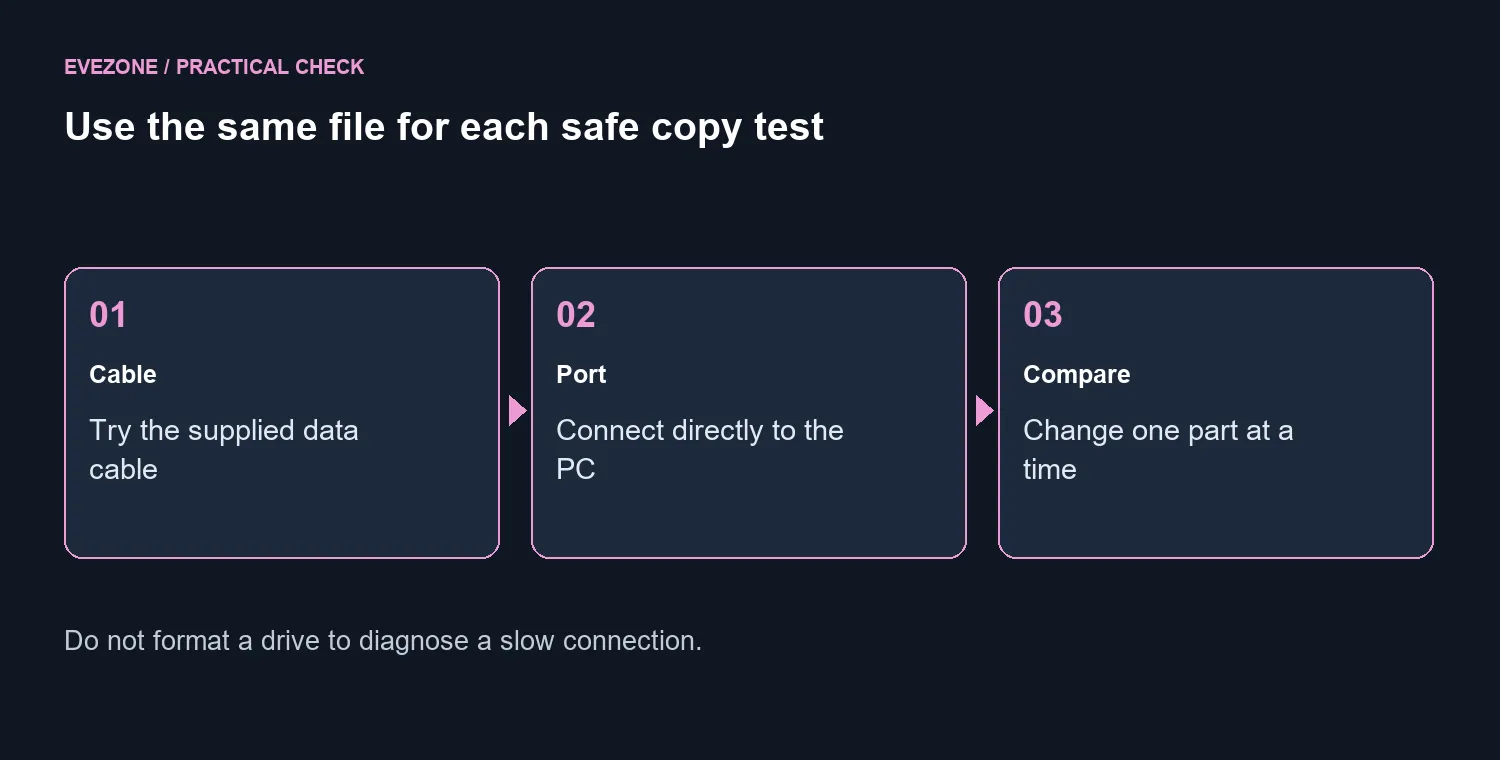
Use the cable supplied for the SSD and connect directly to a port whose specification you have checked. Remove intermediate hubs or extensions for this comparison. Keep the file and source drive the same so the only deliberate change is the connection. This is a practical isolation test, not a promise that every low result comes from USB 2.0.
A Type-C socket does not describe every mode behind it. Kingston's XS2000 support explains that its full advertised performance needs USB 3.2 Gen 2x2 support on the host. A port with a newer-looking name is not automatic proof of that particular mode. Read the computer's specification rather than relying on the connector photograph.
📊 Compare like with like
Copy a disposable duplicate of a large file and note the result, then repeat after changing one part. Keep your only copy of important material out of the experiment. A folder of tiny files is a different workload, so comparing it with a single video can make an unchanged drive appear dramatically faster or slower.
Watch whether the copy starts slowly or begins fast and falls later. Sabrent's guidance explains that cache behaviour and heat can affect sustained transfers. Those patterns deserve investigation, but a speed graph alone does not identify the exact cause. Record the conditions, remaining free space and connection used before asking for support.
The external SSD range gives you local alternatives if a replacement becomes justified. The R1,299 T100 Pocket 1TB price was recorded on 20 September 2026 and can change. It is a budget reference, not a measured result from this troubleshooting sequence or a guarantee that it fixes a connection issue.
🧪 Know when to stop testing
If the same drive performs normally on another suitable connection, focus on the original cable, port or intermediary. If the fault follows it across a known-good cable and host, collect the results for the manufacturer's support process. Stop copying and protect the files if the device begins disconnecting or reporting errors.
Do not format an occupied drive merely because a search result promises higher speed. Destructive changes add a data problem to a performance investigation. The first round should be reversible: a connection swap, a controlled copy and a comparison with a working setup.
For a desktop that needs more permanent space, internal SSDs may suit the job better than repeatedly moving a portable drive. Make that choice after identifying the workload and available connections. Diagnosis should explain where the limit sits; it should not be an excuse to buy the fastest headline on the shelf.
Frequently Asked Questions
Does 40MB/s prove the SSD is faulty?
No. Sabrent identifies roughly 35-40MB/s as a common USB 2.0 limit; other bottlenecks can also slow a transfer.
What should I try first?
Connect the SSD directly with its supplied data cable to a suitable fast port, then repeat the same non-destructive file copy.
Is every USB-C port equally fast?
No. USB-C describes a connector. Check the computer specification for the supported data standard.
Why can a transfer start fast and slow down?
A write can outgrow the fast cache, while heat and workload can also affect sustained performance.
Ready to choose the right storage path? Bring your port specification and capacity needs to the Evetech storage range before replacing a drive.









