


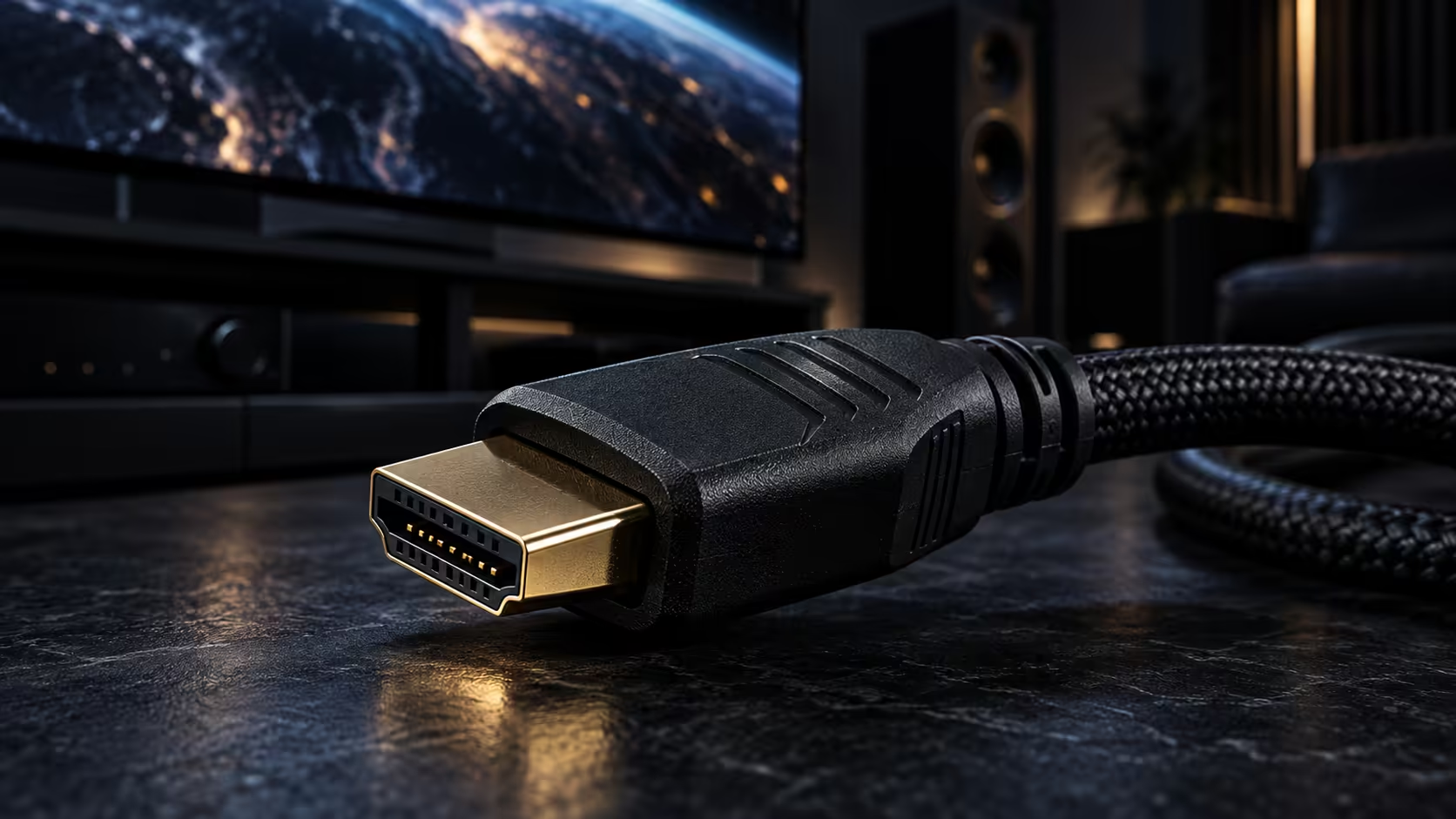
An 8K HDMI cable is sold on a lot of things that do not actually determine whether it works: gold plating, a thick jacket, a brand name printed in a bigger font. Four things settle it, and none of them are on that list.
Quick Answer
Four things: an explicit 48Gbps rating, the modes named outright, a length that fits, and local warranty cover. Anything vaguer than a gigabit figure is packaging. The Anker 1.8m meets all four at R299, which puts the wire far below the screen it feeds on the list of things worth worrying about.
🔢 Start with the number, not the version
"HDMI 2.1" on a box describes a feature set a cable is allowed to be built to, not a guarantee of what it actually carries. The number that matters is the bandwidth figure in Gbps, and for 8K that number needs to be 48. A cable that only prints "2.1" and skips the Gbps figure entirely is the one to be suspicious of, since there is no cost to printing a real number if the cable actually meets it.
📋 Check the modes are named, not implied
A cable built for 8K should say so directly: 8K at 60Hz, alongside 4K at 120Hz and plain 4K at 60Hz for older gear. Backward compatibility with HDMI 2.0b, 2.0 and 1.4 devices should also appear, confirming the cable will not force you to keep an old one around for an older television or projector. The Anker 1.8m spells out every one of those modes plainly, instead of expecting a shopper to work them out from a version number on its own.
🧵 What actually does not matter much
A braided or sleeved jacket looks good and resists fraying, which is a real but cosmetic benefit rather than a performance one. Connector plating, usually gold, resists corrosion over years of unplugging rather than improving the signal in any measurable way on a cable this short. None of that changes the 48Gbps figure underneath it, so treat these as tie-breakers between two cables that already meet the same rating, never as a substitute for checking the rating itself. If a tidy look on a desk matters more than price, our wider gaming accessories range and the sleeved cable options cover that without changing what the cable underneath is built to do, and the comprehensive cable range is the place to compare 48Gbps leads directly against each other.
Frequently Asked Questions
Does gold-plated connectors improve an HDMI signal?
Not measurably at typical lengths. Gold plating mainly resists corrosion over years of use rather than changing signal quality, so it is a durability feature rather than a performance one.
Is "HDMI 2.1" printed on the box enough to guarantee 8K support?
No. A maker can call a cable HDMI 2.1 while only meeting the standard's lower entry points, so the explicit 48Gbps figure is what actually confirms 8K support, not the version number alone.
Does a thicker cable jacket mean better bandwidth?
No. Jacket thickness relates to durability and how the cable feels to handle, not to how much data it can carry, which is set by the internal conductors and shielding instead.
Why do backward-compatible modes matter on an 8K-rated cable?
Because most households still have at least one older HDMI device. A cable that names its backward compatibility explicitly confirms it will work across an older projector or television as well as a new 8K set.
Ready to buy an 8K cable that actually earns the label? Look for the Gbps figure and the named modes before anything else on the box.











