


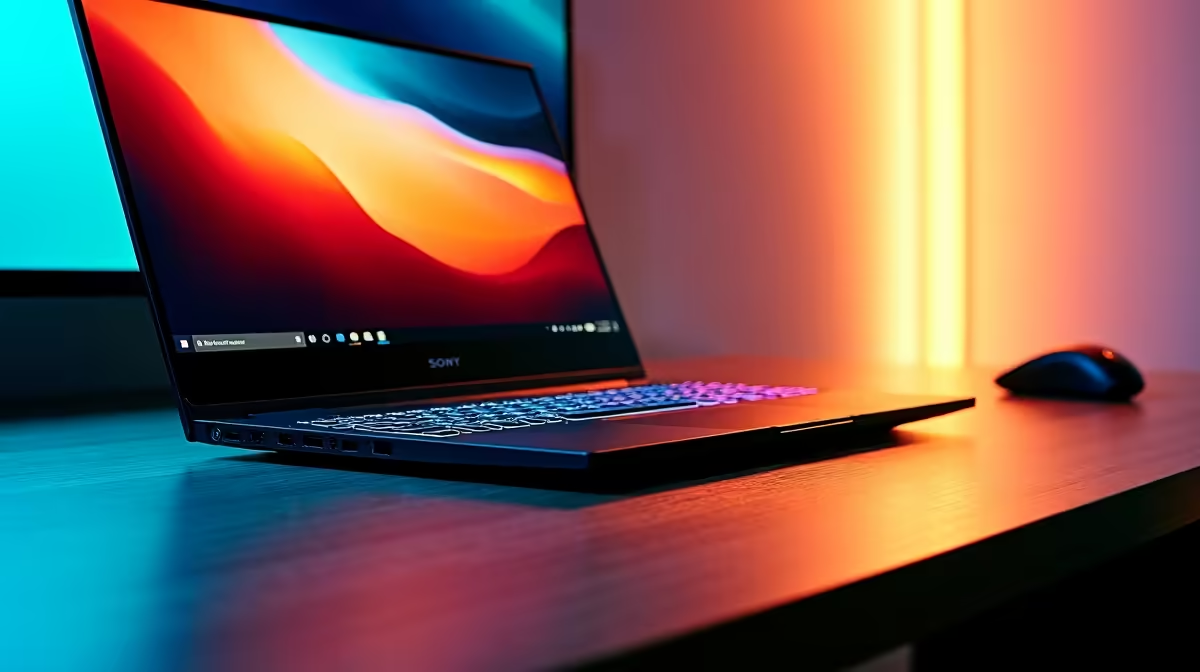
Staring at a stuttering timeline, waiting ages for a render to finish… sound familiar? If your current machine is holding your creativity hostage, it’s time for an upgrade. Finding the right video editing laptops in South Africa can feel like a mission, but it doesn't have to be. You need a powerhouse that can handle 4K footage, complex effects, and tight deadlines without breaking a sweat. Let's find you a machine that keeps up with your vision.
Key Specs for Video Editing Laptops in South Africa
Choosing a laptop for video editing isn't just about the biggest numbers. It's about a balanced system where each component works together. Get this right, and you'll unlock a smooth, efficient workflow. Here’s what truly matters for creators in SA.
The CPU: Your Creative Engine
The Central Processing Unit (CPU) is the brain of your operation. For video editing, more cores and higher clock speeds mean faster encoding and smoother playback of complex timelines. Processors from both teams offer incredible performance. For tasks that love multiple cores, like rendering, it's worth exploring the excellent multi-core performance from our range of AMD laptops.
Alternatively, many creators value features like Intel's Quick Sync Video, which can dramatically accelerate encoding and decoding in supported software. If your workflow benefits from this, be sure to check out the latest Intel laptops on special.
The GPU: The Visual Powerhouse ⚡
While the CPU does the heavy lifting, the Graphics Processing Unit (GPU) is your rendering and effects accelerator. A dedicated GPU from NVIDIA or AMD is non-negotiable. It handles real-time playback of effects, colour grading, and dramatically cuts down render times. This is why many of the best video editing laptops South Africa has to offer are also great gaming machines, packing the powerful GPUs often found in the best gaming laptop deals.
Colour Accuracy is King 🎨
When choosing a video editing laptop, don't just look at resolution. Check the screen's sRGB or DCI-P3 colour gamut coverage. A screen with close to 100% sRGB coverage ensures the colours you see are the colours your audience sees. It's crucial for professional-grade work and client satisfaction.
RAM and Storage: The Unsung Heroes
Don't skimp on RAM. 16GB is the absolute minimum for 1080p editing, but 32GB is the sweet spot for 4K workflows and multitasking with apps like After Effects.
For storage, speed is everything. An NVMe Solid State Drive (SSD) is essential for your operating system and editing software. It ensures lightning-fast boot times and quick-loading projects. Your old spinning hard drive simply can't keep up with modern video formats.
Finding Hot Deals on Your Next Editing Laptop
Getting the best performance doesn't always mean spending the most ZAR. The secret is finding a balanced machine that fits your specific needs. You might find that a laptop with a slightly less powerful CPU but a top-tier GPU is perfect for your effects-heavy workflow. At Evetech, we focus on providing that choice. By comparing different configurations and brands, you can find incredible value.
Ready to see what's available right now? You can browse our full list of laptop specials for sale to find a machine that matches your budget and creative ambitions. ✨
Ready to Render Faster? Stop letting a slow machine kill your creative flow. A powerful, well-balanced laptop is the best investment you can make in your passion or profession. Explore our massive range of laptop specials and find the perfect video editing powerhouse today.










