


Back-to-School Keyboard Buying Guide for SA 2026
Back-to-School Keyboard Buying Guide. Everything you need to know with SA pricing, step-by-step instructions & expert recommendations.
Read more- Explain core PD concepts - Map power flow through hubs - Recommend cables and configs 100W USB-C Power Delivery shows how hubs negotiate, split, and maintain full 100W charging safely with PD 3.1 and e-marker cables ⚡️🔌
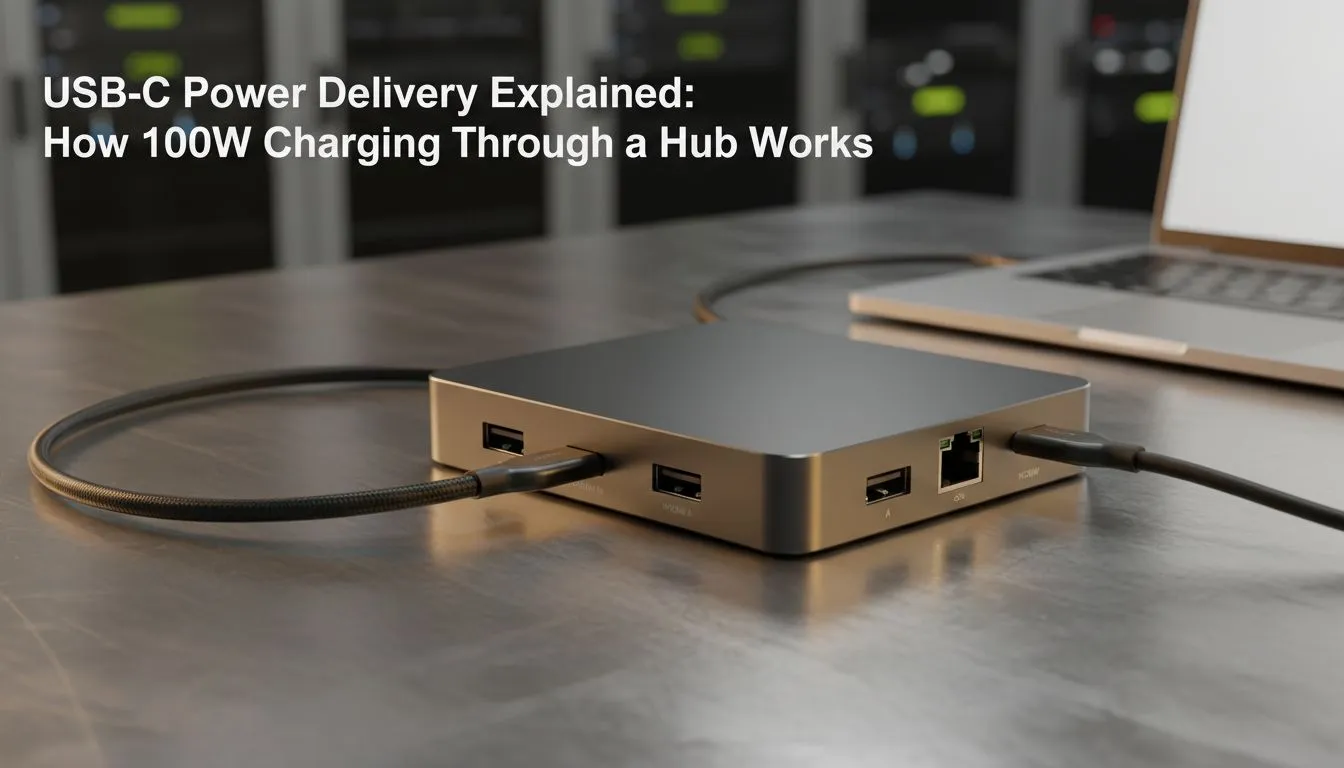
Tired of that tangled mess of chargers behind your desk? The chunky laptop brick, a separate plug for your phone, another for your tablet or Switch... it's a mission. What if one universal, super-fast cable could power almost everything you own? That’s the promise of 100W USB-C Power Delivery, and it’s here to seriously simplify your tech life. Let's plug in and figure it out. 🔌
First things first, let's clear up a common confusion. USB-C is the name of the oval-shaped, reversible connector we all know and love. Power Delivery (or PD) is the smart technology inside the cable and charger.
Think of it as a high-speed negotiation. When you connect a PD charger to your laptop, they have a quick chat:
This smart charging protects your devices by delivering the exact amount of power they ask for, no more, no less. It’s a massive leap from the old "dumb" chargers that just pushed out a fixed voltage.
So, why is the 100-watt number so important? While your smartphone might be happy with 20W or 30W, high-performance machines need much more juice. The 100W threshold is the key that unlocks charging for the most demanding gear, including:
Trying to power a high-performance laptop with a standard phone charger is like trying to run a V8 engine on fumes… it just won’t work. To get the most from your high-performance PC components, you need the right amount of power.
Before you rush out and buy a new charger, hold up. Achieving the full 100W speed requires three things to work in harmony. If any one of them isn't up to spec, your charging speed will drop significantly.
Getting all three pieces of the puzzle right is essential. Luckily, you can often find great deals on certified gaming gear that takes the guesswork out of it.
How do you know if your USB-C cable can handle 100W? Check the packaging or the small print on the connector heads. You're looking for text that explicitly says "100W" or "5A" (5 Amps). If it doesn't mention either, it's almost certainly a standard 60W (3A) cable and won't give you the maximum charging speed for your powerful devices.
For South African gamers and tech enthusiasts, embracing the 100W USB-C Power Delivery standard is a no-brainer. Imagine packing for a LAN or a weekend away and only needing one compact GaN charger and one cable for your gaming laptop, phone, and Nintendo Switch. It declutters your desk and lightens your backpack. 🚀
As more devices adopt this powerful and versatile standard, investing in the right charger and cables now means you're set for the future. It’s the ultimate way to streamline your setup, ensuring all your favourite tech is always powered up and ready for action. You can find a wide range of gaming accessories that are adopting this new standard, from docks to power banks.
Ready to Power Up Your Setup? The world of charging standards can be confusing, but 100W USB-C Power Delivery is the clear winner for performance and convenience. Stop juggling chargers and embrace the single-cable life. Explore our awesome gaming accessory deals and find the perfect power solution for your gear.
Yes—if the hub is rated for 100W PD and uses e-marker cables. Verify the hub's PD 3.1 support and vendor specs for full 100W passthrough.
PD negotiates voltage and current via CC pins. PD 3.1 enables higher voltages (up to 28V) so compliant hubs can deliver 100W.
Yes—use e-marker PD cables rated for 100W. Non e-marked cables often limit power and may be unsafe for high-watt charging.
Yes—many hubs split power across ports. Only hubs advertising 100W passthrough or reserved host power maintain full 100W to the laptop.
PD 3.1 introduced higher voltage profiles required for true 100W at common cable specs. PD 3.0 often tops out around 60W.
Check the spec sheet for '100W PD', PD 3.1 support, and recommended e-marker cables. Vendor docs confirm 100w usb-c charging through hub.
Use certified hubs, PD 3.1 support, and e-marker cables to avoid overheating and ensure correct power negotiation and safe operation.
Back-to-School Keyboard Buying Guide. Everything you need to know with SA pricing, step-by-step instructions & expert recommendations.
Read more
Keyboard Protection & Warranty Guide. Everything you need to know with SA pricing, step-by-step instructions & expert recommendations.
Read more
Keyboard Setup Guide Gamers. Clear setup instructions with SA-specific considerations, troubleshooting tips & recommended components.
Read more
Advanced Keyboard Settings & Tuning Guide. Tested & verified settings for best FPS and visual quality on SA hardware budgets.
Read more
Second-Hand Keyboard Buying Guide. Everything you need to know with SA pricing, step-by-step instructions & expert recommendations.
Read more
Women Gamers Keyboard Guide: January Edition. Everything you need to know with SA pricing, step-by-step instructions & expert recommendations.
Read more
Snapdragon X2 NPU Explained: How 80 TOPS Changes. Plain-English explanation of what it means, why it matters & how it affects your buying decisions in SA.

HBM? High Bandwidth Memory Used in GPUs and AI. Plain-English explanation of what it means, why it matters & how it affects your buying decisions in SA.

How much should you spend on sim racing accessories in South Africa for a realistic setup? We break down budgets by quality tiers, so you buy smart gear and avoid overspending 🎮💸

G-Sync and FreeSync? Variable Refresh Rate. Plain-English explanation of what it means, why it matters & how it affects your buying decisions in SA.

AMD Laptop: Value. SA-focused analysis with local pricing data, real-world insights & actionable buying advice.

How MacBook Neo Handles 30+ Chrome Tabs with Only. SA-focused analysis with local pricing data, real-world insights & actionable buying advice.

Why Apple Put 8GB RAM in MacBook Neo: The A18 Pro. SA-focused analysis with local pricing data, real-world insights & actionable buying advice.

Upgrade your work laptop with a New Motherboard. Step-by-step instructions with SA-specific tips, common pitfalls to avoid & expert recommendations.

Maintain wired headset — Checklist: • inspect cables • clean earpads • store properly 🔧🎧 Practical steps to preserve sound quality and avoid premature replacements.

Fix crackling headset fast: step-by-step checks for cables, connectors, drivers, and settings to remove static or distorted audio on wired headsets 🎧⚙️

Stereo vs mono headsets: learn which delivers clearer calls, better spatial music, or simpler mono voice performance — pick the right headset for meetings, music, or gaming 🎧💬

- Compare gaming headset vs studio headphones; - Assess comfort, mic and sound; - Recommend best daily picks. Gaming headset vs studio headphones: learn which suits work, music and casual gaming. 🎧⚖️