


Using GitHub Copilot: Complete Beginner's Guide for SA Developers
Using GitHub Copilot: Complete Beginner's Guide for SA Developers. Everything you need to know with SA-specific pricing and recommendations.
Read more- Compare visuals and frame rates - Test hardware and input lag - Recommend builds and monitors 1080p 240Hz vs 1440p 165Hz: weigh immersion against raw smoothness and get GPU-suited picks and buying guidance. 🎮⚡
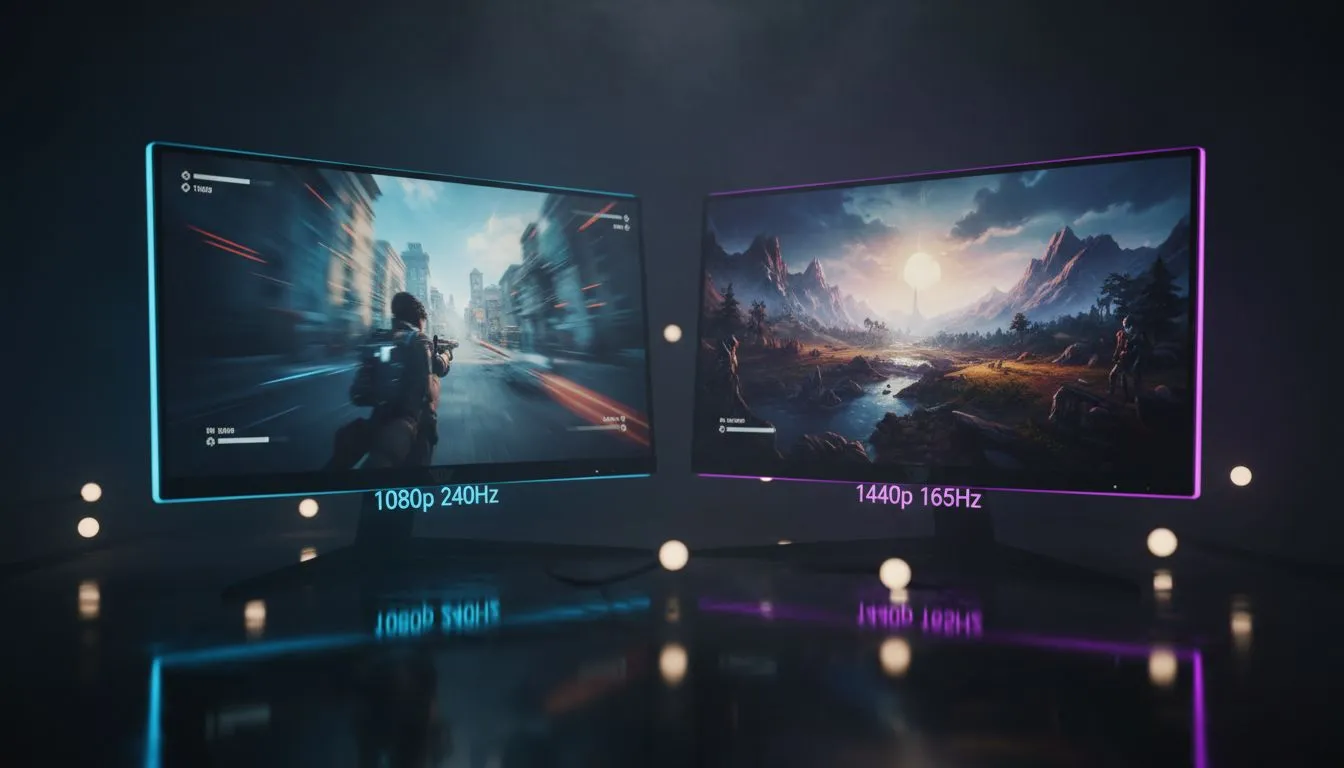
Choosing between 1080p 240Hz vs 1440p 165Hz: Immersion vs Smoothness is the ultimate crossroad for South African gamers. Do you want the buttery fluidity of high frame rates or the crisp detail of a higher resolution? Both paths offer incredible value, but your choice depends on the games you play most... and your budget in ZAR. Let’s dive into which display tech deserves a spot on your desk. 🚀
For competitive players in South Africa, every millisecond counts. If you spend your weekends climbing the ranks in Counter-Strike 2 or Valorant, the 1080p 240Hz side of the debate is likely your winner. The "smoothness" factor here is unparalleled. At 240Hz, your monitor refreshes every 4.17ms, providing a significant edge over standard displays.
You can often find the best PC monitor deals on these high-refresh panels, making them accessible for those prioritising performance over raw pixel count. While 1080p might seem "old school" to some, at 24 or 25 inches, the pixel density remains sharp enough for focused gaming.
If you prefer the sprawling vistas of Elden Ring or the neon-soaked streets of Cyberpunk 2077, immersion is your priority. This is where 1440p (QHD) shines. With 78% more pixels than 1080p, the image clarity is a massive step up. When browsing PC monitors, you will notice that 1440p at 165Hz has become the "sweet spot" for modern mid-to-high-end GPUs.
It offers a perfect balance. You still get a very fluid 165Hz refresh rate... which is plenty for most gamers... while enjoying a much sharper image. Many of the top gaming monitors today target this exact specification because it handles both work and play beautifully.
To truly benefit from a 240Hz or 165Hz display, ensure your GPU can actually push those frame rates. Use a DisplayPort 1.4 cable instead of older HDMI versions to unlock the full refresh rate and colour depth of your new panel. Check your Windows Advanced Display settings to confirm you aren't accidentally stuck at 60Hz!
The 1080p 240Hz vs 1440p 165Hz: Immersion vs Smoothness debate isn't just about the numbers. The physical shape of the screen matters too. Many gamers find that curved monitors help wrap the action around their field of view, further increasing that sense of immersion in 1440p setups. ✨
If you have a beast of a rig and want to go even further, exploring 4K monitors is the next logical step, though you will likely see refresh rates dip unless you are spending significantly more. For most, the jump from 1080p to 1440p provides the most noticeable "wow" factor for the price.
Don't forget the practical side of your desk layout. If you travel for LANs or have a limited workspace, portable monitors can serve as excellent secondary displays for discord or stream chats. 🔧
Finally, ensure your ergonomics are sorted. Investing in quality monitor accessories, such as gas-spring arms, allows you to position your screen perfectly. This reduces neck strain during those long South African gaming marathons. Whether you choose the blistering speed of 240Hz or the beautiful clarity of 1440p, your setup should work for you.
Ready to Find Your Perfect Match? The 1080p vs 1440p debate is complex, but for maximum performance, choice, and value in South Africa, Evetech has you covered. Explore our massive range of monitor specials and find the perfect screen to conquer your world.
1080p 240Hz favors higher frame rates and lower input lag for competitive FPS, while 1440p 165Hz offers clearer visuals but needs a stronger GPU.
Yes. 1440p 165Hz demands more GPU power than 1080p 240Hz to sustain high frame rates—check GPU requirements for 1440p 165hz before upgrading.
For casual play, 240Hz gains are subtle. 1440p 165Hz often gives a better visual upgrade unless you prioritize competitive smoothness.
1080p 240Hz typically has lower input lag due to higher refresh, but panel quality and monitor features can change results—test specific models.
27 inches is the sweet spot for 1440p 165Hz, delivering a sharp pixel density without forcing you to scale UI or sacrifice framerate.
Mid- to high-end GPUs like the latest RTX 30/40 series or equivalent AMD cards can hit high FPS for 1080p 240Hz in many esports titles.
Yes—G-Sync or FreeSync smooth frame delivery and reduce tearing, making either option feel more responsive depending on your GPU.
Using GitHub Copilot: Complete Beginner's Guide for SA Developers. Everything you need to know with SA-specific pricing and recommendations.
Read more
Back-to-School Headset Buying Guide for SA 2026. Everything you need to know with SA-specific pricing and recommendations.
Read more
Mesh Front Panel Setup and Configuration: Complete Tutorial. Comprehensive coverage with SA insights, Rand pricing, and practical recommendations.
Read more
Black Screen: Troubleshooting Guide #1. Everything you need to know with SA-specific pricing and recommendations.
Read more
The Complete 2026 Guide to Storage in South Africa. Everything you need to know with SA-specific pricing and recommendations.
Read more
1000W PSU Not Working After Load Shedding: Recovery Guide. Everything you need to know with SA-specific pricing and recommendations.
Read more
AMD RX 9050 XT: Rumoured Specs, Price & Release. SA-focused analysis with local pricing data, real-world insights & actionable buying advice.

Can RTX 4080 Super Run AI Workloads for SA Developers Detailed answer with SA data, expert analysis & practical recommendations for local buyers.

Can RTX 4090 Run AI Workloads for SA Developers Detailed answer with SA data, expert analysis & practical recommendations for local buyers.

Top Settings for Intel Arc B580 at Ultrawide 1440p picks evaluated on performance, value & SA availability with current Rand pricing from Evetech.

RTX 4060 CS2 Low Settings at 1080p: FPS Results. Real-world benchmark data, FPS numbers & performance analysis. What SA gamers can actually expect.

Visual Artifacts: Possible GPU Issue Issue #1. Diagnosis steps, proven fixes & when to seek professional help. SA-specific support info included.

Can the RTX 4090 Handle 1440p 144Hz Gaming. Performance testing verdict with real data & practical recommendations for SA buyers.

Top ASUS GPU Under R15000 picks evaluated on performance, value & SA availability with current Rand pricing from Evetech.

GTA 6 Max Settings on RTX 5070. Tested & verified settings for best FPS and visual quality on SA hardware budgets.

Cyberpunk 2077 Max Settings on RTX 5080. Tested & verified settings for best FPS and visual quality on SA hardware budgets.

Starfield Max Settings on RTX 5070 Ti. Tested & verified settings for best FPS and visual quality on SA hardware budgets.

Top RTX 5090 Under R5000 picks evaluated on performance, value & SA availability with current Rand pricing from Evetech.