


Using GitHub Copilot: Complete Beginner's Guide for SA Developers
Using GitHub Copilot: Complete Beginner's Guide for SA Developers. Everything you need to know with SA-specific pricing and recommendations.
Read more15 vs 17 inch laptop — decide the best screen size for UI design, gaming and add-ons. Learn ergonomics, pixel density, scaling, and setup tips to match your workflow and peripherals. 📐💻
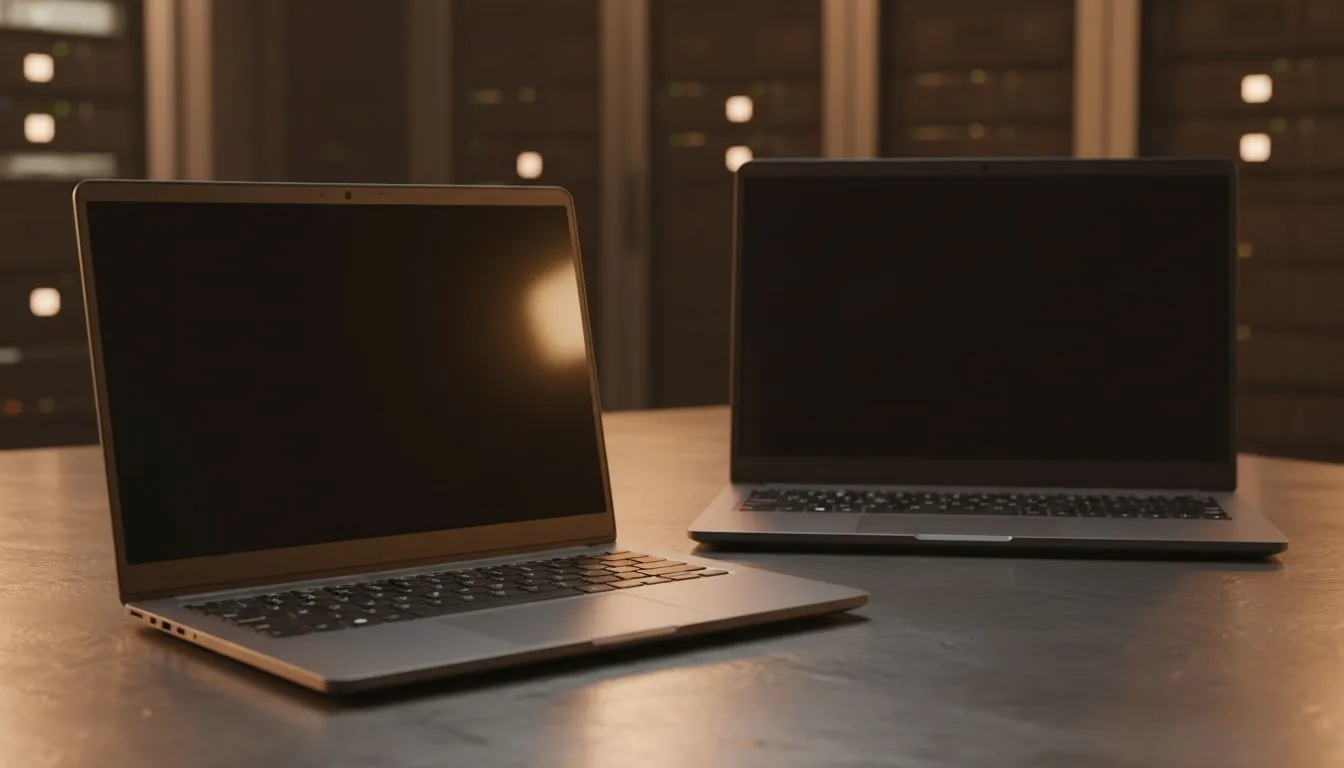
Ever tried raiding in a crowded MMO or managing a complex video timeline on a screen that feels too small? You know the frustration... squinting at tiny text while your UI elements clutter every available pixel. Deciding on a 15 vs 17 inch laptop: Best Screen Size for UI & Addons is about more than just desk space. It is about whether you can actually see your critical data without straining your eyes. 🔧
For many South African gamers, the 15-inch laptop is the go-to choice. It fits into most backpacks and handles the daily commute to the office or a friend's house with ease. However, when you start adding custom UI elements or complex addons, things can get cramped. If you are running a lean setup, you can find incredible value in our Intel laptops on special that offer high-refresh rates to keep everything fluid.
The trick with a 15-inch display is resolution density. While the screen is smaller, a 1080p or 1440p resolution looks incredibly sharp. The downside? If your game addons don't scale well, they might end up covering half your character. It is a fine balance between having a machine that is easy to carry and one that gives you enough room to breathe.
If you are a power user who refuses to compromise on visibility, the 17-inch form factor is king. The extra screen real estate is a massive advantage for games like World of Warcraft or Final Fantasy XIV, where addons can quickly take over the screen. Those extra two inches provide the "breathing room" needed to keep your central view clear while your maps, meters, and chat windows sit comfortably on the periphery.
For those who prefer Team Red, checking out the latest Ryzen laptop deals is a great way to secure a large-screen powerhouse. A 17-inch display essentially acts as a portable workstation, making it much easier to multi-task without needing an external monitor.
If you find your UI elements are too small on a high-resolution 15-inch screen, Windows Display Settings allow you to adjust scaling. Setting this to 125% can make text legible, though it reduces your available workspace... making the 17-inch model a better native choice for cluttered interfaces.
A larger screen often comes with a larger chassis, which usually means better cooling. This is vital when you are pushing high frame rates in competitive titles. If you are looking for the absolute peak of mobile performance, our best gaming laptop deals often feature 17-inch models that house beefier thermal solutions. 🚀
However, we know that budget is a major factor for many locals. If you are shopping on a budget, you might wonder if you have to settle for a tiny screen. Fortunately, you can still find great 15-inch options among our gaming laptops under R20k that offer enough power to run your favourite addons without breaking the bank.
Ultimately, the choice between a 15 vs 17 inch laptop: Best Screen Size for UI & Addons comes down to your lifestyle. Do you play at a dedicated desk, or are you constantly on the move? If your laptop stays plugged in most of the time, the 17-inch model is the superior choice for visual clarity and immersion. ⚡
To ensure those extra pixels are put to good use, you will want a GPU that can handle the load. We recommend browsing our GeForce RTX gaming laptops on special to find a machine that ensures your UI remains responsive, no matter how many addons you stack. ✨
Ready to Find Your Perfect Match? The 15 vs 17 inch debate is personal, but for maximum screen real estate and the best view of your UI, a larger display is hard to beat. Explore our massive range of laptop specials and find the perfect machine to conquer your world.
For UI design, a 17 inch laptop gives more workspace and pixel real estate, while a 15 inch favors portability; consider pixel density and scaling.
Yes, a 17 inch laptop pairs well with external docks and hot-swappable add-ons, offering larger native displays and fewer external monitors.
15 inch laptops are lighter and easier to carry; 17 inch models trade portability for screen size, often affecting battery life and thermals.
Generally yes — 17 inch laptops can run hotter under load; look for models with better thermals and cooling solutions for consistent performance.
Developers often prefer 17 inch laptops for multitasking and split-screen coding, but 15 inch models plus an external monitor can match productivity.
17 inch laptops usually offer more full-size ports and expansion options; 15 inch models may require USB hubs or docks for add-ons.
Using an external monitor with a 15 inch laptop gives flexibility: portability on the go and a large desktop workspace at your desk.
Using GitHub Copilot: Complete Beginner's Guide for SA Developers. Everything you need to know with SA-specific pricing and recommendations.
Read more
Back-to-School Headset Buying Guide for SA 2026. Everything you need to know with SA-specific pricing and recommendations.
Read more
Mesh Front Panel Setup and Configuration: Complete Tutorial. Comprehensive coverage with SA insights, Rand pricing, and practical recommendations.
Read more
Black Screen: Troubleshooting Guide #1. Everything you need to know with SA-specific pricing and recommendations.
Read more
The Complete 2026 Guide to Storage in South Africa. Everything you need to know with SA-specific pricing and recommendations.
Read more
1000W PSU Not Working After Load Shedding: Recovery Guide. Everything you need to know with SA-specific pricing and recommendations.
Read more
AMD RX 9050 XT: Rumoured Specs, Price & Release. SA-focused analysis with local pricing data, real-world insights & actionable buying advice.

Can RTX 4080 Super Run AI Workloads for SA Developers Detailed answer with SA data, expert analysis & practical recommendations for local buyers.

Can RTX 4090 Run AI Workloads for SA Developers Detailed answer with SA data, expert analysis & practical recommendations for local buyers.

Top Settings for Intel Arc B580 at Ultrawide 1440p picks evaluated on performance, value & SA availability with current Rand pricing from Evetech.

RTX 4060 CS2 Low Settings at 1080p: FPS Results. Real-world benchmark data, FPS numbers & performance analysis. What SA gamers can actually expect.

Visual Artifacts: Possible GPU Issue Issue #1. Diagnosis steps, proven fixes & when to seek professional help. SA-specific support info included.

Can the RTX 4090 Handle 1440p 144Hz Gaming. Performance testing verdict with real data & practical recommendations for SA buyers.

Top ASUS GPU Under R15000 picks evaluated on performance, value & SA availability with current Rand pricing from Evetech.

GTA 6 Max Settings on RTX 5070. Tested & verified settings for best FPS and visual quality on SA hardware budgets.

Cyberpunk 2077 Max Settings on RTX 5080. Tested & verified settings for best FPS and visual quality on SA hardware budgets.

Starfield Max Settings on RTX 5070 Ti. Tested & verified settings for best FPS and visual quality on SA hardware budgets.

Top RTX 5090 Under R5000 picks evaluated on performance, value & SA availability with current Rand pricing from Evetech.