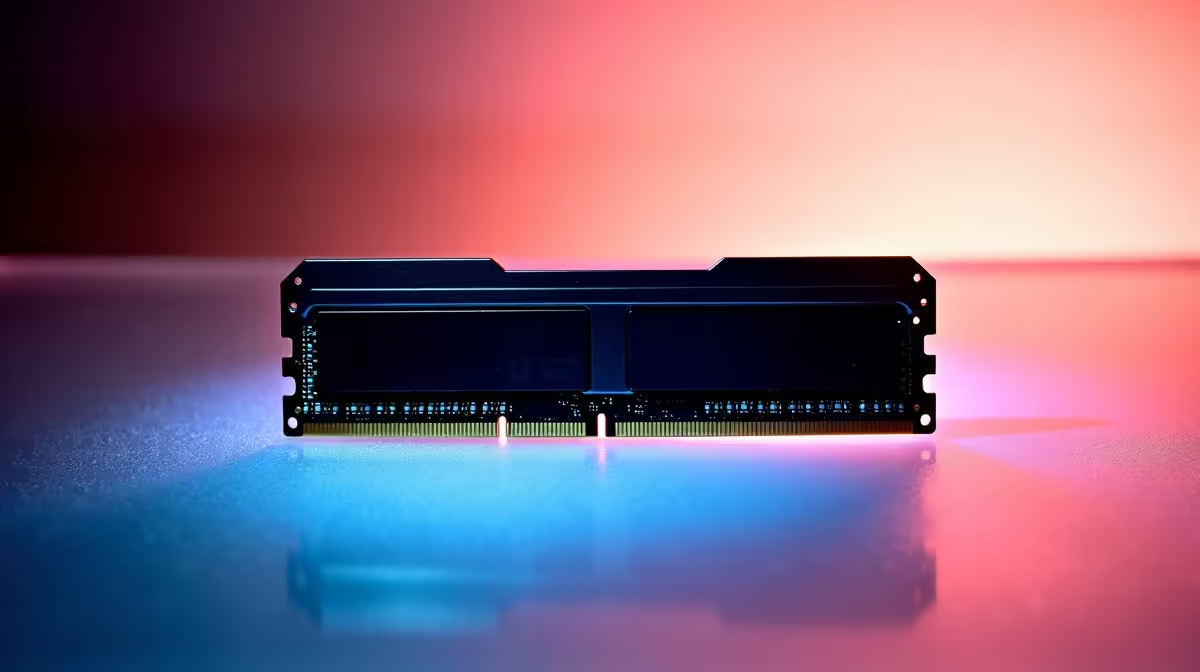
Kingston 16GB current-gen SODIMM at R741 suits a basic kids learning corner where school tabs, documents, video lessons, and a browser run together without turning the desk setup into a high-cost upgrade. A 16GB RAM kit is enough for light study use, but a shared family PC or heavier multitasking corner will feel better with 32GB memory.
Memory picks for a learning corner
For a compact laptop used mainly for homework, online portals, slides, and video classes, the Kingston 16GB current-gen SODIMM at R741 is the sensible first look. It keeps the spend low while still giving a student machine enough breathing room for everyday school work.
If the learning corner uses a desktop that doubles as a family PC, TEAMGROUP VULCAN 32GB current-gen 6000 at R1,460 is the stronger value pick. The 32GB capacity gives more headroom when one child has research tabs open, another account stays signed in, and background apps are running.
Kingston FURY 32GB current-gen 6400 at R2,300 is better for a desk that also handles light gaming or more demanding creative school projects. Its 6400 speed and 32GB capacity make sense when the same PC is used after homework for heavier apps.
SA home study desk reality
In a small study nook, RAM should remove friction rather than become the most expensive part of the build. Kingston FURY 32GB 5600 at the stated budget,100 is a higher-priced option for a desktop that needs 32GB memory, while KLEVV CRAS V 32GB 7200 RGB at R6,400 is more about a premium, visible gaming-room style setup than a simple school corner.
Ready to choose the right memory?
Use the memory shortlist check first: TEAMGROUP VULCAN 32GB current-gen 6000 speed at R1,460 brings its listed spec to the exact buying decision.