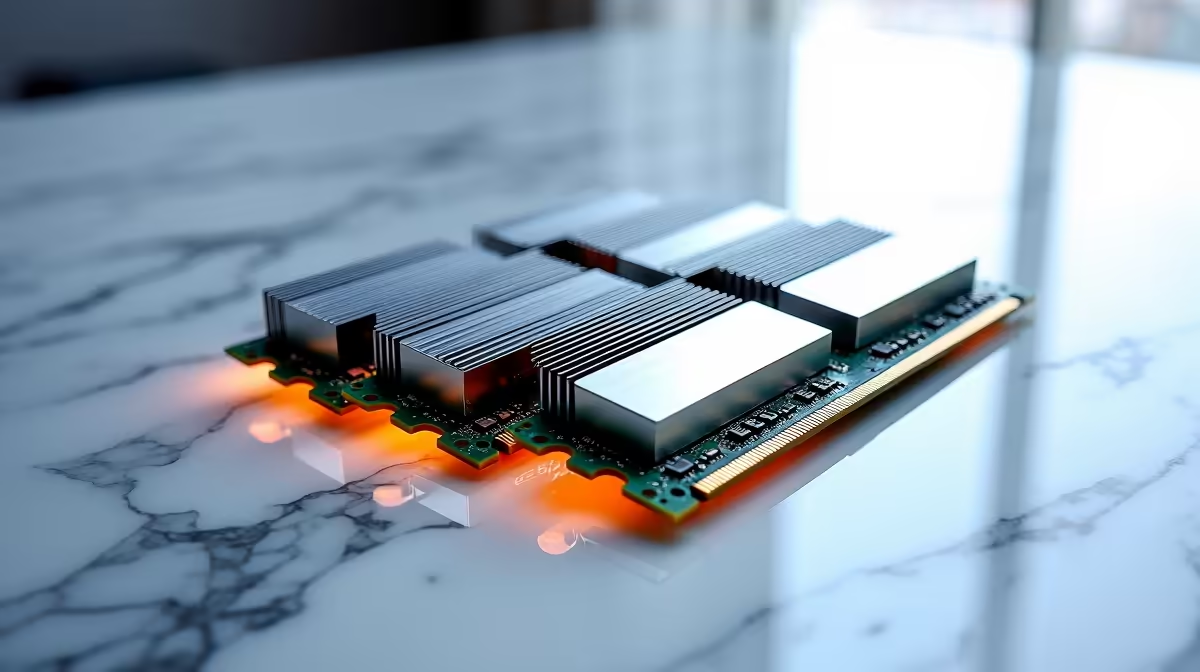
Kingston 16GB current-gen SODIMM at R741 suits an SA student who mainly needs a reliable RAM kit for thesis writing, browser research, PDFs, reference managers, and video calls. It can cope if the machine is kept lean, but 16GB is the practical floor, not the comfort zone, once many tabs, large documents, and campus software are open together.
Best memory choice for thesis work
For a laptop that accepts notebook memory, Kingston 16GB current-gen SODIMM at R741 is the most direct upgrade listed here. The 16GB capacity is enough for a focused writing session, especially when the student closes unused tabs before exporting PDFs or joining an online supervision meeting.
If the machine is a desktop, TEAMGROUP VULCAN 32GB current-gen 6000 at R1,460 is the smarter academic pick. The 32GB capacity gives more breathing room for research tabs, citation tools, large Word files, spreadsheet data, and a lecture recording playing in the background without making the system feel constantly full.
Kingston FURY 32GB current-gen 6400 at R2,300 is the stronger option for a desktop that also handles heavier multitasking after hours. The 32GB capacity and 6400 speed make sense where the same PC is used for assignments, content editing, light gaming, and keeping a full browser session open across the week.
Student desk reality in South Africa
A thesis desk often has one laptop, one external screen, a charger, notes, and a browser full of sources. Kingston 16GB current-gen SODIMM at R741 can keep that setup affordable, while TEAMGROUP VULCAN 32GB current-gen 6000 at R1,460 is the better call when the work machine is a desktop that must stay smooth through long writing days.
Ready to choose the right memory?
Put TEAMGROUP VULCAN 32GB current-gen 6000 speed at R1,460 beside the memory shortlist plan, then use its listed spec as the deciding detail.