Kingston 16GB current-gen SODIMM at R741 suits a field laptop that needs a sensible RAM kit upgrade for processing drone mapping jobs without turning a portable setup into a costly rebuild. For light stitching, flight-plan review, image sorting, and basic map exports, 16GB can be worth buying when the machine is otherwise usable and the budget needs to stay tight.
Best value memory starting point
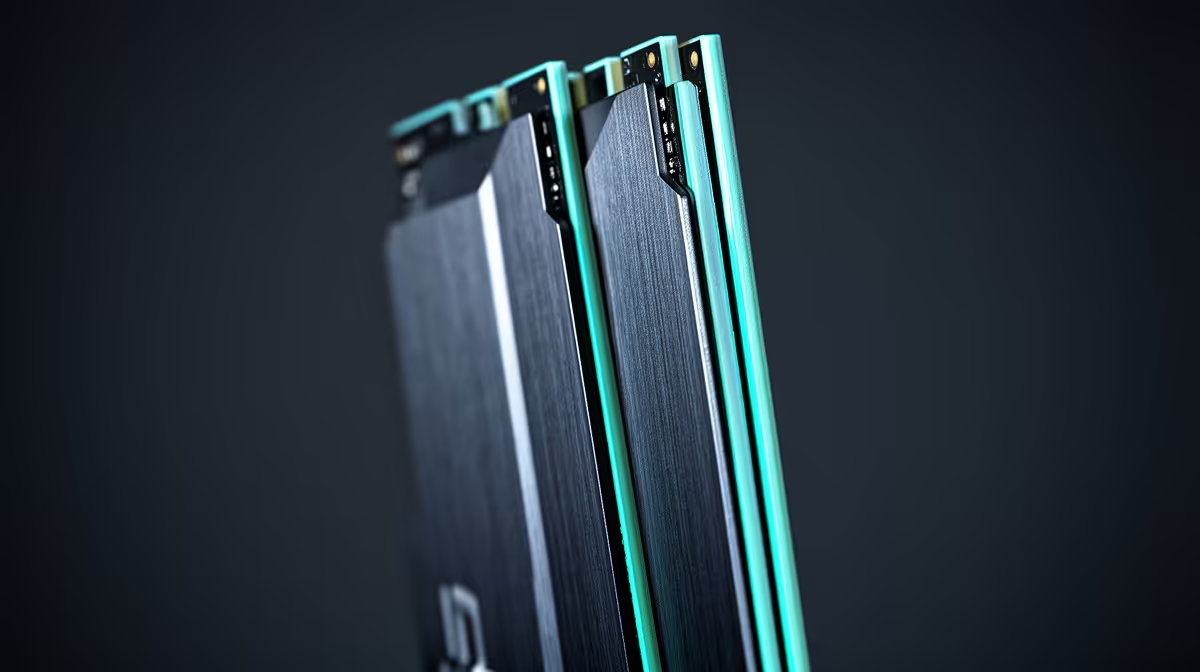
TEAMGROUP VULCAN 32GB current-gen 6000 at R1,460 is the stronger buy when the workstation can take desktop memory and the mapping files are getting heavier. The 32GB capacity gives more breathing room than a basic 16GB kit when orthomosaic previews, browser tabs, and project folders are open together.
Kingston FURY 32GB current-gen 6400 at R2,300 makes sense for a newer desktop used for repeated exports and larger image sets. The 6400 speed is useful when the rest of the PC is also current, because memory should not be the part holding back a focused production machine.
Farm survey desk in South Africa
For a small survey office working through drone mapping once or twice a week, Kingston 16GB current-gen SODIMM at R741 is the practical laptop-side upgrade, while TEAMGROUP VULCAN 32GB current-gen 6000 at R1,460 is the better desktop-side move. If the machine is used for client reports, browser-based GIS checks, and file handling in the same session, the 32GB route will usually feel less cramped.
KLEVV CRAS V 32GB 7200 RGB at R6,400 is more of an enthusiast pick than a first upgrade for this workload. Kingston FURY 32GB 5600 at R5,100 also gives 32GB capacity, but the R2,300 Kingston FURY 32GB current-gen 6400 is easier to justify for most mapping desks.
Ready to choose the right memory?
Use TEAMGROUP VULCAN 32GB current-gen 6000 speed at R1,460 when 16gb upgrade actually drone mapping matters, then compare the desk fit against its listed spec.