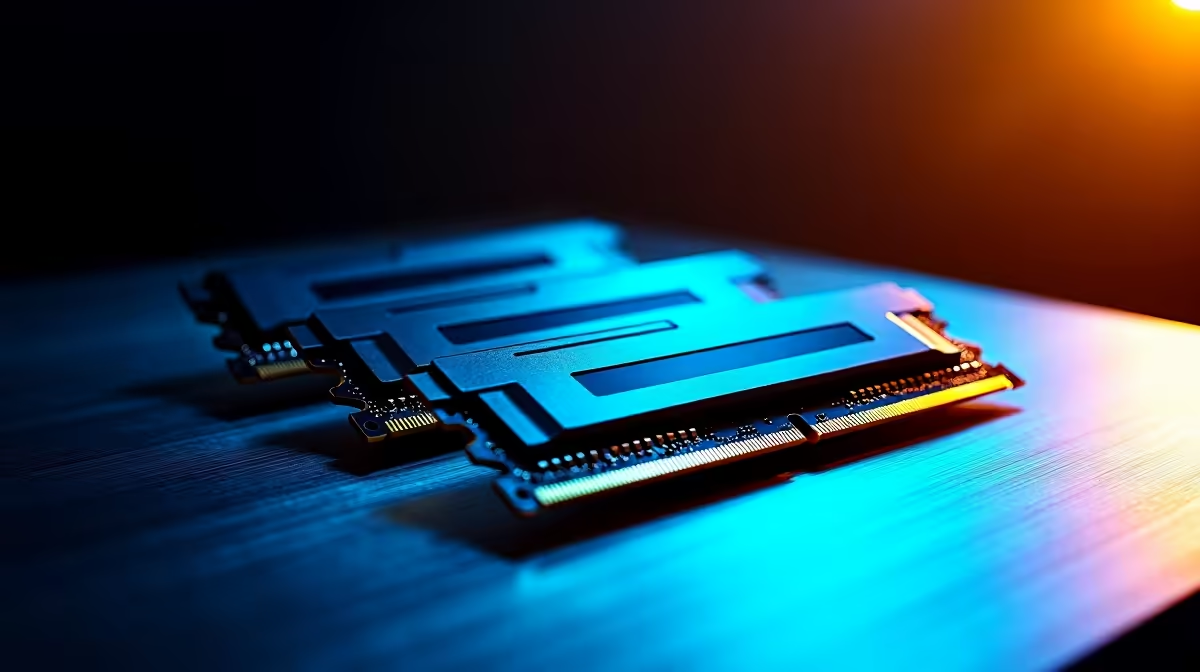
Kingston 16GB current-gen SODIMM at R741 suits a laptop-based starter lab where you want a low-cost RAM kit for learning containers, dashboards, and one or two small virtual machines. It is the sensible first step if the machine is otherwise usable and the goal is to test services, not host a busy office stack.
Quick Answer
A 16GB upgrade can handle a light home lab, but it has a narrow ceiling. The Kingston 16GB current-gen SODIMM at R741 is best for a notebook that runs a router admin page, a small Linux VM, a test database, or a media indexer one at a time. Once you keep several services open together, 32GB memory becomes the calmer choice.
TEAMGROUP VULCAN 32GB current-gen 6000 at R1,460 is the value pick for a desktop lab box. That 32GB capacity gives more breathing room for snapshots, browser tabs, Docker containers, and a monitoring panel without turning every restart into a cleanup job.
Home server shelf in a spare room
Kingston FURY 32GB current-gen 6400 at R2,300 suits a neater always-on desktop build where the lab lives on a shelf near the fibre router cupboard. The 6400 speed and 32GB capacity make sense when you want multiple small services running together, especially if the same PC also handles admin work during the day.
Kingston FURY 32GB 5600 at R5,100 and KLEVV CRAS V 32GB 7200 RGB at R6,400 are more specialised picks. The Kingston option keeps the focus on 32GB capacity and 5600 speed, while the KLEVV CRAS V adds 7200 RGB for a visible gaming-room build that also doubles as a lab machine.
Ready to choose the right memory?
Choose TEAMGROUP VULCAN 32GB current-gen 6000 speed at R1,460 for the 16gb upgrade running brief when its listed spec matters more than adding extra desk clutter.