Understanding the Latency Gap in Wireless Audio
Ever lost a clutch round in Apex Legends because your audio lagged behind the action? In South Africa... where every millisecond counts... choosing the wrong wireless tech is a recipe for frustration. While both 2.4GHz and Bluetooth provide cordless freedom... they serve very different purposes. Understanding these 2.4GHz vs Bluetooth Gaming Audio: Key Differences Explained ensures you don't waste R3,000 on a headset that cannot keep up with your competitive grind. ⚡
Why 2.4GHz Wireless is the Competitive Standard
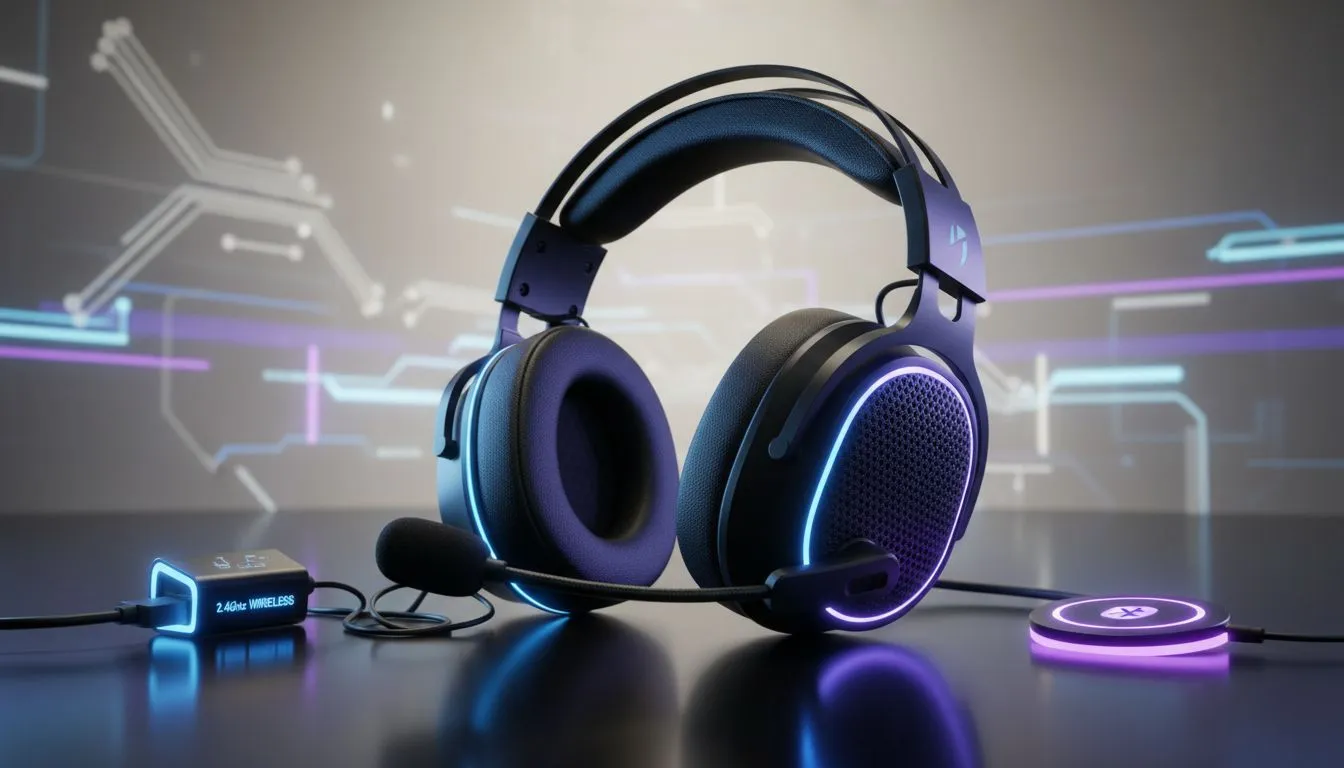
For serious gamers... 2.4GHz wireless is the undisputed king. Unlike Bluetooth... which prioritises power efficiency and universal compatibility... 2.4GHz uses a dedicated USB dongle to create a high-speed data highway. This results in near-zero latency... typically under 20 milliseconds. When you are browsing the massive selection of headphone headsets at Evetech... you will notice that the top-tier gaming models almost always include a proprietary dongle for this exact reason.
The stability of a 2.4GHz connection means you won't experience the "lip-sync" issues often found in cheaper wireless gear. It allows for higher bitrates... which translates to clearer positional audio. If you need to hear exactly where those footsteps are coming from in Counter-Strike 2... a dedicated 2.4GHz connection is essential. 🔧
Audio Lag Test ⚡
To test if your current headset has high latency... search for a 'YouTube Audio Sync' video. If the sound of the ball hitting the floor happens after the visual... your Bluetooth connection is likely adding 150ms or more of delay... which is far too slow for competitive gaming.
The Versatility of Bluetooth for Casual Use
Bluetooth isn't "bad"... it is just built for a different world. Its primary strength is compatibility. You can pair a Bluetooth headset with your smartphone... tablet... or laptop without needing to carry a dongle. This makes it perfect for listening to music during your commute or taking calls.
Many premium Razer headphones and headsets now offer "SmartSwitch" technology. This allows the headset to stay connected to your PC via 2.4GHz for gaming... while simultaneously connecting to your phone via Bluetooth. If a call comes in... you can switch over with a single button press. It offers the best of both worlds without the cable clutter. 🚀
Finding the Middle Ground: Hybrid Headsets
If you want a single device that does it all... look for hybrid models. These units feature both 2.4GHz and Bluetooth chips. A prime example is the Razer Barracuda X Chroma Wireless Headset... which provides ultra-low latency for your PS5 or PC... but still works perfectly with your mobile device when you leave the house.
When choosing... consider your environment. Bluetooth can struggle in areas with many active signals... whereas 2.4GHz dongles are designed to find the cleanest channel available. For a South African gamer looking to optimise their setup... investing in 2.4GHz technology is the most reliable way to ensure your audio is as fast as your reflexes. ✨
Ready to Find Your Perfect Match?
The 2.4GHz vs Bluetooth debate is simple: choose speed for gaming and convenience for everything else. Explore our massive range of headset specials and find the perfect gear to conquer your digital world.