


Complete Gaming Setup Guide for the SA Esports Athlete in SA 2026
Complete Gaming Setup Guide for the Esports. Clear setup instructions with SA-specific considerations, troubleshooting tips & recommended components.
Read moreTired of audio lag? Discover why 2.4GHz wireless gaming headsets outperform Bluetooth for low-latency gaming. Get the competitive edge you need! 🎧⚡
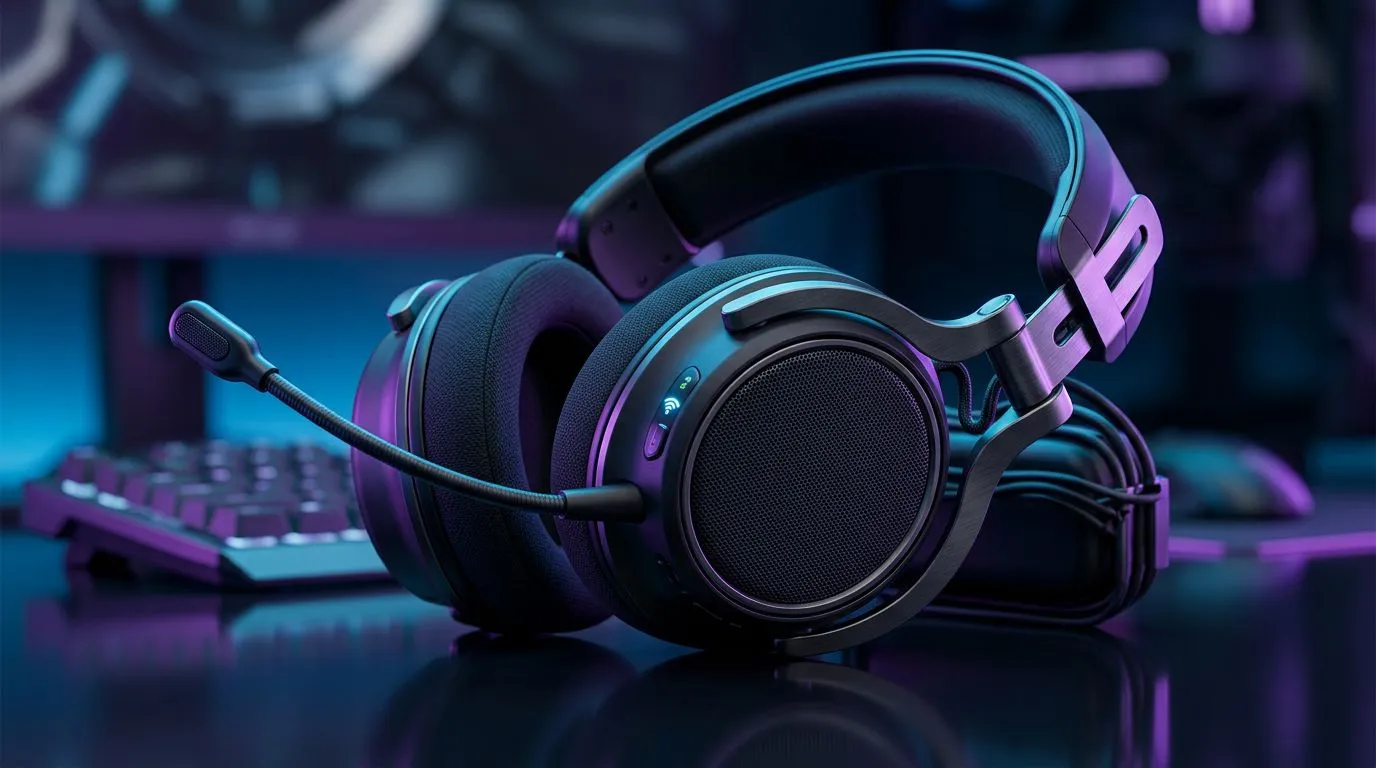
Every millisecond counts when you are holding a site on Valorant or clutching a 1v3 in Apex Legends. In the heat of a match, the last thing you want is audio that arrives a split-second late, causing you to react to footsteps that happened "yesterday." Choosing between 2.4GHz wireless vs Bluetooth for gaming audio is the most common dilemma for South African gamers upgrading their setup. While Bluetooth is convenient for your phone, it is often the enemy of competitive play. ⚡
Bluetooth was designed for power efficiency and portability, not for the high-bandwidth, low-latency requirements of modern gaming. When you use Bluetooth, your device employs heavy compression to transmit audio, which introduces a noticeable delay. Even with modern codecs, you are often looking at a latency of 150ms to 300ms. In a fast-paced environment, that delay is the difference between a headshot and a respawn screen.
If you are looking for a reliable, low-latency solution that won't break the bank, checking out the Razer Barracuda X Chroma Wireless Headset is a great starting point for any serious gamer.
The 2.4GHz wireless standard uses a dedicated USB dongle to create a direct, uncompressed connection between your headset and your PC. This bypasses the traditional Bluetooth stack, bringing latency down to near-zero levels—often under 20ms. It feels exactly like a wired connection, but without the cable cluttering your desk. If you want to compare different form factors, browse our full Razer headphones and headsets collection to see what fits your aesthetic. 🔧
When setting up your wireless headset, ensure the USB dongle is plugged into a front-facing port or a USB hub that is clear of obstructions. Physical interference between the dongle and your headset can occasionally cause signal drops, even on 2.4GHz connections.
Whether you are a casual player or an aspiring esports athlete, your audio hardware should support your playstyle. A high-quality wireless headset provides the spatial awareness needed to hear enemies rotating behind you. For those building a complete audio ecosystem, take a look at our wider range of PC components and gaming headsets to ensure your rig is fully optimised. ✨
Ready to Find Your Perfect Match? Don't let lag dictate your leaderboard position. Upgrade to a low-latency 2.4GHz connection and hear every detail with precision. Explore our full range of premium gaming headsets and take your audio experience to the next level today.
Bluetooth is designed for power efficiency over data speed, causing audio delay. 2.4GHz wireless uses a dedicated USB dongle for a stable, near-instant connection.
Yes, 2.4GHz wireless provides significantly lower latency, which is essential for hearing footsteps and gunfire in real-time during competitive play.
You can, but you will likely notice audio lag. For a seamless experience, a 2.4GHz wireless gaming headset is the recommended upgrade path.
Modern 2.4GHz gaming headsets operate on a dedicated frequency that rarely interferes with Wi-Fi, ensuring both your game and audio remain lag-free.
The main benefit is the synchronization of sound with on-screen action, giving you a faster reaction time in fast-paced shooter and battle royale games.
Most 2.4GHz headsets are plug-and-play, though using manufacturer software can unlock advanced features like EQ settings and surround sound customization.
Complete Gaming Setup Guide for the Esports. Clear setup instructions with SA-specific considerations, troubleshooting tips & recommended components.
Read more
AIO Liquid 360mm Installation Guide for Your PC. Clear setup instructions with SA-specific considerations, troubleshooting tips & recommended components.
Read more
MacBook Display Colour Looks Wrong? Calibration. Everything you need to know with SA pricing, step-by-step instructions & expert recommendations.
Read more
Printer Terminology Guide. Everything you need to know with SA pricing, step-by-step instructions & expert recommendations.
Read more
Git on Mac: Complete Setup Guide for Beginners. Clear setup instructions with SA-specific considerations, troubleshooting tips & recommended components.
Read more
Ryzen 9 9900X Thermal Paste Dry: Reapplication. Everything you need to know with SA pricing, step-by-step instructions & expert recommendations.
Read more
AMD RX 9050 XT: Rumoured Specs, Price & Release. SA-focused analysis with local pricing data, real-world insights & actionable buying advice.

Can RTX 4080 Super Run AI Workloads for SA Developers Detailed answer with SA data, expert analysis & practical recommendations for local buyers.

Can RTX 4090 Run AI Workloads for SA Developers Detailed answer with SA data, expert analysis & practical recommendations for local buyers.

Top Settings for Intel Arc B580 at Ultrawide 1440p picks evaluated on performance, value & SA availability with current Rand pricing from Evetech.

RTX 4060 CS2 Low Settings at 1080p: FPS Results. Real-world benchmark data, FPS numbers & performance analysis. What SA gamers can actually expect.

Visual Artifacts: Possible GPU Issue Issue #1. Diagnosis steps, proven fixes & when to seek professional help. SA-specific support info included.

Can the RTX 4090 Handle 1440p 144Hz Gaming. Performance testing verdict with real data & practical recommendations for SA buyers.

Top ASUS GPU Under R15000 picks evaluated on performance, value & SA availability with current Rand pricing from Evetech.

GTA 6 Max Settings on RTX 5070. Tested & verified settings for best FPS and visual quality on SA hardware budgets.

Cyberpunk 2077 Max Settings on RTX 5080. Tested & verified settings for best FPS and visual quality on SA hardware budgets.

Starfield Max Settings on RTX 5070 Ti. Tested & verified settings for best FPS and visual quality on SA hardware budgets.

Top RTX 5090 Under R5000 picks evaluated on performance, value & SA availability with current Rand pricing from Evetech.