

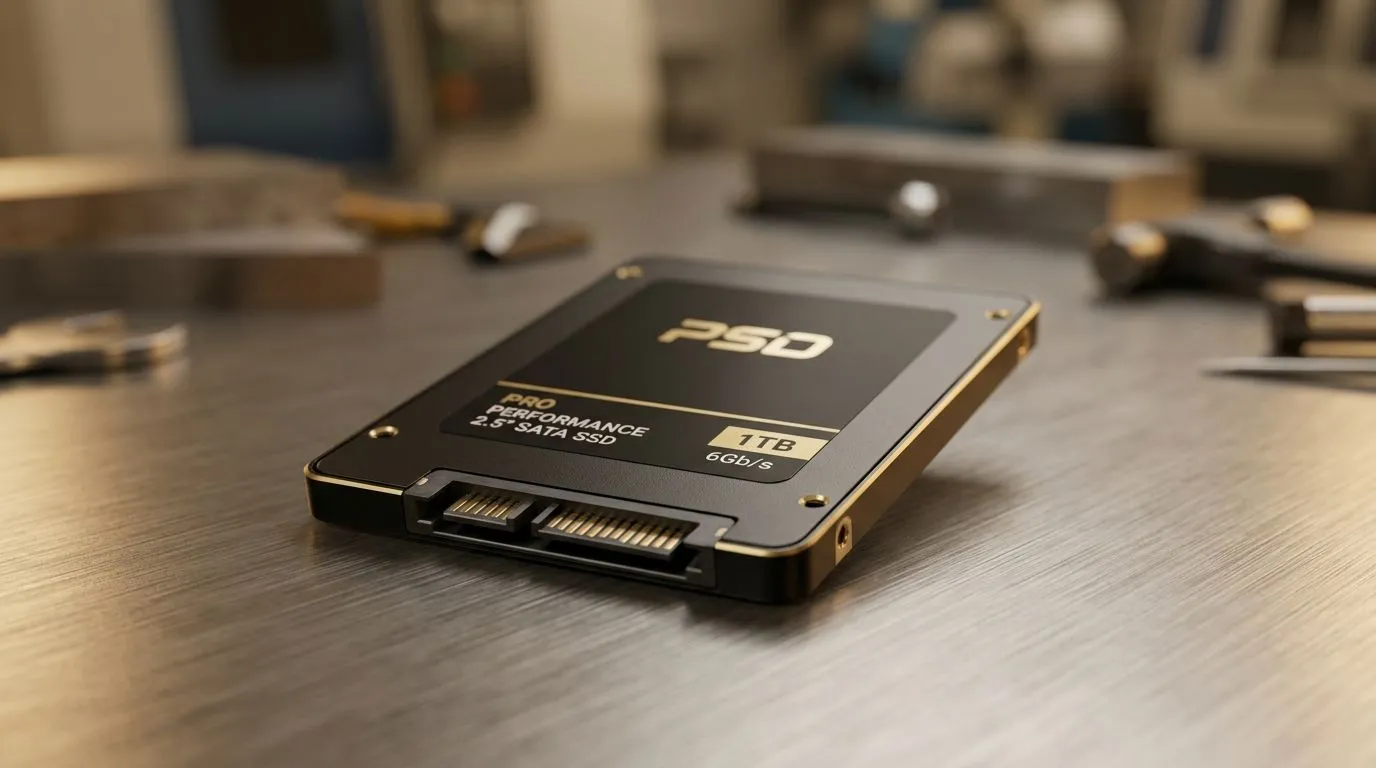
2.5 Inch SATA SSD Compatibility: why South African gamers should care (and how to confirm fast) 🚀
If you’re upgrading a PC or laptop for smoother installs, faster map loads, and quicker game launches, SSDs are usually the first sensible spend. But “SSD” is not one thing… and a wrong fit can waste money and time.
This guide focuses on 2.5 Inch SATA SSD Compatibility: PC and Laptop Guide so you can check your system in minutes, avoid common mistakes, and pick a drive that actually works for your build. 🔧
2.5 Inch SATA SSD Compatibility: PC upgrade checks before you buy ⚡
Most 2.5 inch SATA SSDs are designed for the SATA (6Gbps) data and power connections used by many older laptops and desktops. In practice, compatibility depends on two things: physical space and available ports.
Confirm you have the right bay and connectors
- Form factor (size): Look for a 2.5-inch drive bay. Many desktops accept this in a standard slot or a cage.
- Interface (connection type): You need a SATA connection. If your device only supports M.2, a 2.5-inch SATA SSD won’t plug in directly.
If you want a wide choice of SATA options, start by browsing Evetech’s solid-state drives here: buy solid state drives.
Brand-specific picking for real-world reliability
Some buyers in SA prefer sticking with brands known for steady firmware and support histories. If that’s you, filter by your preferred name and avoid guesswork. For example:
You’ll still want to verify SATA compatibility, but having fewer choices helps.
2.5 Inch SATA SSD Compatibility: laptop install tips (what usually goes wrong) ✨
Laptop upgrades are where mistakes happen. The two most common issues are (1) missing SATA support and (2) drive thickness or mounting fit.
Check your laptop’s drive type first
Many newer laptops moved to M.2, which is a totally different physical connection. If your laptop has an M.2 slot, your 2.5-inch SATA SSD may not be supported or may require a different bay entirely.
If you’re unsure, compare your options
If your laptop or mini PC supports M.2 instead, you’re looking at a different install path. Evetech’s M.2-focused listings are a good checkpoint: Shop M.2 2280 SSD options.
And if you’re future-proofing for speed classes, interface generation matters too. For example, Gen 5 NVM… is far beyond typical SATA upgrades and not a direct substitute: Explore drives filtered by Gen 5 (NVM…)
2.5 Inch SATA SSD Compatibility: install and setup so your games benefit immediately 🔧
Once you have the right drive, the payoff depends on setup. Here’s a clean, low-stress approach.
- Back up first. Use an external drive or cloud backup so you’re not gambling with irreplaceable saves.
- Clone if you want the same setup fast. Cloning keeps your OS and game library intact.
- Or do a fresh install for best performance. This is often the smoothest route for laptops that feel “sticky” after years of updates.
- Confirm BIOS/UEFI sees the drive. If it doesn’t appear, it’s a connection or support issue, not a “bad SSD” problem.
Productivity Pro Tip ⚡
On your next Windows install after fitting a new 2.5-inch SATA SSD, make sure the game launcher is pointed to the correct library folder before you redownload anything. Then run a quick verify repair for one title to catch directory or permission issues early. It saves hours and avoids reinstall loops, especially when you’re tuning your setup for smoother FPS on SA fibre or LTE."
2.5 Inch SATA SSD Compatibility: when SATA still makes sense for gamers
SATA SSDs may not hit the same peak speeds as NVMe drives, but that’s not the whole story. For a lot of players, the most noticeable gain is reduced load times versus a traditional hard drive, plus faster OS responsiveness.
If your PC or laptop already uses SATA, going 2.5-inch is often the most cost-effective upgrade. Spend in the right lane and you’ll feel it in day-to-day play.
Ready to Find Your Perfect Match? The Mac vs Windows debate is complex, but for maximum power, choice, and value in South Africa, Windows is hard to beat. Explore our massive range of laptop specials and find the perfect machine to conquer your world.











