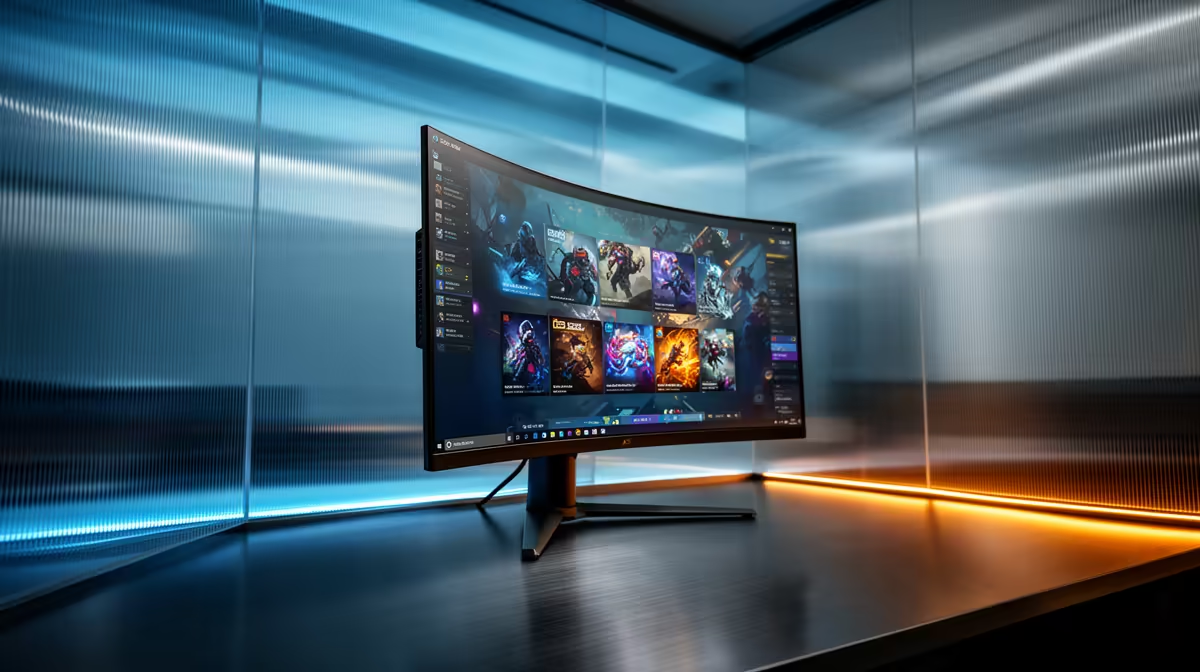
ViewSonic VX2779A 240Hz at R2,350 suits an SA buyer who wants one fast gaming monitor that can handle virtual machines, browser tabs, and after-hours gaming without jumping straight to a premium display.
Is 240Hz useful when you run virtual machines?
A 240Hz screen will not make a virtual machine compute faster, but the ViewSonic VX2779A 240Hz at R2,350 can make the desktop feel smoother when you are dragging VM windows, switching between consoles, and using a host browser beside them. The key point is that the 240Hz spec helps motion and responsiveness, while your PC still needs enough CPU, memory, and storage for the actual workload.
The MSI MAG 274F 200Hz at R3,006 is a strong alternative if you want a fast 200Hz panel with a little more budget room for a clean daily desk setup. The AOC 27in QHD 200Hz at R3,200 is the sharper option from this list because its QHD spec gives you more workspace for a VM window, documentation, and a terminal without everything feeling squeezed.
Home server shelf and study desk reality
For a small home server shelf or student desk, the Dell SE2726H 144Hz at R1,797 makes sense when the monitor is mostly for admin, dashboards, and occasional gaming. The Dahua LM25 200Hz at R1,850 is the budget speed pick, giving you 200Hz for less than many larger displays while still keeping the setup practical.
Ready to choose the right gaming monitor?
Use Dell SE2726H 144Hz at R1,797 as the gaming monitor shortlist benchmark, then check whether its listed spec matches the space, workload, and upgrade path.