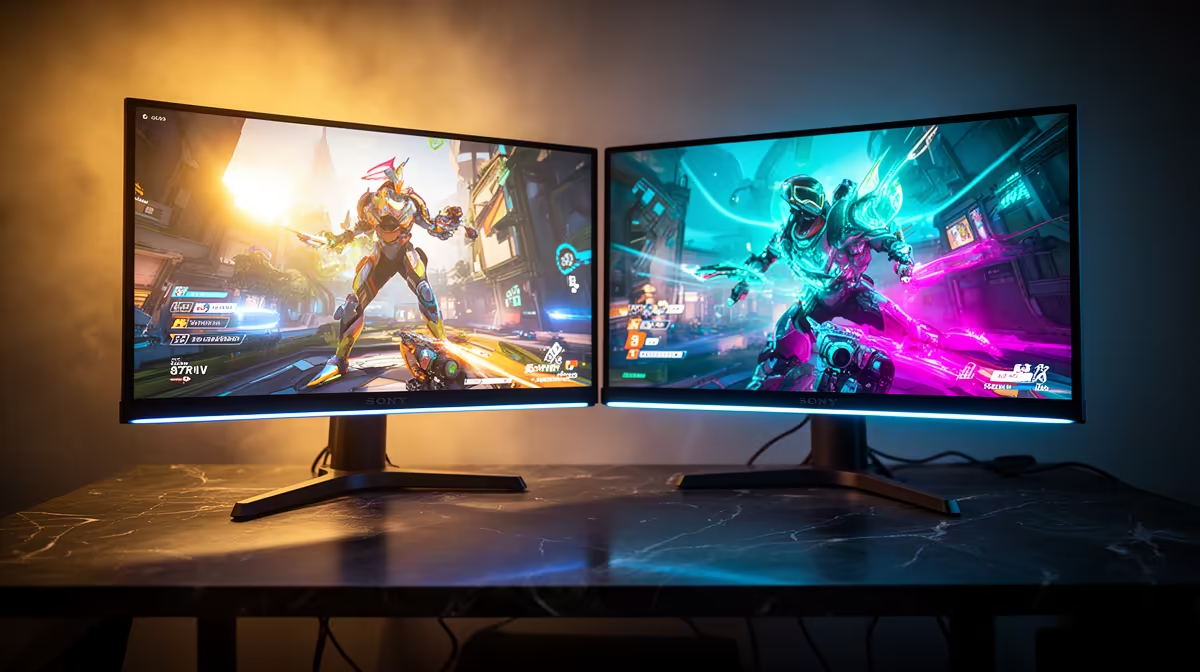
Resolution is often discussed as if it only affects image sharpness, but 2560x1440 screen real estate does something more tangible: it fits more into the same display area without sacrificing readability. At 27 inches, the pixel density lands at exactly the point where everything is crisp enough to not require scaling, and the extra canvas translates directly into more simultaneous information, sharper edges on in-game objects, and a meaningful improvement in how far-field detail resolves.
Quick Answer
A 2560x1440 display holds 3.69 million pixels, roughly 77 percent more than 1080p, spread across the same physical area. At 27 inches, this density is sharp without forcing UI scaling, giving you genuine extra real estate for HUD elements, application panels, and crisper distant detail in games.
🔢 What the Number Actually Represents
The resolution 2,560 by 1,440 multiplies to approximately 3.69 million total pixels. A 1920 by 1080 display carries about 2.07 million. The 1.62 million extra pixels do not appear as a wider virtual desktop by default; they appear as a denser, sharper version of the same scene. Every object, from the edges of terrain to the text on a chat overlay, is rendered with roughly 77 percent more detail per inch of screen.
On a 27-inch panel, QHD delivers 109 pixels per inch. This is the figure that determines whether UI elements become uncomfortably small. At 109 PPI, Windows and most modern games render text and interface elements at a comfortable size without any scaling adjustment, which means the full pixel count translates into visible clarity and additional content rather than artificially enlarged menus that eat back the advantage.
By comparison, a 24-inch QHD panel reaches 122 PPI, sharp but borderline for anyone not already comfortable with compact UI. The 27-inch format sits at the practical sweet spot where the density and the physical canvas area both contribute to usability.
🎮 In-Game Visibility at 1440p
The visibility gain that players notice most consistently is at range. In any title where distant objects are rendered, those objects occupy a proportionally higher pixel count at 1440p than at 1080p on the same physical panel. A distant character model that fills twelve pixels across at 1080p fills around sixteen at 1440p. This may sound incremental, but it is the difference between a blurred shape and a recognisable silhouette edge.
Sniping, long-range target confirmation, and scanning terrain for movement are all tasks where the extra pixel density pays off. Flags, objective markers, and enemy indicators that appear at the edge of a player's practical visual range are more reliably identified when the rendering precision is higher. The minimap and HUD benefit too: finer icon edges and sharper text reduce the cognitive effort of reading game state at a glance.
In open-world titles, the extra resolution also renders foliage, architecture, and distant skyboxes with more definition. This is not purely cosmetic. Spotting movement in dense scenery relies partly on contrast at object edges, and higher PPI sharpens those edges where they matter most.
H3: HUD Real Estate and Productivity Overlap
Applications and creative tools behave differently at 1440p. A 27-inch 1440p display running without scaling has the horizontal width to hold a DAW, video editor, or code editor with a second panel open alongside. Streamers using a single monitor for both gaming and stream management get more UI real estate for OBS, chat, and browser without windows overlapping the game. This practical utility is sometimes overlooked in purely gaming-focused 1440p discussions.
💻 GPU Load and the Trade-Off With Frame Rate
Every additional pixel the GPU must render is a small additional cost to performance. Moving the rendering target from 1080p to 1440p increases workload by roughly 75 percent. A GPU that handles 180 FPS at 1080p in a demanding title might produce 110 to 130 FPS at 1440p. In lighter esports titles, the impact is smaller and often leaves substantial headroom.
The practical minimum GPU for a 144Hz 1440p experience in competitive-weight games is around the RTX 4060 or RX 7700 tier. These cards keep frame rates well above 144 FPS in Valorant, Apex Legends, and Counter-Strike 2 at 1440p with typical settings. More graphically complex games, particularly those with ray tracing or high-fidelity rendering, require the next tier up to hold that ceiling comfortably.
For South African players, the GPU and monitor purchase should be planned together. Buying a QHD panel and discovering the existing card cannot feed it at 144Hz means you are using a high-resolution display at reduced refresh benefit. The combination of both upgrades is where the full advantage appears.
Pro Tip ⚡
In competitive shooters that allow it, setting the render resolution slightly above native and relying on the engine's anti-aliasing can look sharper than native 1440p with no AA. Test this in your specific title; some engines at 1440p with quality temporal AA produce a cleaner image than manually supersampling from 4K.
Frequently Asked Questions
How much additional space does 2560x1440 give compared to 1080p?
QHD at 2,560 by 1,440 contains approximately 3.69 million pixels, around 77 percent more than the 2.07 million at 1920 by 1080. At 27 inches, this additional count is distributed as finer detail across every rendered pixel rather than as a physically wider virtual desktop, giving sharper edges and more precise object rendering throughout the image.
Does 1440p noticeably sharpen distant objects in games?
Yes. Objects at distance occupy more pixels at 1440p on a 27-inch panel than at 1080p. The increased pixel count means far targets have more defined edges, making movement recognition and target identification at range more reliable. The effect is most pronounced in open-world titles and shooters with long-range engagements.
What pixel density does QHD produce on a 27-inch screen?
Approximately 109 pixels per inch. This density is sharp and comfortable without requiring display scaling in Windows or in-game UI adjustment, which means the full 1440p pixel budget is available as visible clarity rather than being used to inflate interface elements.
Will in-game text and HUD elements become too small at 1440p?
At 27 inches, the HUD remains readable without adjustment in most modern titles, many of which include an independent UI scale slider. If a game does not offer a scale option and renders the HUD at native 1440p, the reduction in element size is small enough that most players adjust within a session. Text in the Windows interface is easily corrected using the system's display scaling setting.
Is QHD worthwhile on a 24-inch monitor compared to a 27-inch?
It is sharper at 24 inches, reaching 122 PPI, but the smaller canvas means the total viewable area is less. Many players at 24 inches find the density pushes HUD elements and application UI to a size that benefits from scaling, which partially offsets the real-estate gain. The 27-inch format is generally the better value proposition for QHD because it balances canvas area with usable pixel density.
Ready to see what 77 percent more pixels looks like in your games?
Browse the 27-inch QHD monitor range at Evetech and find the display density that improves both competitive visibility and daily workflow.