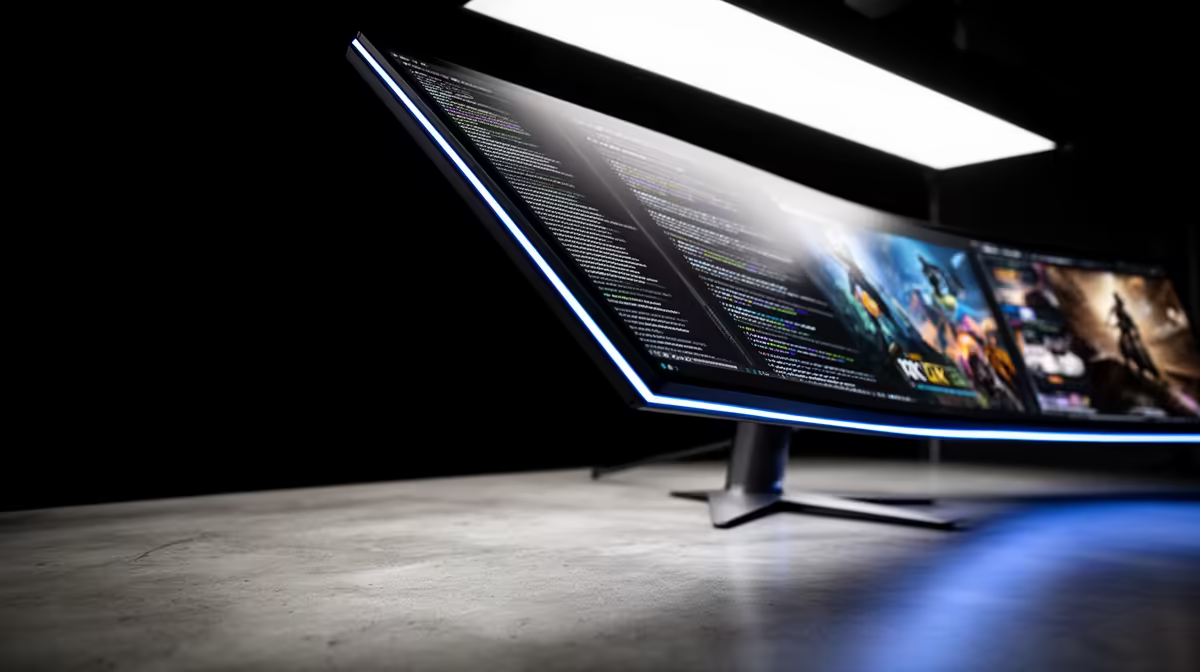
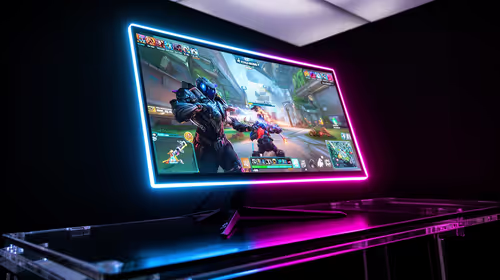
A 27-inch 1440p monitor and a 32-inch 4K monitor can both look sharp on a gaming desk, but they do not have the same pixel density. The QHD screen sits around 109 pixels per inch; the larger 4K panel is close to 138. You gain roughly 27% more density with 32-inch 4K versus 27-inch 1440p, while the GPU has to render 2.25 times as many pixels.
Quick Answer
Choose 27-inch 1440p when gaming performance, high refresh and a normal-depth desk lead. Choose 32-inch 4K when desktop detail, large-screen immersion and mixed creative work justify a stronger GPU or more upscaling. QHD is the easier all-round gaming match; 4K is visibly finer even on the larger panel. Evetech's July 2026 in-stock gaming-monitor pack had a R4,499 median, a dated baseline before size, resolution and panel technology pull the shortlist in different price directions.
📏 See the sharpness difference from a normal chair
Pixel density combines physical size with resolution. A 27-inch QHD screen packs 2560 by 1440 pixels into a compact desktop area. A 32-inch 4K model spreads 3840 by 2160 pixels over a larger surface and still ends up appreciably denser.
That difference shows in small text, fine game geometry and high-resolution photos. It does not mean the QHD display looks rough. Around 109 PPI is a comfortable desktop result at ordinary viewing distance and usually works at 100% Windows scaling.
The 4K screen often feels best with 125% or 150% scaling. You keep the finer rendering while making interface elements comfortable. Check the older applications you use, because scaling behaviour can vary.
🎮 Give the GPU the deciding vote for games
Standard 1440p contains about 3.7 million pixels. Four-K contains roughly 8.3 million. That 2.25-times workload is far more important to performance than the five-inch change in diagonal size.
A current midrange GPU can target 1440p high refresh across a broad library. At 4K, the same card may need DLSS or FSR and reduced effects in demanding releases. High-end graphics have more room, although heavy ray tracing can still pull them below a 144Hz ceiling.
Run your hardest game at both resolutions before buying if possible. Keep the preset fixed, record one-percent lows and inspect the picture from the actual chair. A quality upscaler at 4K can be part of the comparison.
Evetech's monitor category lets you compare 27-inch QHD and 32-inch 4K models after the frame target is clear.
🪑 Measure desk depth, not only screen width
Five diagonal inches change how much of your view the monitor fills. A 27-inch panel is comfortable on many desks at about an arm's length. A 32-inch screen benefits from more depth, especially in fast games where you need to scan the corners.
The supplied stand can bring either panel much farther forward than expected. Measure the stand's deepest point and the remaining keyboard space. A monitor arm may recover depth, provided the screen supports the mount and the desk can carry it.
Mark both screen widths on the desk with masking tape before ordering. Place the speakers, laptop and microphone back inside the remaining space. That ten-minute rehearsal often reveals whether 32 inches will feel cinematic or simply crowd the equipment you already use.
Competitive players sometimes prefer the smaller canvas because the whole frame sits inside central vision. Simulation, strategy and single-player games can make the 32-inch scale feel wonderfully involving. Your chair and game library settle that argument better than a specification sheet.
🪟 Count the workday as part of the purchase
QHD at 27 inches comfortably fits a browser beside a document. Four-K at 32 inches gives complex timelines, spreadsheets and photo tools more breathing room, even after scaling. That productivity benefit may justify 4K while the gaming GPU catches up later.
If you use a laptop or a second PC, check whether every source can drive the desired resolution and refresh. A monitor can reserve its highest-bandwidth mode for one input. KVM and USB hub features may matter more to the weekday than another 20Hz.
🔄 Pair refresh with the games each resolution will run
At 1440p, 165Hz to 240Hz panels are practical targets for modern gaming systems. At 4K, 120Hz to 165Hz gives demanding games a broad VRR window without pretending they will all hold the maximum.
Choose clean response through the rates you actually visit. A 240Hz QHD screen with poor overdrive at 100Hz can disappoint in cinematic games; a 4K panel with slow pixel transitions can blur despite its sharp static image.
Check Evetech's monitor best-sellers for current local examples once the physical fit and GPU workload have narrowed the decision.
🔌 Keep native resolution through the signal path
Confirm that the GPU output, cable and monitor input carry the selected native resolution at full refresh. In Windows Advanced display, set the intended mode and inspect colour settings as well.
When a 4K game needs help, prefer an in-game quality upscaler over feeding the monitor a plain 1440p signal. The panel stays at its native grid, text and menus remain crisp, and the game controls its reconstruction.
Take one final screenshot of the working display settings. If a driver update later returns the monitor to a lower refresh or different colour mode, you have a quick reference for restoring the intended setup.
Frequently Asked Questions
Do 27-inch 1440p and 32-inch 4K really match in sharpness?
No. Both can look good, but 32-inch 4K is about 138 PPI versus roughly 109 PPI for 27-inch 1440p.
Which needs a stronger GPU: 27-inch 1440p or 32-inch 4K?
The 4K monitor. Physical size does not change render load; its higher native pixel count does.
Is 32-inch too large for competitive gaming?
It can feel large on a shallow desk. With enough viewing distance it remains usable, though many focused competitors prefer 24 or 27 inches.
Does desk space affect the 27-inch vs 32-inch decision?
Yes. Measure viewing distance and stand depth. The bigger panel needs room for comfortable scanning.
Which resolution ages better for future GPU upgrades?
Four-K offers more unused headroom for a future GPU, while 1440p is easier to drive well throughout the ownership period.
Can a mid-range GPU handle 32-inch 4K gaming well?
It can handle lighter games and tuned demanding titles, often with DLSS or FSR. Screen size does not change the 4K workload.
Deciding whether five more inches and 4K belong on your actual desk?
Compare 27-inch QHD and 32-inch 4K monitors at Evetech, then measure the stand depth and benchmark the GPU at both native resolutions.