Quick Answer
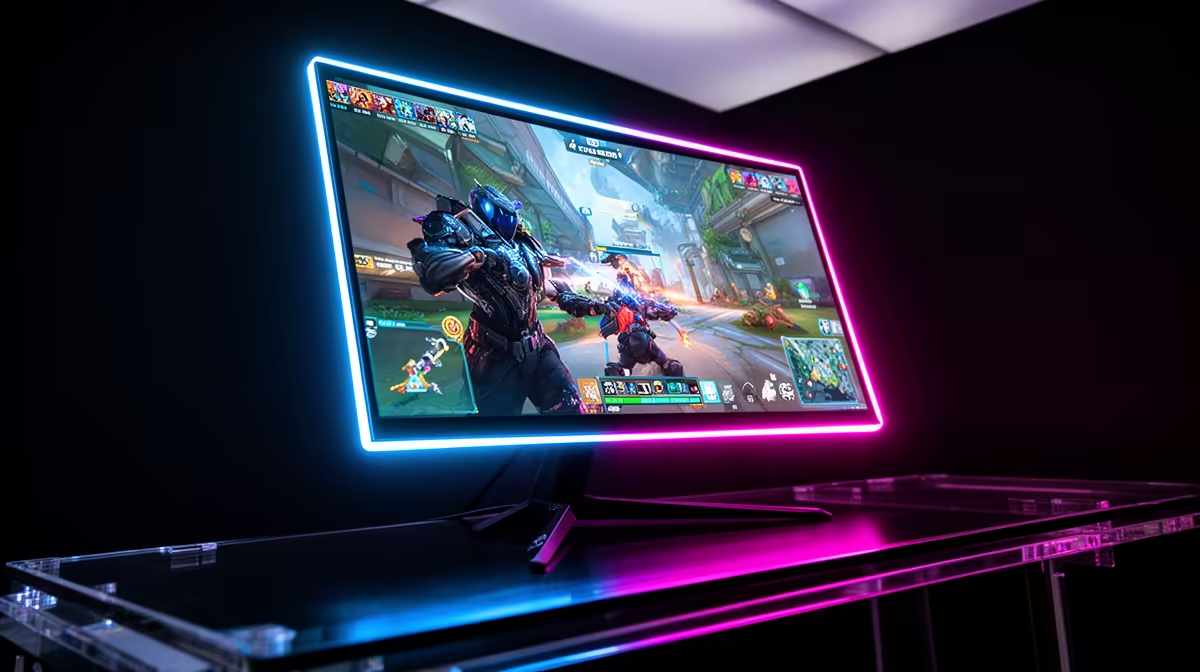
OLED and QD-OLED both give per-pixel contrast that makes competitive esports look cleaner than most LCD gaming monitors. QD-OLED usually offers stronger colour volume and brighter saturated highlights, while WOLED-style monitors can be excellent for dark scenes and controlled rooms. In SA, premium OLED gaming monitors often sit around R12,000-R30,000+, so size, refresh rate, text clarity, warranty, and panel-care tools matter.
What Actually Changes
WOLED uses a white OLED light source with colour filtering; QD-OLED uses a blue OLED source with a quantum-dot colour layer. QD-OLED can make bright colours look punchier, while both can switch pixels off for true blacks. Compare LG UltraGear 27GS95QE class WOLED, Samsung Odyssey OLED G8 class QD-OLED, and ASUS ROG Swift PG32UCDM class 4K QD-OLED models.
Where SA Buyers Should Spend First
For esports, prioritise 240Hz response and low input delay. For story games, HDR tone mapping, black levels, and screen size matter more. For strategy and MMO play, text clarity and static HUD care matter because menus stay on screen for hours. SA fibre or fixed-LTE players should also separate PC limits from ping and router issues.
Specs To Check Before Checkout
Check resolution, refresh rate, HDMI 2.1 or DisplayPort, VRR range, brightness behaviour, text rendering, warranty terms, and panel-care tools. Also measure desk depth: 32-inch 4K and 27-inch 1440p feel very different in smaller SA rooms.
FAQ
Does this improve esports FPS?
Yes, mainly through contrast, response time, and HDR presentation. It does not create more GPU power, so the PC still needs to drive the chosen resolution.
What should SA esports buyers check first?
For fast games, prioritise refresh rate and response time. For cinematic play, prioritise HDR behaviour, screen size, and dark-scene handling.
Is the premium option worth it for ranked play?
Buy QD-OLED if colour punch and high-end HDR gaming are the priority. Buy OLED/WOLED when that exact monitor has the size, price, warranty, and room fit you prefer.
Buying Tip
Match OLED or QD-OLED to the games and GPU you use. Enable panel-care tools and avoid leaving static HUDs on screen overnight.