Quick Answer
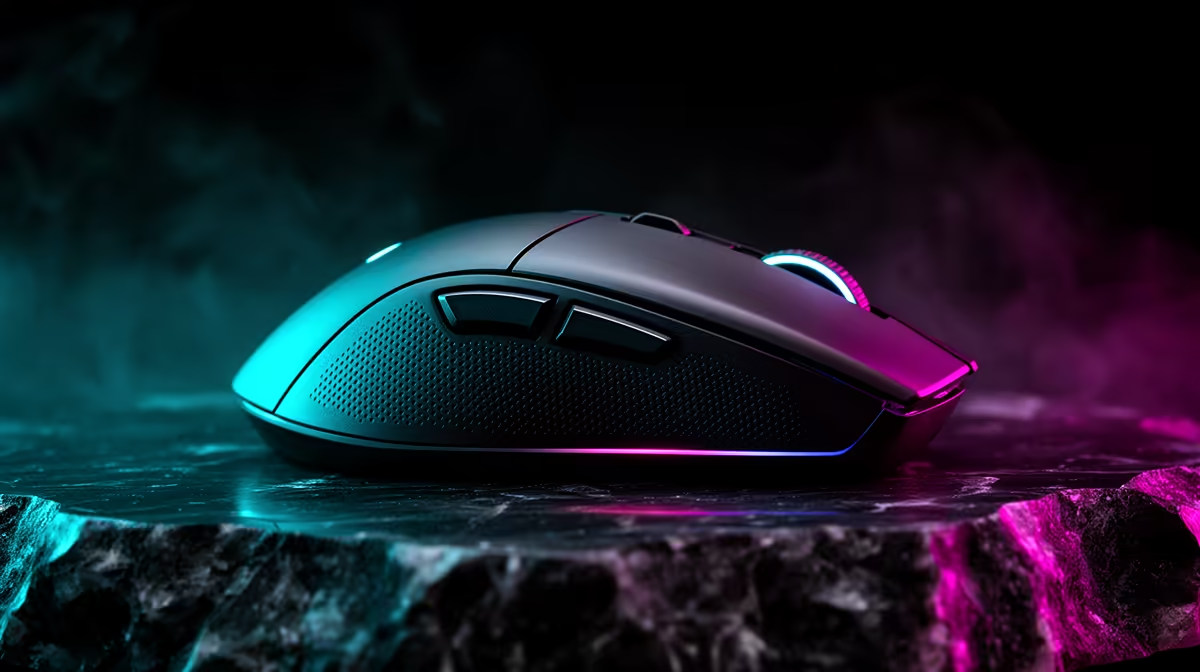
8000Hz polling is a specialist upgrade, while 1000Hz remains the practical default for most SA buyers. 1000Hz reports every 1 ms; 8000Hz can report every 0.125 ms, a theoretical 0.875 ms gain before game and monitor delays. In SA, expect many strong 1000Hz mice around R800-R2,000 and premium 4000Hz-8000Hz options around R2,500-R4,500.
The Real Latency Difference
Polling rate is how often the mouse sends position data to the PC. 1000Hz is already fast enough for most people, because it updates 1,000 times per second. 8000Hz sends eight times as many reports, but the visible gain only matters when the game is CPU-light, the frame rate is high and the monitor refresh rate can show the difference.
For streaming on Twitch and YouTube, the practical question is quiet inputs, reliable shortcuts and fewer accidental triggers. OBS, Stream Deck style shortcuts, Discord and live chat control will not all benefit equally. At 60Hz or 75Hz the display refresh is the larger limit; at 144Hz the gain is still small; at 240Hz or 360Hz a trained player may feel cleaner tracking.
Hardware That Makes 8000Hz Sensible
Compare mice such as Razer Viper V3 Pro, Logitech G Pro X Superlight 2, Corsair M75 Air, SteelSeries Aerox-class models and other current wireless gaming mice with high-rate dongles. Also check your CPU headroom. A Ryzen 7 7800X3D, Ryzen 7 9800X3D or Core i7-class gaming build has far more room for high USB polling than an older office PC.
Battery life and receiver placement matter too. 8000Hz can reduce runtime, and a hidden receiver can feel worse than a clean 1000Hz setup.
SA Buyer Verdict
Choose 1000Hz if you play story games, couch co-op, strategy, sim titles or mixed desktop work. Choose 8000Hz if you play aim-heavy esports, already hold high fps, and own a 240Hz or faster monitor. Spend around the full setup, not one spec.
FAQ
Does 8000Hz polling improve fps?
No. Polling rate changes input reporting, not graphics performance. Your RTX, Radeon or Ryzen hardware still determines whether the game runs at 60 fps, 144 fps or 240 fps.
Can 8000Hz polling cause stutter?
It can on weaker CPUs, overloaded USB hubs or some older game engines. If the game feels uneven, drop the mouse to 4000Hz or 1000Hz and compare the frame-time graph.
What polling rate should most SA buyers use?
Most buyers should use 1000Hz because it is stable, light on battery and already responsive. Move to 4000Hz or 8000Hz only when your monitor and games can show the extra reports.
Polling check
Pair 8000Hz with a clean USB path, high fps and a 240Hz+ screen; otherwise keep 1000Hz and spend the saved rand on the mouse shape, sensor and monitor.