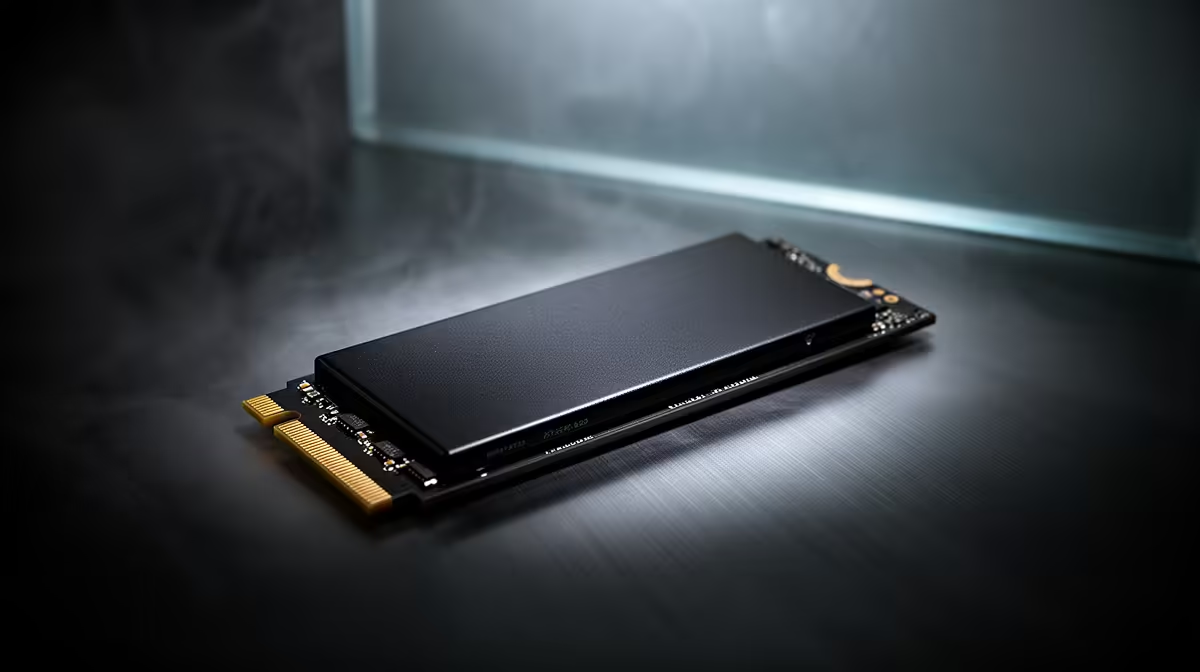
WD Blue SN5000 NVMe at R998 suits a student who wants fast internal storage for online classes without overspending on capacity they may not use. A good nvme ssd is usually worth buying before jumping straight to an expensive 2TB option, because lecture recordings, PDFs, browser tabs, Teams files, and assignment folders benefit more from responsive storage than from unused space.
Better Value Than Going Straight To 2TB
WD Blue SN5000 NVMe at R998 is the sensible starting point if the laptop has an open M.2 slot and the priority is smoother booting, faster file opening, and less waiting between study apps. The key spec here is NVMe, which is the right storage class for a modern student laptop upgrade.
ADATA LEGEND 900 1TB NVMe at R948 is the sharper capacity-value pick when 1TB is enough for notes, class downloads, cloud-synced folders, and a few large video files. It is also an NVMe drive, so the upgrade still targets fast internal storage rather than just adding slow archive space.
Samsung 990 PRO at R4,648 only makes sense if the same machine is also used for heavier work such as large media projects, big local files, or a creator desk setup after class. It is still an NVMe option, but the price makes it harder to justify purely for lectures and assignments.
Student Desk Reality In SA
For online classes in SA, 1TB is often the cleaner buy unless the student stores many downloaded lecture videos offline. ORICO NVMe M.2 enclosure at R160 is useful when an old NVMe drive needs to become portable storage, or when files must move between a laptop and another study machine without opening the laptop again.
Ready to choose the right SSD?
Use WD Blue SN5000 NVMe at R998 as the nvme ssd shortlist benchmark, then check whether its listed spec matches the space, workload, and upgrade path.