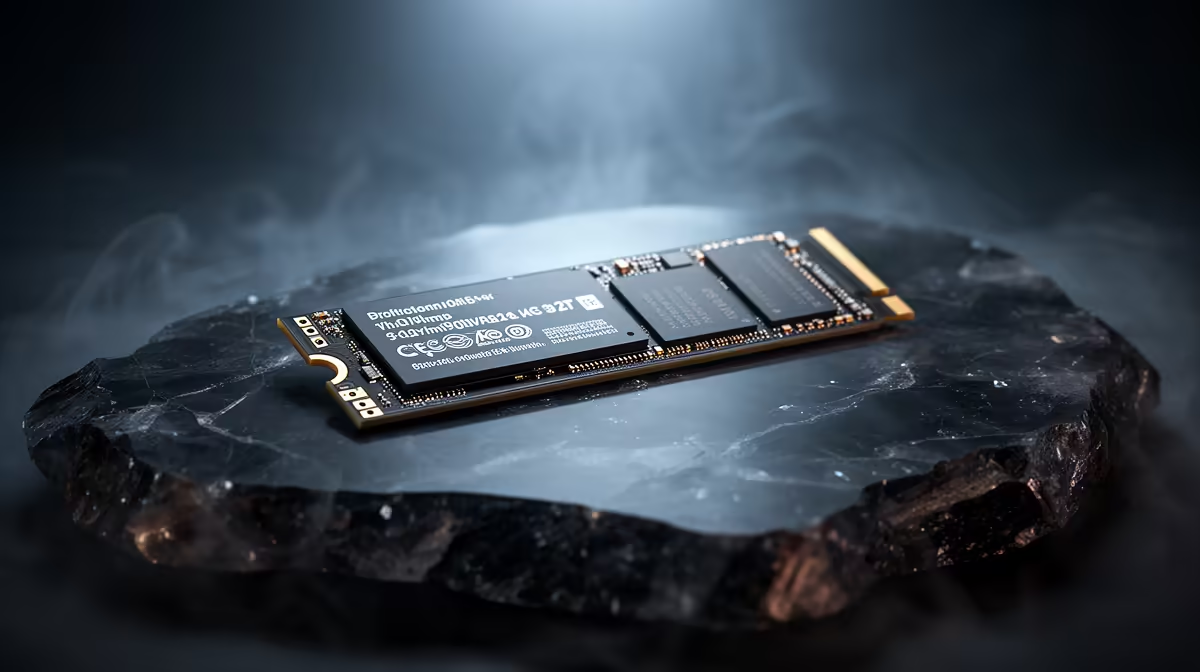
WD Blue SN5000 NVMe at R998 suits a home lab builder who wants fast local storage for virtual machines, containers, snapshots, and test databases without turning the server shelf into an expensive experiment. A larger drive can be worth it when the lab keeps growing, but the smarter first move is choosing an nvme ssd that gives you clean speed, tidy installation, and enough budget left for the rest of the setup.
Good NVMe SSD picks for a practical home lab
The ADATA LEGEND 900 1TB NVMe at R948 is the value-minded choice when the lab is still mostly learning, testing, and rebuilding. Its 1TB capacity is useful for a few Linux VMs, a small media index, Docker images, and config backups, while keeping the spend close to entry-level.
The Samsung 990 PRO at R4,648 makes more sense when the lab is no longer just casual testing. It is still an NVMe drive, but the higher price is easier to justify for heavier VM churn, frequent writes, and a setup where storage responsiveness affects every login, update, and restore.
Home server shelf reality in SA
On a compact home server shelf, the question is less about chasing the biggest drive and more about how often you rebuild, copy, and snapshot. WD Blue SN5000 NVMe at R998 is a sensible boot and services drive, while ADATA LEGEND 900 1TB NVMe at R948 can separate projects from the operating system.
The ORICO NVMe M.2 enclosure at R160 is also handy when you upgrade later, because it turns a spare M.2 NVMe drive into portable storage instead of leaving it unused in a drawer.
Ready to choose the right SSD?
Keep WD Blue SN5000 NVMe at R998 on the list for nvme actually running home; its listed spec is the detail to test against that brief.