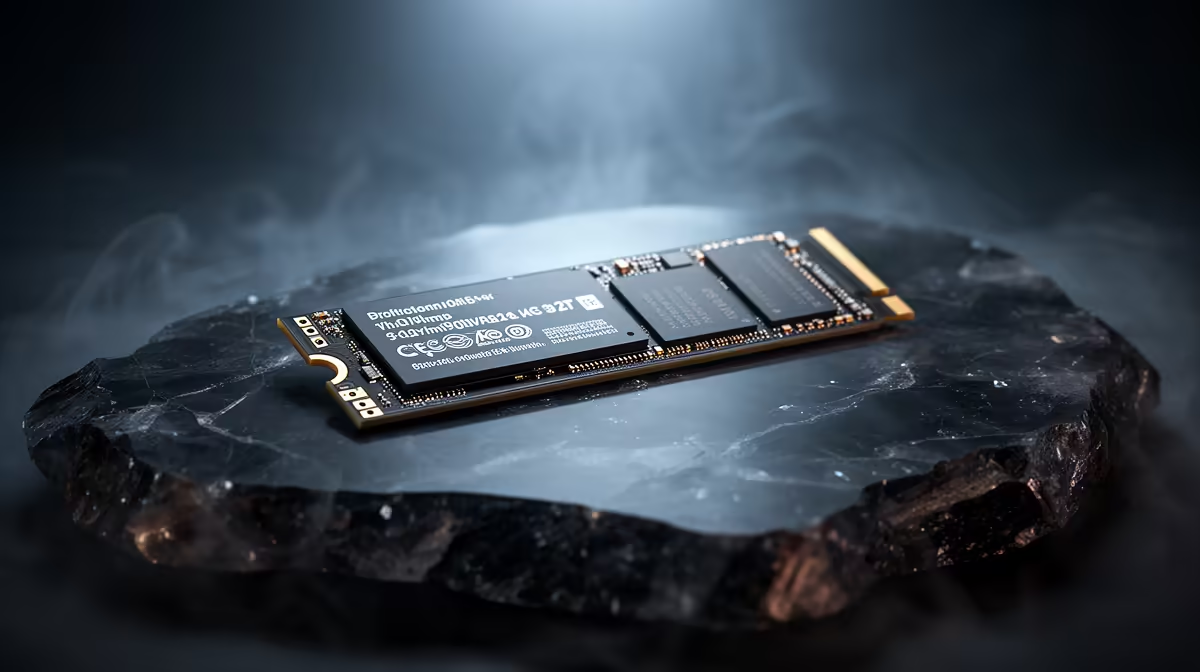
WD Blue SN5000 NVMe at R998 is the sensible buy for an SA small-business machine that needs faster daily file access for Pastel and Excel without overspending. A nvme ssd makes the most sense when the PC already feels slow opening company files, saving spreadsheets, or moving backup folders, because storage response is often the bottleneck before the processor is.
Best NVMe SSD picks for office upgrades
The WD Blue SN5000 NVMe at R998 is the practical starting point because it is an NVMe drive at a low price, so it suits a reception PC, accounts desk, or admin workstation where quick booting and snappier file handling matter more than premium-tier performance.
The ADATA LEGEND 900 1TB NVMe at R948 is also strong value if 1TB is enough for the working files, exports, and local document archives. Its 1TB capacity is a clean fit for users who keep active business data on the PC but move older backups elsewhere.
Samsung 990 PRO at R4,648 is the premium option when the same desktop also handles heavier storage work, such as large folders, frequent transfers, or a more demanding multitasking setup. It is still an NVMe drive, but the price only makes sense when the machine is important enough to justify spending well above the budget choices.
SA small-business counter setup
For a front-counter or back-office PC, the biggest question is not just capacity, it is how often the machine waits on files. A 2TB class upgrade is worth considering when years of invoices, spreadsheets, exported reports, and scanned documents all live locally, but the ADATA LEGEND 900 1TB NVMe at R948 is enough for leaner offices.
Ready to choose the right SSD?
Use WD Blue SN5000 NVMe at R998 as the nvme ssd shortlist benchmark, then check whether its listed spec matches the space, workload, and upgrade path.