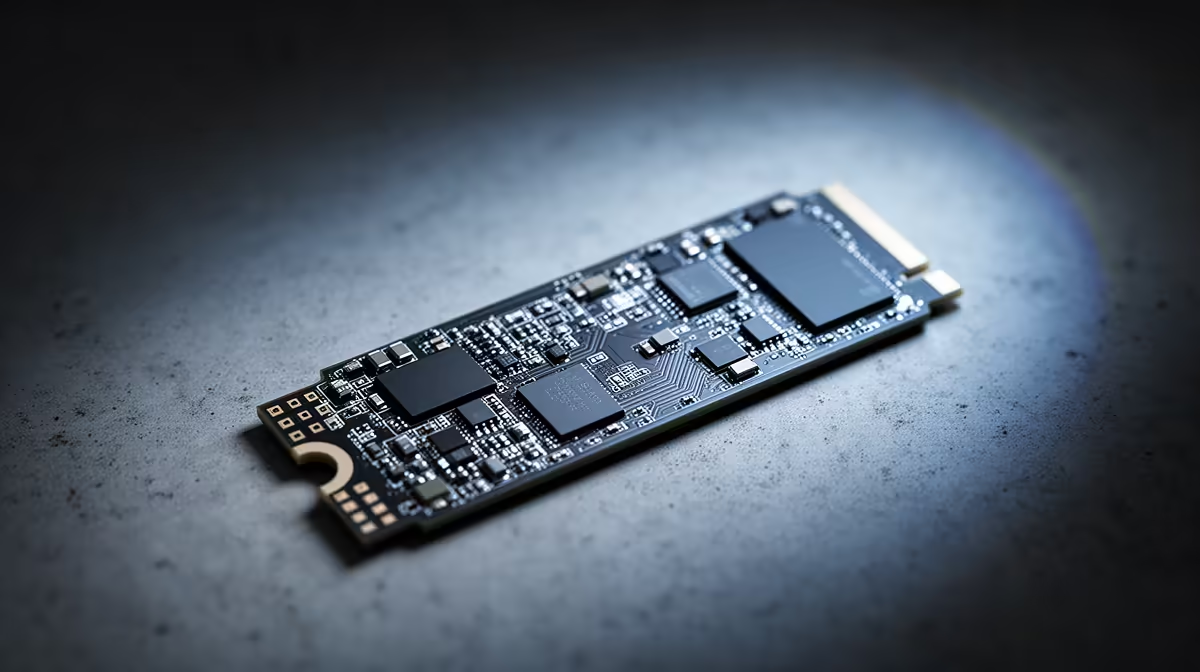
The WD Blue SN5000 NVMe at R998 suits an SA family PC where homework files, photos, downloads, and shared logins need fast everyday storage without turning the upgrade into a luxury buy. A nvme ssd is a sensible choice for this kind of household because it keeps Windows, browsers, school portals, and file copying feeling responsive when several people use the same machine.
Best picks for a shared family PC
The WD Blue SN5000 NVMe at R998 is the practical starting point because the listed spec is NVMe, which matters more for daily feel than a flashy label. For a home desktop or laptop used by parents and learners, that means quicker app launches, smoother file searches, and less waiting when a browser, office document, and media folder are open together.
The ADATA LEGEND 900 1TB NVMe at R948 is the value option if the family wants a clearly stated 1TB capacity for school folders, phone backups, and downloaded study material. That 1TB spec is useful when one device is shared by more than one learner, especially if each person keeps separate projects, presentations, and photo folders.
Homework and family storage at the dining table
In a real SA home, the same computer may move between a student desk and the dining table, so the storage choice has to handle mixed use rather than one neat workload. The Samsung 990 PRO at R4,648 is the premium NVMe option here, better suited to a household that also keeps large media libraries, creative files, or heavier PC use on the same system.
Ready to choose the right SSD?
Keep WD Blue SN5000 NVMe at R998 on the list for nvme cope family homework buyer; its listed spec is the detail to test against that brief.