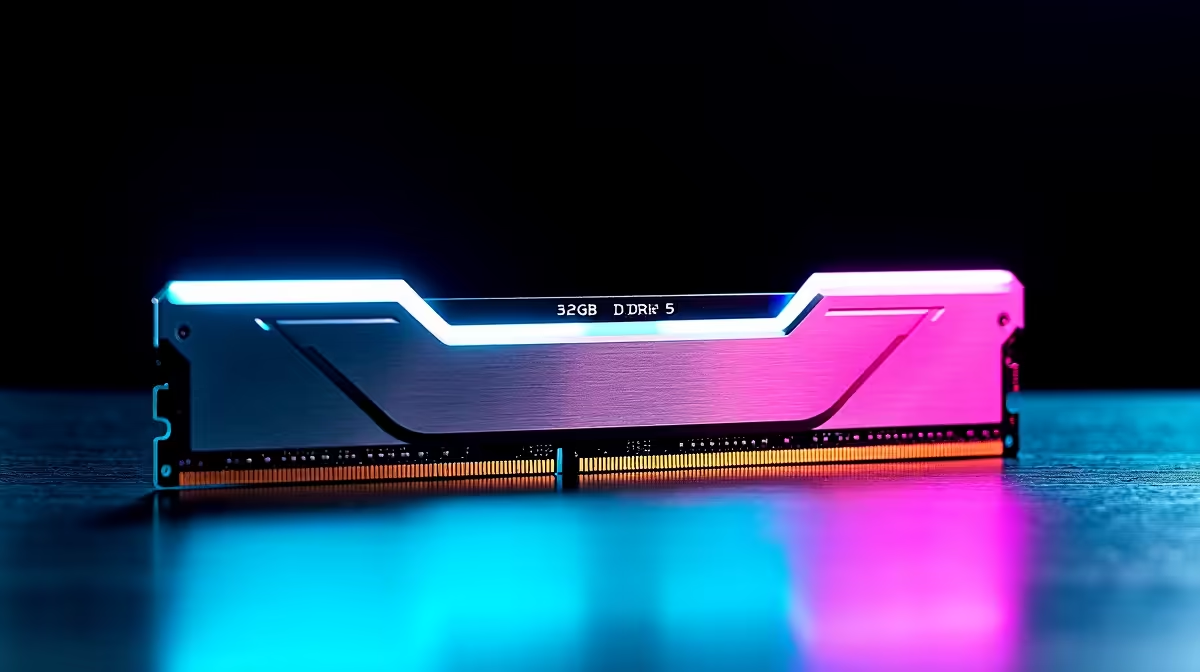
TEAMGROUP VULCAN 32GB current-gen 6000 at R1,460 suits a student who keeps research tabs, references, PDFs, and thesis drafts open all day without paying for premium speed they may not feel. For this use, a 32GB RAM kit is worth buying when the machine is a desktop build or upgradeable tower, because the extra headroom matters more than chasing the highest speed.
Best value memory picks
The TEAMGROUP VULCAN 32GB current-gen 6000 at R1,460 is the sensible first pick because it gives 32GB memory at a low entry price. That is enough capacity for long documents, browser research, citation tools, cloud notes, and background apps without turning every study session into a restart routine.
Kingston FURY 32GB current-gen 6400 at R2,300 is the cleaner step-up if the same PC is also used for heavier multitasking. The 6400 speed gives a stronger spec than the TEAMGROUP option while still staying far below the expensive 32GB choices in the list.
Kingston 16GB current-gen SODIMM at R741 only makes sense when the laptop uses that smaller upgrade format and the budget is tight. It is cheaper, but it is not the same comfort zone as a 32GB kit, especially when research tools and many browser tabs stay open together.
Student desk decision in SA
For a student desk, the main question is not bragging rights. It is whether the PC stays responsive during long writing blocks. Kingston FURY 32GB 5600 at the stated budget,100 and KLEVV CRAS V 32GB 7200 RGB at R6,400 are both valid 32GB options, but their prices make them harder to justify for a writing-first setup when TEAMGROUP VULCAN 32GB current-gen 6000 is R1,460.
Ready to choose the right memory?
Keep the memory shortlist simple with TEAMGROUP VULCAN 32GB current-gen 6000 speed at R1,460, especially where its listed spec answers the 32gb current-gen memory writing brief.