


Complete Gaming Setup Guide for the SA Esports Athlete in SA 2026
Complete Gaming Setup Guide for the Esports. Clear setup instructions with SA-specific considerations, troubleshooting tips & recommended components.
Read more3D NAND SSD health matters for speed, stability, and lifespan 💾 Learn practical habits to protect data, reduce wear, and keep your drive reliable longer 🚀
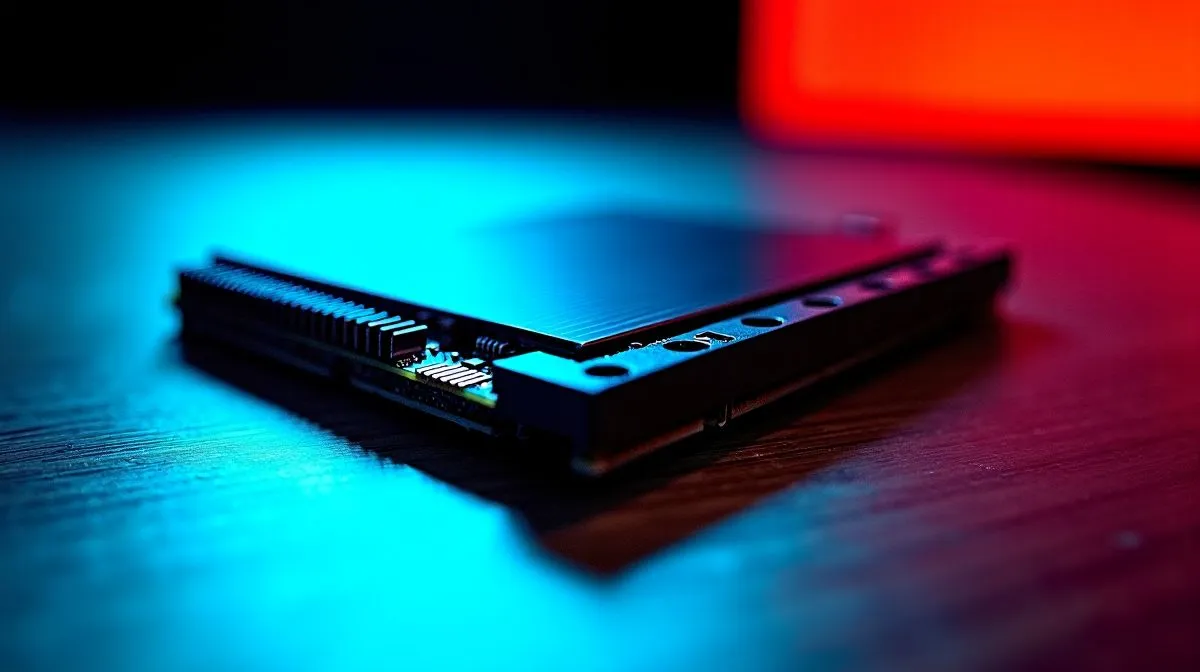
Imagine finally finishing a 100GB game download on a standard South African fibre line, only for your drive to crash. Heartbreaking, right? Modern gaming and content creation demand serious storage. While today's drives are incredibly tough, understanding 3D NAND SSD health is vital to protect your data and your ZAR investment. Let us explore how to keep your drive running flawlessly for years.
Unlike older flat storage, 3D NAND stacks memory cells vertically. This clever design boosts capacity and speeds up load times significantly. However, every time you write and erase data, those microscopic cells degrade slightly. This lifespan is measured in Terabytes Written (TBW).
For the average gamer, a standard drive will easily last five to ten years. However, content creators editing massive 4K video files will chew through those read and write cycles much faster. Sudden power loss during loadshedding can also cause data corruption if a drive is actively writing. Fortunately, you can maximise your drive's longevity with a few smart daily habits.
Never fill your drive to the absolute brim. Solid state drives need empty space to shuffle data around efficiently... a background process called wear leveling. Aim to keep at least 15% to 20% of your drive empty. If you are constantly running out of space with massive modern titles, it might be time to upgrade to a massive 2TB SSD to ensure you always have that crucial buffer.
Heat is the absolute enemy of all PC electronics. High-performance NVMe drives can get incredibly hot under heavy load. Ensure your PC case has excellent airflow. If your motherboard lacks built-in M.2 heatsinks, consider premium options designed for thermal efficiency. Brands like Corsair are famous for their robust cooling solutions, so exploring high-performance Corsair drives can keep temperatures low and speeds high.
Always keep your SSD firmware up to date. Manufacturers regularly release updates that optimise background garbage collection and wear leveling algorithms. This simple software tweak can significantly extend your drive's lifespan without costing you a single Cent.
When storing your most precious files or massive game libraries, build quality matters. Cheap, unbranded drives often use lower-grade NAND flash that degrades faster. Sticking to reputable manufacturers guarantees better endurance ratings and reliable local warranties. You can easily find excellent value by checking out reliable ADATA storage options or opting for the legendary stability of trusted Kingston SSDs.
While you should absolutely use your PC normally, try to avoid unnecessary background writes. Disable automatic defragmentation... Windows usually does this automatically for modern drives anyway, but it is worth double-checking. If you are building a new rig or upgrading an old laptop, investing in quality solid state drives from a trusted retailer ensures you start with pristine hardware. Good 3D NAND SSD health simply comes down to keeping it cool, keeping it updated, and giving it space to breathe.
Ready to Supercharge Your Storage? Protecting your data means starting with the right hardware. Whether you are building a high-end gaming rig or upgrading your laptop, Evetech offers the best local pricing and support. Explore our massive range of solid state drives and find the perfect storage solution to conquer your world.
Keep 10 to 20 percent free space, update firmware, avoid excess heat, and enable TRIM to support long-term SSD reliability.
Yes, a nearly full SSD can slow down wear leveling and reduce performance. Leaving free space helps maintain SSD health.
Yes, firmware updates can improve stability, compatibility, and performance, making them a key part of SSD maintenance best practices.
Most SSDs run best under moderate load and good airflow. Avoid sustained high temperatures to protect SSD endurance and reliability.
No. Defragmenting is not needed for SSDs and can add unnecessary writes. Use TRIM and healthy storage habits instead.
Check SMART data periodically, especially if you notice slowdowns, errors, or unusual heat. It helps catch SSD wear early.
Use good cooling, avoid constant full-disk writes, keep firmware updated, and follow SSD maintenance best practices.
Complete Gaming Setup Guide for the Esports. Clear setup instructions with SA-specific considerations, troubleshooting tips & recommended components.
Read more
AIO Liquid 360mm Installation Guide for Your PC. Clear setup instructions with SA-specific considerations, troubleshooting tips & recommended components.
Read more
MacBook Display Colour Looks Wrong? Calibration. Everything you need to know with SA pricing, step-by-step instructions & expert recommendations.
Read more
Printer Terminology Guide. Everything you need to know with SA pricing, step-by-step instructions & expert recommendations.
Read more
Git on Mac: Complete Setup Guide for Beginners. Clear setup instructions with SA-specific considerations, troubleshooting tips & recommended components.
Read more
Ryzen 9 9900X Thermal Paste Dry: Reapplication. Everything you need to know with SA pricing, step-by-step instructions & expert recommendations.
Read more
AMD RX 9050 XT: Rumoured Specs, Price & Release. SA-focused analysis with local pricing data, real-world insights & actionable buying advice.

Can RTX 4080 Super Run AI Workloads for SA Developers Detailed answer with SA data, expert analysis & practical recommendations for local buyers.

Can RTX 4090 Run AI Workloads for SA Developers Detailed answer with SA data, expert analysis & practical recommendations for local buyers.

Top Settings for Intel Arc B580 at Ultrawide 1440p picks evaluated on performance, value & SA availability with current Rand pricing from Evetech.

RTX 4060 CS2 Low Settings at 1080p: FPS Results. Real-world benchmark data, FPS numbers & performance analysis. What SA gamers can actually expect.

Visual Artifacts: Possible GPU Issue Issue #1. Diagnosis steps, proven fixes & when to seek professional help. SA-specific support info included.

Can the RTX 4090 Handle 1440p 144Hz Gaming. Performance testing verdict with real data & practical recommendations for SA buyers.

Top ASUS GPU Under R15000 picks evaluated on performance, value & SA availability with current Rand pricing from Evetech.

GTA 6 Max Settings on RTX 5070. Tested & verified settings for best FPS and visual quality on SA hardware budgets.

Cyberpunk 2077 Max Settings on RTX 5080. Tested & verified settings for best FPS and visual quality on SA hardware budgets.

Starfield Max Settings on RTX 5070 Ti. Tested & verified settings for best FPS and visual quality on SA hardware budgets.

Top RTX 5090 Under R5000 picks evaluated on performance, value & SA availability with current Rand pricing from Evetech.