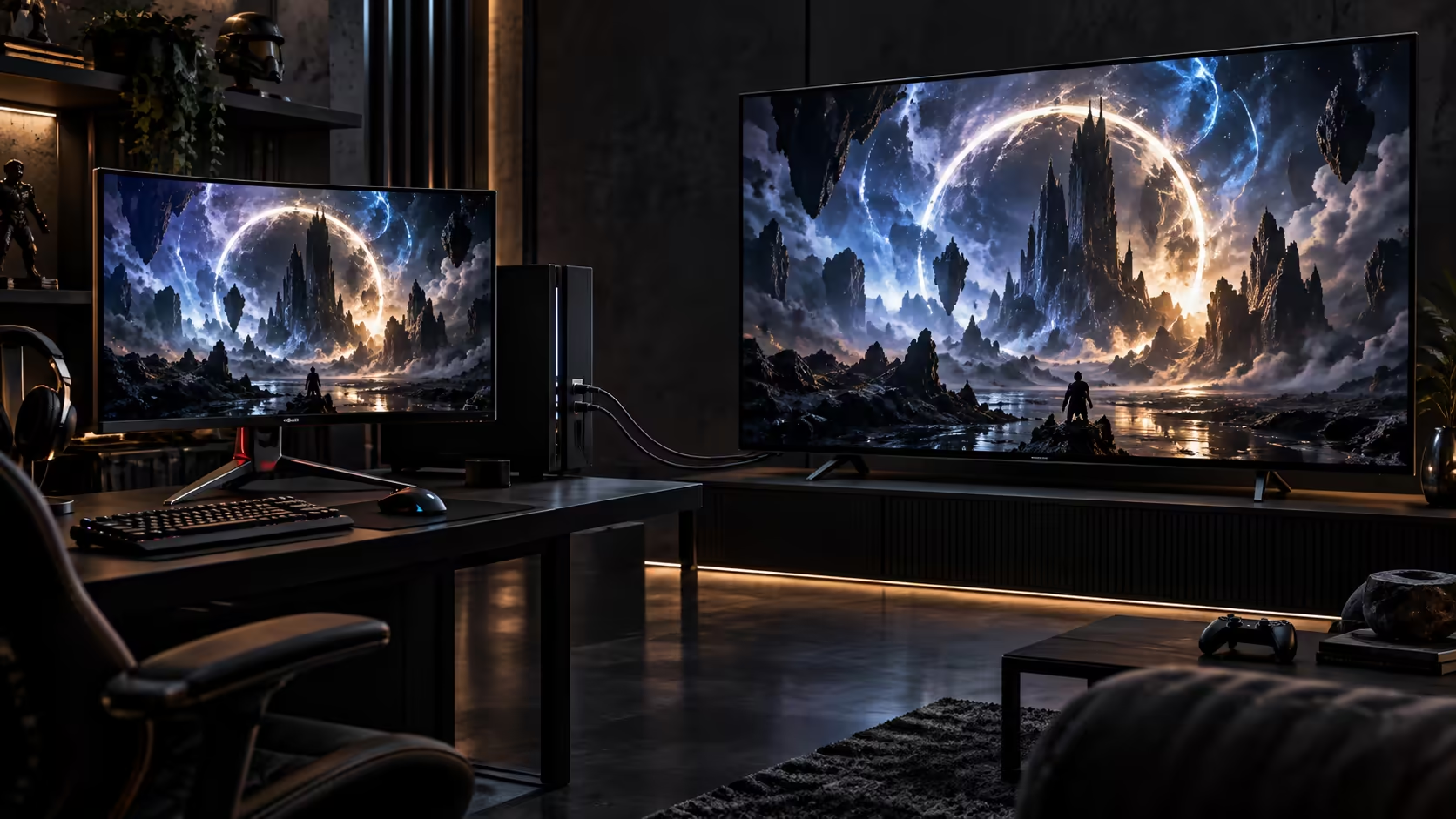
A 4K 120Hz gaming monitor and a 4K 120Hz television reach the same headline figure through different routes, and understanding that difference explains why a cable that works perfectly on one screen can behave unexpectedly on the other.
Quick Answer
A 4K 120Hz panel needs a source able to output that mode, a socket rated to receive it and a wire tested to 48Gbps. Monitors often add DisplayPort as a second route, while televisions rely on HDMI alone. A 1.8m 48Gbps Anker covers the HDMI side for R299.
🖥️ Two different paths to the same number
A television reaches 4K at 120Hz exclusively through HDMI, since consumer televisions do not carry DisplayPort inputs at all. A desktop gaming monitor, by contrast, frequently offers both HDMI 2.1 and DisplayPort, giving a graphics card two possible routes to the same refresh rate, with DisplayPort often carrying it with slightly more established support across different monitor brands.
This matters practically because a console, which only has HDMI output, has exactly one path to 120Hz on either type of screen, while a PC gamer choosing between a monitor's two ports has a genuine decision to make based on which connection their graphics card and monitor pair more reliably.
🔌 What both paths need in common
Regardless of which connector carries the signal, three things have to line up: the source needs to output 4K at 120Hz, the display needs an input rated to accept it, and the cable needs to carry the full bandwidth that mode requires without dropping frames. On the HDMI side specifically, that means a 48Gbps-rated lead; anything below that figure caps the connection at a lower mode regardless of what the source and display are each capable of on their own.
📐 Curved and ultrawide screens add their own wrinkle
A curved monitor at 4K resolution and 120Hz places the same bandwidth demand on its cable as a flat panel of the same specification, since curvature affects the physical shape of the display rather than the data it needs to receive. Where curved and ultrawide panels differ is often in their native resolution, which can sit above or below a standard 3840x2160 4K frame, so check the panel's actual pixel dimensions against the cable and source's capability rather than assuming "4K" describes every wide or curved screen identically.
📐 A wraparound curved desk changes the cable's job too
A deep curved or ultrawide panel sitting close to the user on a desk often means the source device, whether a console shelf or a PC tower, ends up positioned differently than it would behind a flat monitor of the same width. The cable's rating does not change because of this, but the actual length you need can, since a curved panel's cabling often has to route around the desk's own footprint rather than in a straight line to the nearest wall or tower.
Measuring the real path before buying matters more here than on a standard flat monitor setup, precisely because a curved screen's stand and base tend to sit further forward on the desk, changing where the input sockets end up relative to the source device feeding them. A tower parked under the desk on one side, feeding a screen curved gently toward the opposite edge, often needs a run 30cm to 50cm longer than the flat-panel equivalent even at the same nominal screen size, simply because the cable now has to clear the curve of the stand itself rather than travelling in a straight line.
🛒 Building a setup that actually reaches 120Hz
For a television-based setup, one 48Gbps HDMI cable priced at R299 in the comprehensive cable range covers the requirement outright, since HDMI is the only route available. For a monitor-based PC setup, check whether your graphics card and monitor pair more reliably over HDMI 2.1 or DisplayPort before committing to one, since the practical experience can differ even when both connectors technically support the same numbers on paper. Our gaming monitor range sets out the connector options and the refresh rate each carries panel by panel, worth checking before assuming any given screen supports 120Hz equally over both of its inputs.
Frequently Asked Questions
Does the panel's stated response time change what cable I need?
No. Response time is a property of the panel's own pixel switching speed and has no bearing on the cable's bandwidth requirement, which is set purely by resolution, refresh rate and colour depth.
Does a television ever offer DisplayPort as an alternative to HDMI?
No. Consumer televisions carry HDMI inputs and nothing else, which leaves HDMI as the sole route to 4K at 120Hz on a television screen.
Is a curved monitor's cable requirement different from a flat one at the same resolution?
No, bandwidth demand comes from resolution, refresh rate and colour depth, none of which change because a panel is curved rather than flat.
Can the same HDMI cable serve both a console and a monitor?
Yes, provided it meets the 48Gbps rating either device needs. The same cable performs identically whether the display at the other end is a television or a monitor's HDMI input, so there is no reason to buy a different one for each screen it happens to feed.
Why does my monitor's HDMI input support a lower refresh rate than its DisplayPort input?
Some monitors implement their HDMI input to a lower specification than their DisplayPort input, even on the same panel, so check each connector's own rating separately rather than assuming the two inputs match each other exactly.
Do ultrawide monitors need more bandwidth than standard 4K screens at the same refresh rate?
It depends on the exact pixel count. An ultrawide panel with more horizontal pixels than a standard 3840x2160 frame needs proportionally more bandwidth at the same refresh rate and colour depth.
Should I buy a longer HDMI cable than I think I need for a curved monitor?
A little extra slack rarely hurts, since a curved stand's footprint on a desk can push the actual cable run further than a quick glance suggests, and a cable pulled too tight strains its connector at both ends over time.
Does an ultrawide monitor's aspect ratio change which cable connector I should use?
No. Aspect ratio affects how the image is framed, not which connector carries it, so the same choice between HDMI and DisplayPort applies to an ultrawide panel exactly as it does to a standard 16:9 screen sitting on the same desk.
Ready to match your screen's cable requirements correctly?
Check the exact connector and resolution your panel uses before assuming every 4K 120Hz screen behaves the same.