



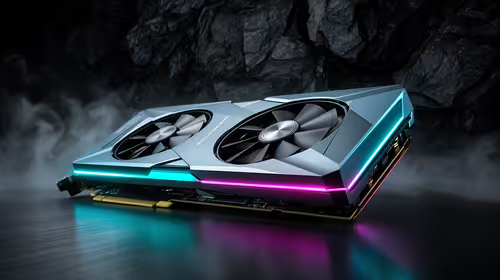
Value GPU planning for Balatro at 1440p ultrawide
Balatro at 1440p ultrawide on a R20,000 budget needs balanced GPU planning. Compare settings, CPU limits, monitor target, warranty support, and SA price movement before choosing.
Read moreFor programming in SA, a 4K editing rig is worth buying only when your coding work overlaps with render, AI or large creator projects.
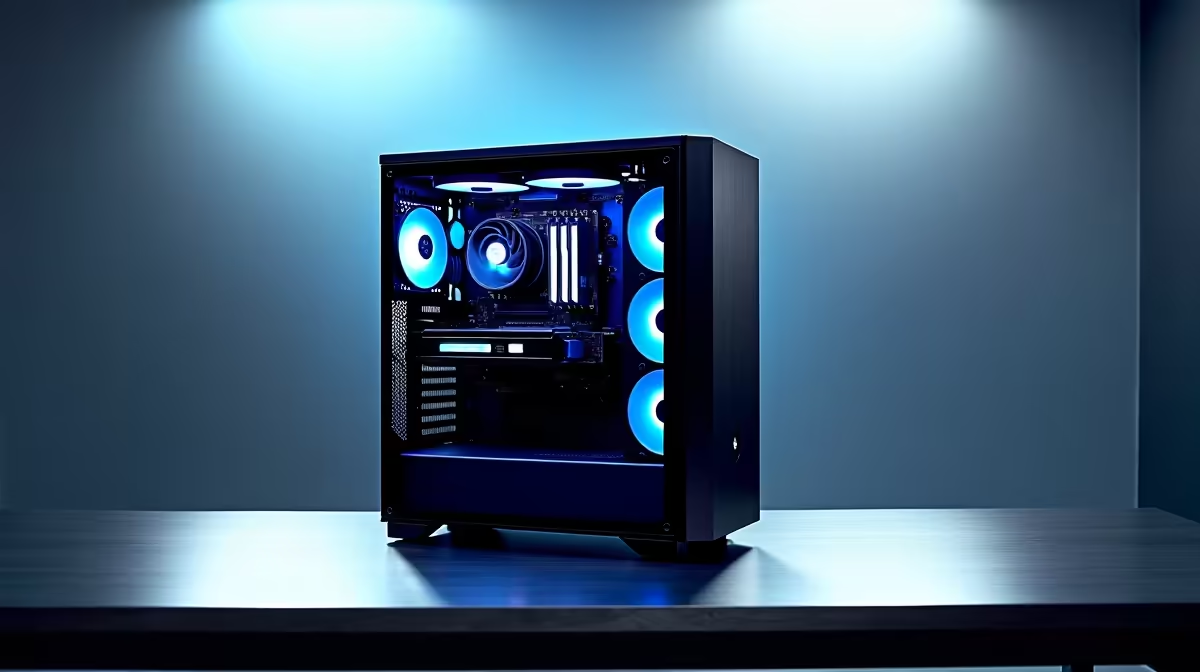
A 4K editing rig is worthwhile for programming when the same machine also edits high-resolution media, develops graphics-heavy software or drives several demanding displays. For ordinary web, application or data work, expensive creator graphics may sit idle. Programming value comes from processor speed, memory, storage, screen space and dependable development-tool support.
The verified GEEKOM A8 Max at R12,900 combines a Ryzen 9 processor, 32GB memory and 1TB storage. Confirm the current ports, display support and operating-system details for the exact listing. Run the normal editor, containers, local services, browser tabs and test suite together. If compile or virtual-machine work fills memory or keeps every processor core busy, those measurements guide the purchase more accurately than a 4K editing label.
Open a representative high-resolution timeline and export it while the development tools remain available. Check heat, noise, storage space and display scaling. A mini PC may need external storage and cannot accept a normal desktop graphics card. Keep repositories and media backed up separately, and verify any required Linux, virtualisation or device-emulation support. Choose a combined rig after both real workloads pass without constant compromise.
Connect every required display and USB device during the test because development reliability can change when docks and external drives share bandwidth.
Combining development and editing? > Ask Evetech to match processor, memory, display support and storage to the measured workload.
Programming value depends on whether the machine also carries render, AI or large creator workloads, not only code editing.
Use the GPU price span as a reality check: R12,700 to R151,700 is a wide creator range for SA buyers.
Check that your current development setup can actually use the chosen creator GPU tier before paying for unused headroom.
For light programming, lower creator spend is easier to defend than workstation-level pricing meant for heavier production work.
Long coding sessions need a balanced desk setup, while the 4K rig only earns its place when creator tasks are real.
Replace the base machine only when your programming workflow is held back by the computer itself, not by a simple peripheral.
Balatro at 1440p ultrawide on a R20,000 budget needs balanced GPU planning. Compare settings, CPU limits, monitor target, warranty support, and SA price movement before choosing.
Read more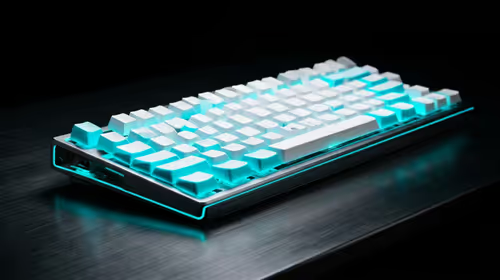
Every magnetic-switch keyboard in SA should be shortlisted around the job it must do. South African buyers should compare switch feel, latency, layout, and software, warranty path, and upgrade room before treating any pick as best.
Read more
Customs and warranty notes for gaming hardware in Makhanda should focus on proof of purchase, serial numbers, courier handling, and return steps. SA buyers should confirm policies before ordering costly parts.
Read more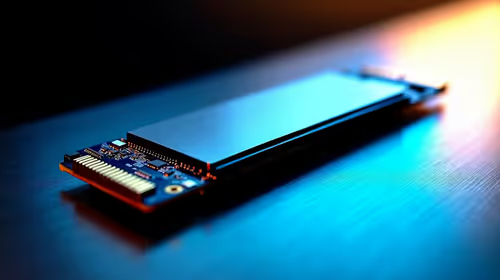
Can NVMe SSDs under R20,000 handle should be shortlisted around the job it must do. South African buyers should compare capacity, speed, thermals, and motherboard support, warranty path, and upgrade room before treating any pick as best.
Read more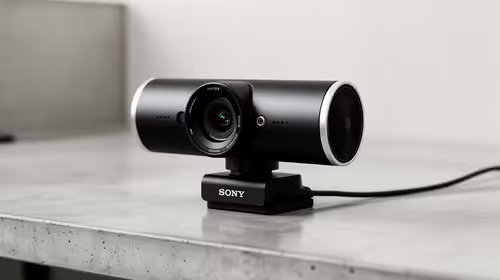
Buy now or upgrade later: webcams decisions should be shortlisted around the job it must do. South African buyers should compare fit, performance, compatibility, and upgrade room, warranty path, and upgrade room before treating any pick as best.
Read more
Frigate is free open-source NVR software running object detection locally on an Intel N100 mini-PC with a Coral TPU, versus cloud AI that requires a monthly plan. SA buyers get footage on-site with no fees and no reliance on uplink bandwidth. 📹
Read more
Chrome change search engine settings control ordinary address-bar searches. Check site shortcuts and managed-browser rules if the wrong provider keeps returning.
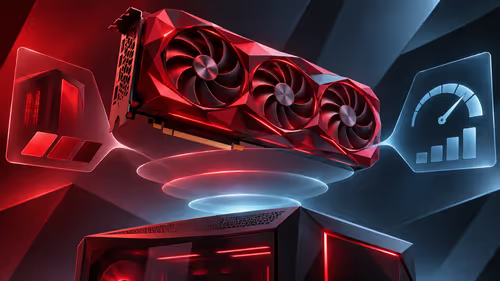
VASTARMOR RX 9070 XT red adds a matching red finish to the Super Alloy PRO family. Check its length, thickness and three power sockets before buying.

OLED edge rot is a panel-edge defect examined in new longevity research. Older TV results do not establish the failure rate of current gaming monitors.

Chrome translate not working often needs a page refresh or language-setting check. Test one foreign-language page before changing broader browser settings.
Chrome translate not working often needs a page refresh or language-setting check. Test one foreign-language page before changing broader browser settings.

Check when Chrome saves power, compare a repeatable task on battery and separate browser changes from battery health and Windows settings.

Find Chrome's caption control, check language and audio and bring back the floating bubble when captions disappear during playback.

Open the simplified Chrome reader, adjust type and spacing and check whether the page supports the view before changing your display setup.
Balatro at 1440p ultrawide on a R20,000 budget needs balanced GPU planning. Compare settings, CPU limits, monitor target, warranty support, and SA price movement before choosing.
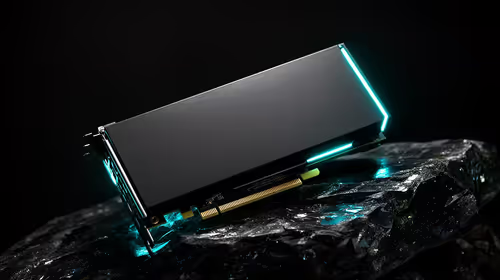
Should I spend more on the GPU or the CPU should be shortlisted around the job it must do. South African buyers should compare GPU tier, VRAM, cooling, and PSU headroom, warranty path, and upgrade room before treating any pick as best.
Every magnetic-switch keyboard in SA should be shortlisted around the job it must do. South African buyers should compare switch feel, latency, layout, and software, warranty path, and upgrade room before treating any pick as best.
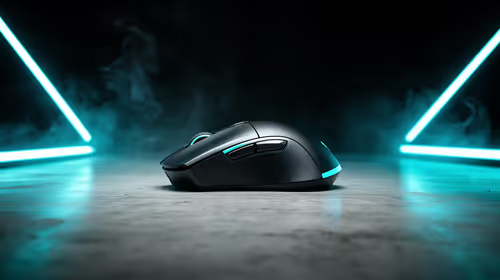
Optimal Balatro 144fps on RX 9070 needs frame cap, driver, display, and background load checks. SA gamers should tune one option at a time, retest the same scene, and treat the target as hardware, scene, and monitor dependent.