

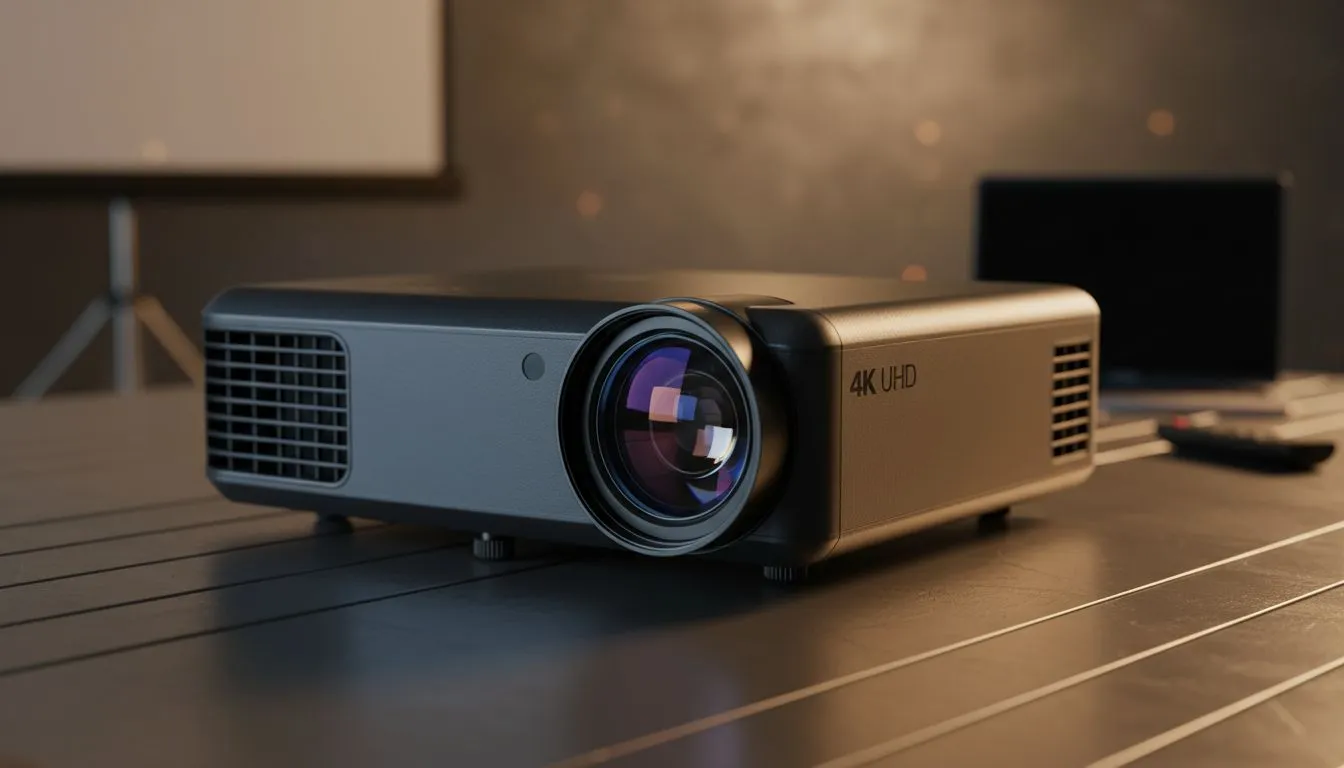
4K UHD presentations: why South African teams care now 🚀
High-resolution slides don’t just look pretty. For local agencies and in-house design teams, 4K UHD presentations sharpen branding, preserve typography, and win attention in boardrooms and hybrid meetings. If you want your collateral to read the same from the front row to the Zoom gallery, these display choices matter.
4K UHD presentations and corporate design — the visual case
When you deliver 4K UHD presentations, fine details like small type, subtle gradients, and precise colour shifts stay intact. Choose the right panel and your brand assets translate consistently across rooms and remote viewers. For checking colours and layout during reviews, many designers prefer IPS panel 4K monitors for their stable viewing angles and accurate colour reproduction (see IPS panel models). ✨
For tear-free motion in animated slide builds or embedded video, Adaptive Sync tech helps keep playback smooth — especially on systems that juggle heavy visuals and conferencing apps. Explore Adaptive Sync options to match your team’s hardware.
Choosing displays for real-world corporate spaces 🔧
Flat screens are often best for clustered huddle rooms and wall-mounted setups, while curved 4K formats can improve immersion for single-presenter setups or creative suites. If your studio mixes live demos and gaming-grade visuals, compare FreeSync (AMD) and G-Sync-compatible displays to match your GPUs and avoid stutter. Each choice subtly shifts how your layouts feel during a live presentation.
- For boardroom installs, consider flat-screen 4K displays for consistent viewing for multiple attendees.
- For review bays and editing rooms, curved 4K formats can reduce eye strain and improve perceived depth.
Workflow tips: design, proof, present
Start every deck in vector where possible. Export high-resolution PNG or PDF proofs to check pixel integrity on your target 4K monitor. When testing motion or embedded video, confirm Adaptive Sync settings with your GPU drivers and the display’s specs (FreeSync and G-Sync options available). Keeping a test rig with both Adaptive Sync and FreeSync (AMD) capable screens covers most corporate hardware setups.
Presentation Prep Tip ⚡
Use a dedicated 4K preview monitor with IPS panel to proof typography and colour before live runs. Toggle Adaptive Sync off during slide design to see raw frame timing, then enable it for final playback checks.
Micro-story: how a Cape Town agency sealed a client win
A small Cape Town studio moved from full-HD projectors to a dedicated 4K flat-screen setup for client previews. The client noticed crisp type and accurate logos immediately. The agency credited the IPS panel and a G-Sync-compatible editing rig for eliminating distracting judder during animated transitions (see G-Sync-compatible displays). That clarity helped the pitch land.
Practical buying links and next steps
Browse the full monitors range to compare sizes and specs. If you need monitors that prioritise smooth video, check FreeSync (AMD) models and Adaptive Sync configurations. Prefer flat installs? Inspect our flat-screen 4K displays. Looking for a curved, cinematic preview? Explore curved 4K formats. For colour-critical work, start with IPS panel 4K monitors.
- Compare monitors at the main monitors range.
- Match your GPU with FreeSync (AMD) monitors or G-Sync-compatible displays for best playback.
Final considerations before you invest
4K UHD presentations lift polished corporate design from readable to remarkable. The right monitor choice—IPS or otherwise, flat or curved, Adaptive Sync-enabled—protects your brand assets and reduces rework. Ask IT to test the candidate displays with your actual presentation machines and conferencing tools before bulk purchase.
Ready to Find Your Perfect Match? The Mac vs Windows debate is complex, but for maximum power, choice, and value in South Africa, Windows is hard to beat. Explore our massive range of laptop specials and find the perfect machine to conquer your world.











