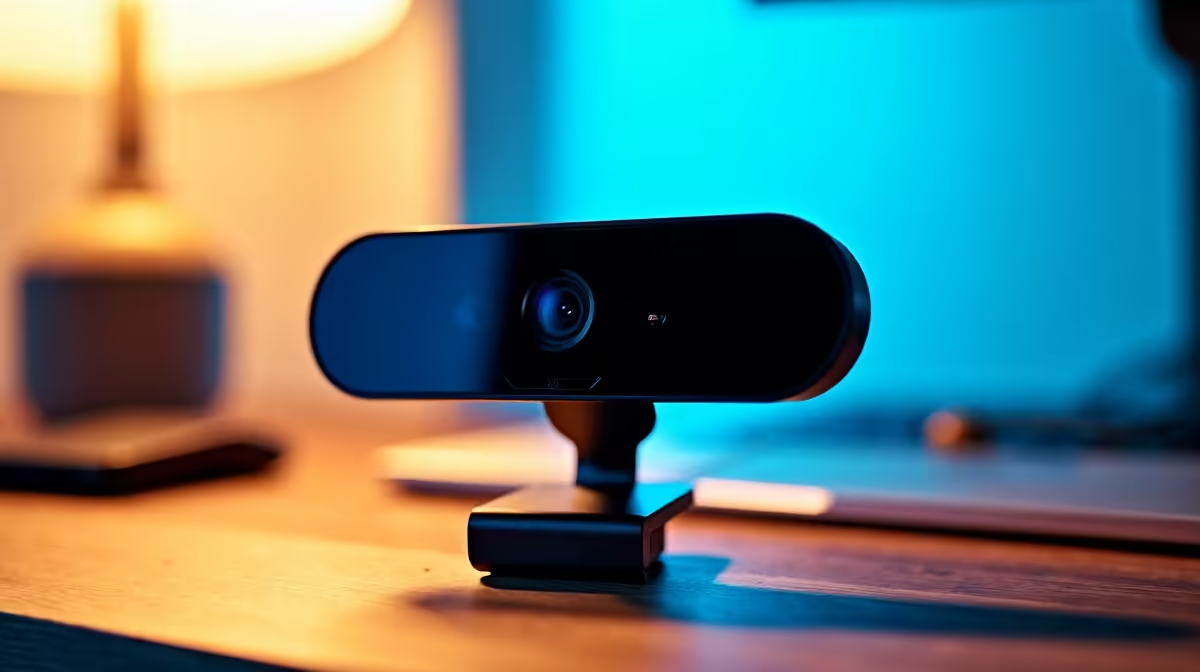
NearStream V08AF 4K R678 suits home workers who want sharper video for client calls, training sessions, and content-style meetings without turning a desk into a studio. A webcam at this level makes the most sense when your face is often full-screen, you present slides, or you record short updates where extra detail helps you look more polished.
Best webcam picks for home work
For most remote workers, the Logitech Brio 100 FHD R458 is the sensible middle ground. Its FHD spec is enough for everyday Teams, Zoom-style meetings, online interviews, and check-ins where lighting and camera angle usually matter more than pure resolution.
The Logitech C270 HD R252 is the budget option for a simple student desk or spare work machine. Its HD spec is not as crisp as FHD or 4K, but at R252 it works for basic video calls where the goal is being seen clearly rather than producing a studio-grade image.
The NearStream V08AF 4K R678 is worth buying when your work setup includes frequent presentations, client-facing calls, or recorded walkthroughs. Its 4K spec gives more detail than the Logitech Brio 100 FHD R458 and Logitech C270 HD R252, so it is the better pick if the camera is part of your professional impression.
SA home office desk reality
In a compact home office, the best upgrade is not always the highest resolution. The Logitech Brio 100 FHD R458 keeps the setup practical for daily work, while the NearStream V08AF 4K R678 earns its place when you need cleaner detail for serious remote meetings.
Ready to choose the right webcam?
Use Logitech Brio 100 FHD at R458 as the webcam shortlist benchmark, then check whether its listed spec matches the space, workload, and upgrade path.